

Account deletion is permanent. Pausing is not self-serve yet — reach out to support.

Delete your account

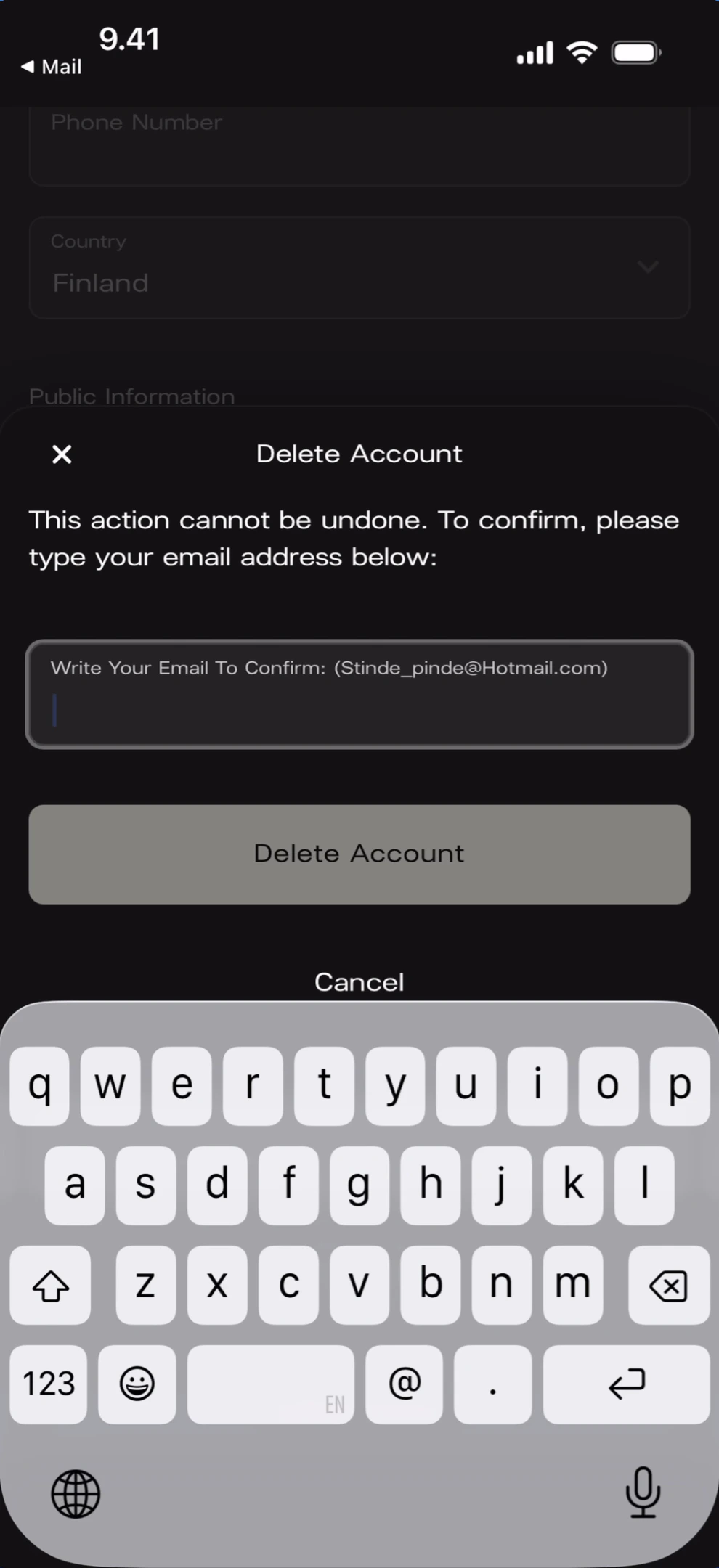
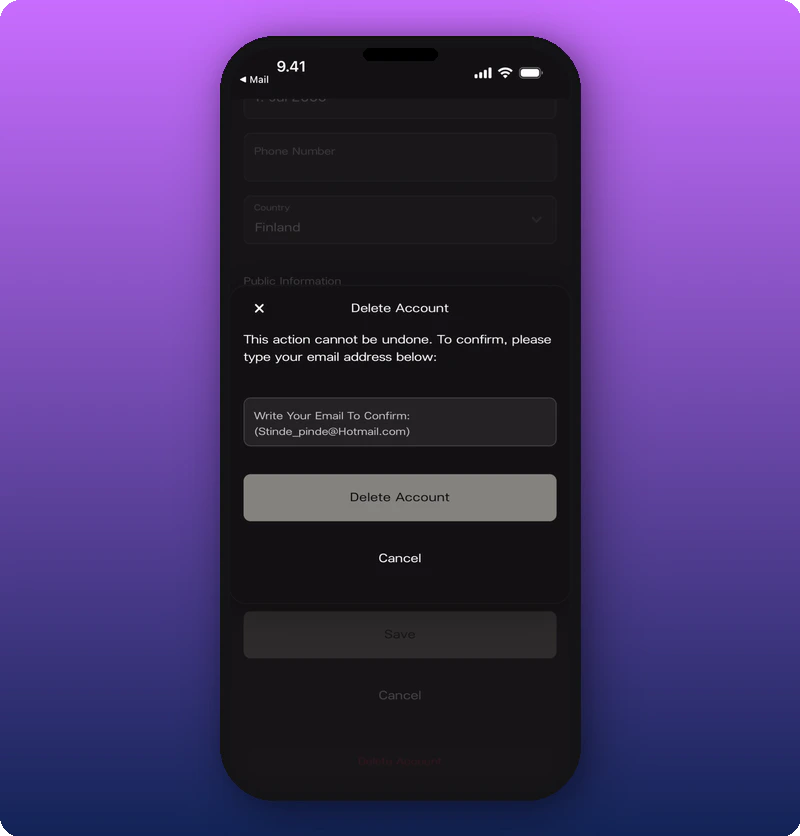
At the bottom of the Edit your user profile form, below Save and Cancel, there’s a red Delete Account link. Tapping it opens a confirmation modal. Delete account modal with keyboard What you’ll see: A bottom sheet with an X close button and “Delete Account” title. Warning: “This action cannot be undone. To confirm, please type your email address below:” An email confirmation field, a full-width Delete Account button, and a Cancel link. Delete account modal full view
What gets deleted

  • Your user profile and personal account.
  • Access to any artist spaces you own as Owner.
If you’re a team member on another artist’s space (Admin or Moderator), deletion removes you from those spaces too.

Pause your account

Pausing is not self-serve yet. Email support@kollekt.io to temporarily suspend your account without losing your data.