

Roles overview
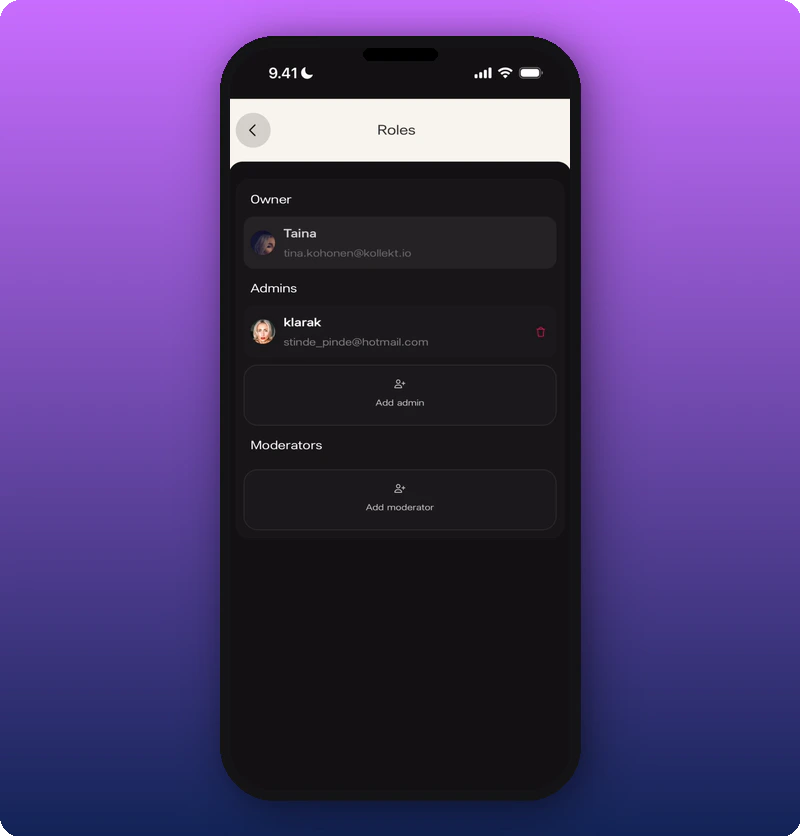
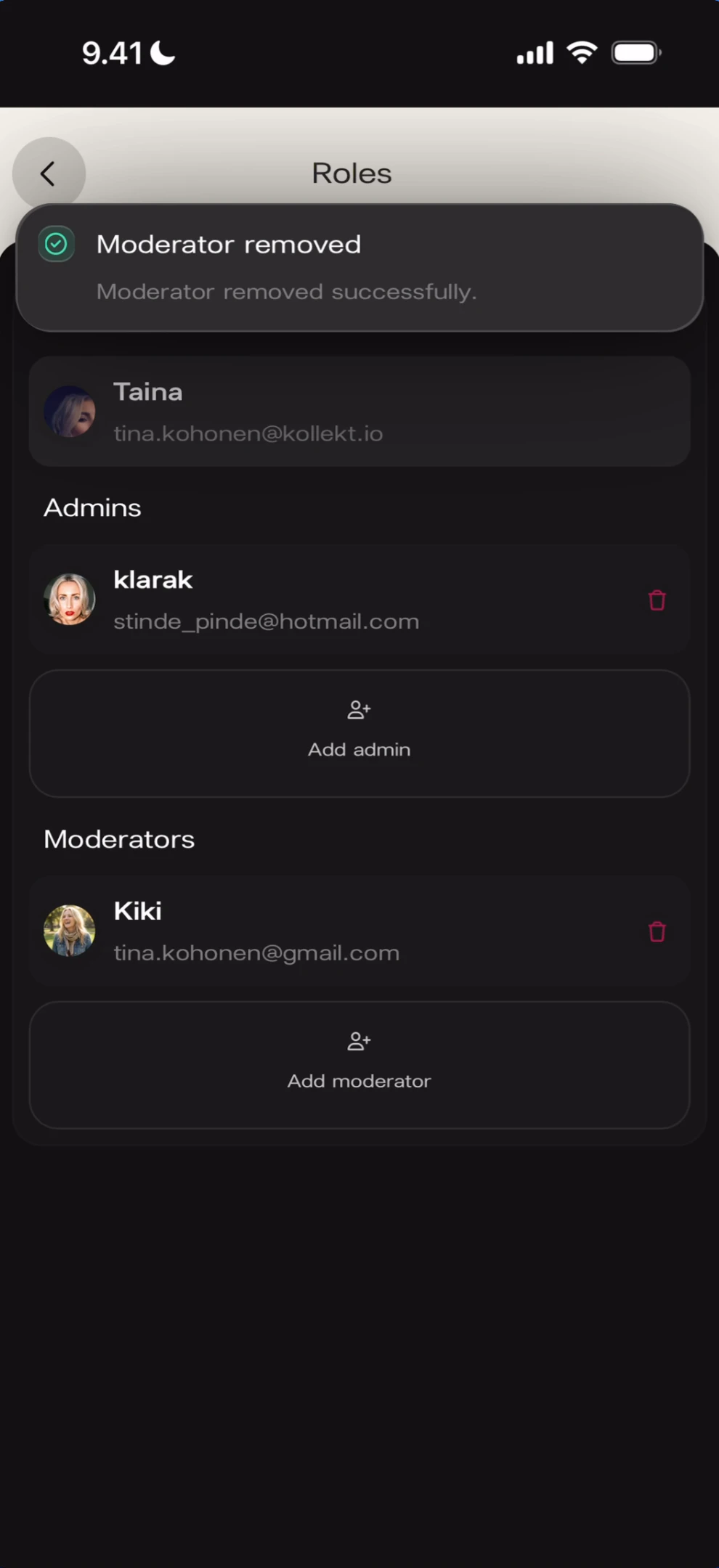
- Owner — single row with avatar, name, and email.
- Admins — list of current admins, each with a red delete icon. Below: Add admin button.
- Moderators — list of current moderators (empty to start). Below: Add moderator button.
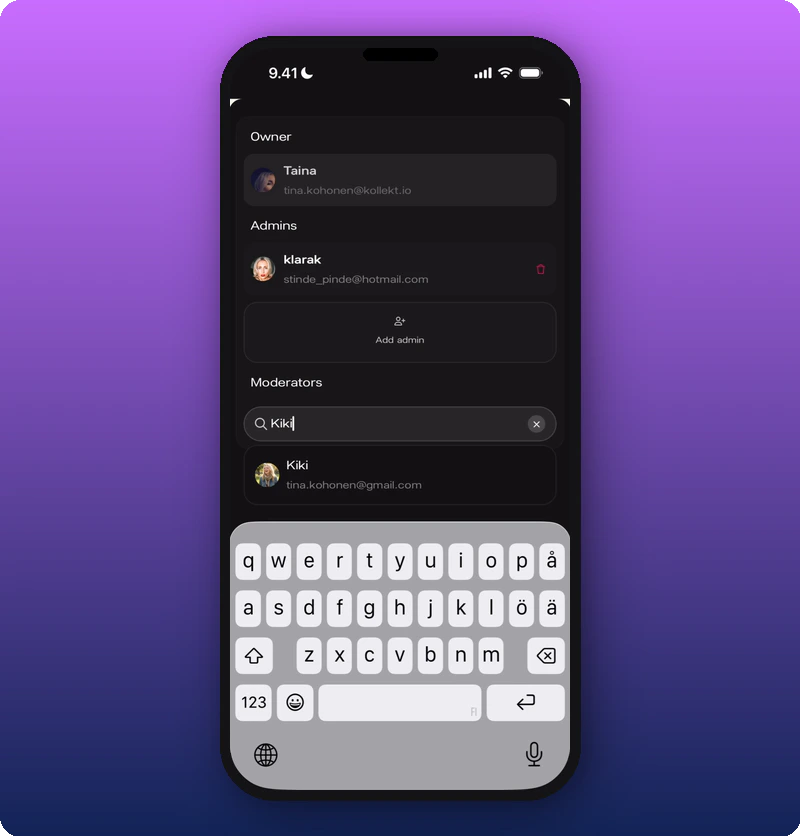
Add a moderator
Tap Add moderator to open a search field. Type a name or username, then tap a result to add.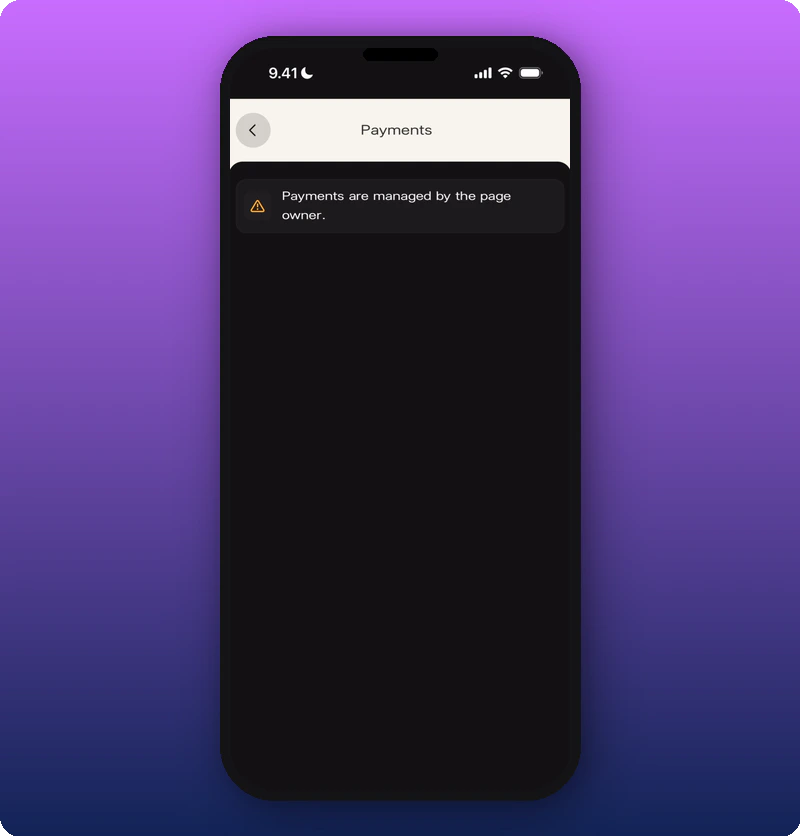
Remove a moderator
Swipe left on a moderator’s row (or tap the delete icon) to reveal Remove.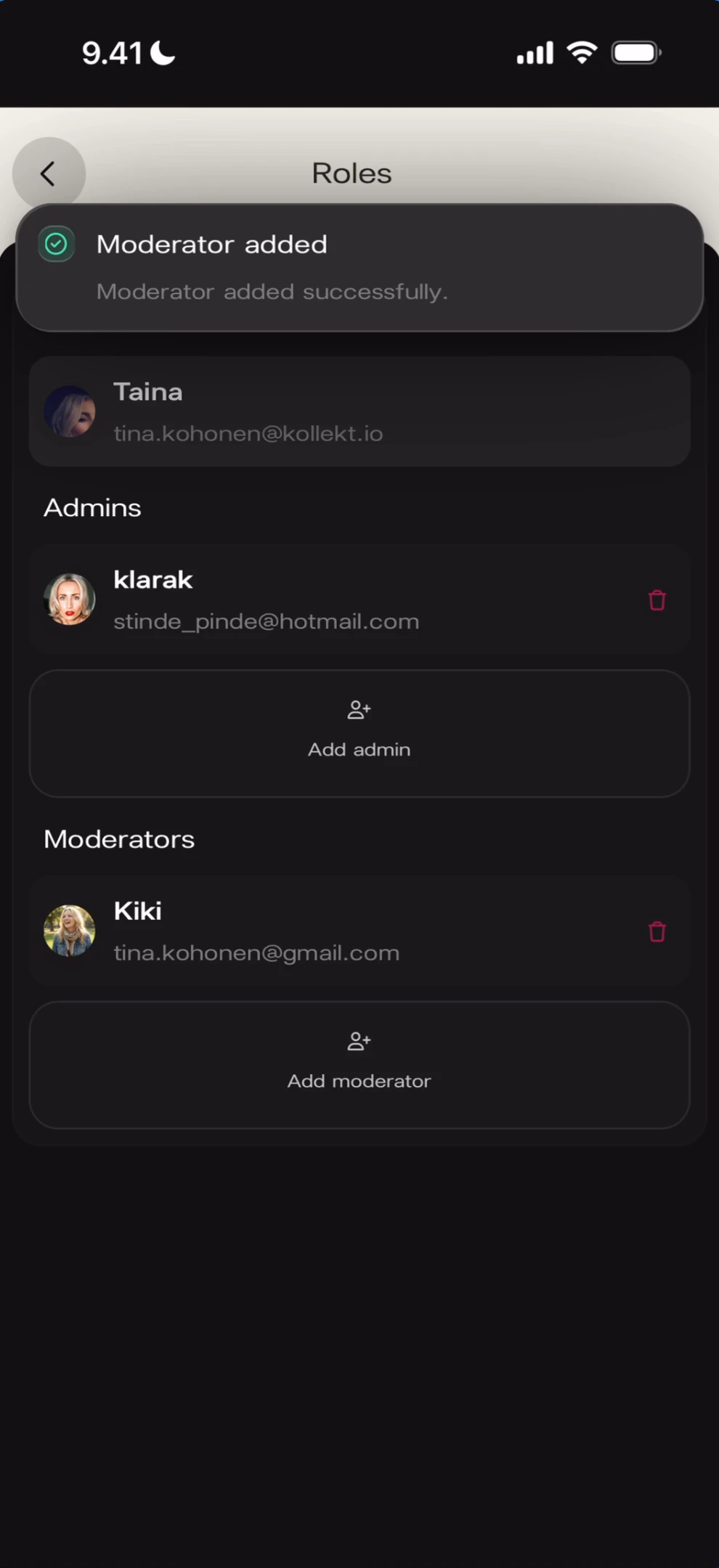
Admins vs moderators
- Admins have access to the admin panel (Stats, Roles — not Payments).
- Moderators help run Chat: timeout, promote, remove members. See Moderate your chat.
- Only the Owner can edit Payments (revenue splits and subscription price).
Known limitations
- The exact permissions difference between Admin and Moderator beyond the above is not fully documented.
- Whether a user can hold multiple roles at once is not shown.