

Profile overview
Access the profile screen by tapping the profile icon in the bottom-right of the navigation bar. It shows your avatar, username, bio, and a card preview of your artist page.Default state (new account)
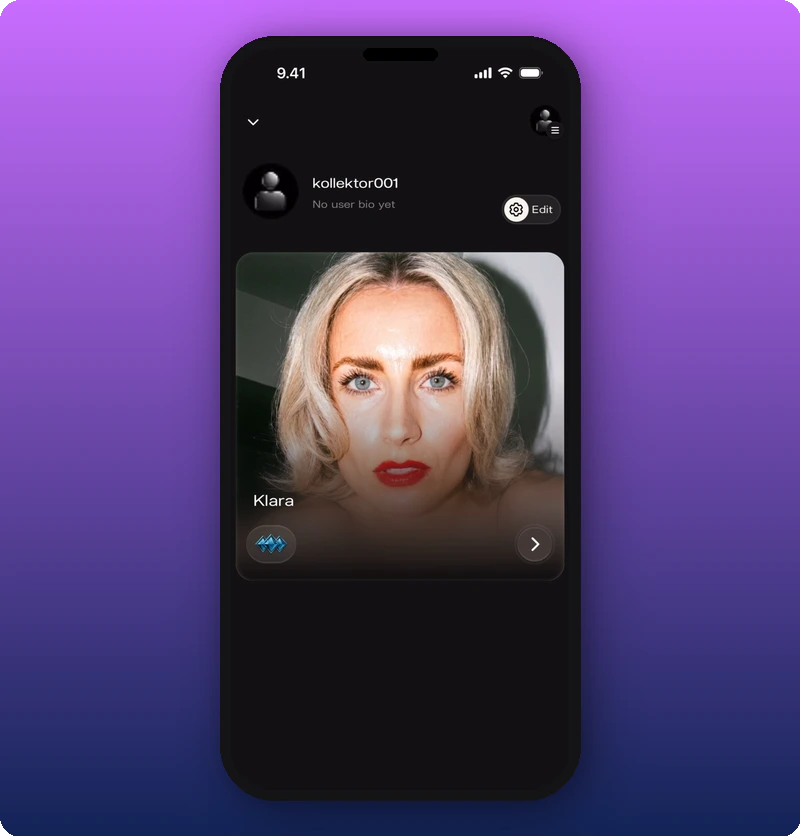
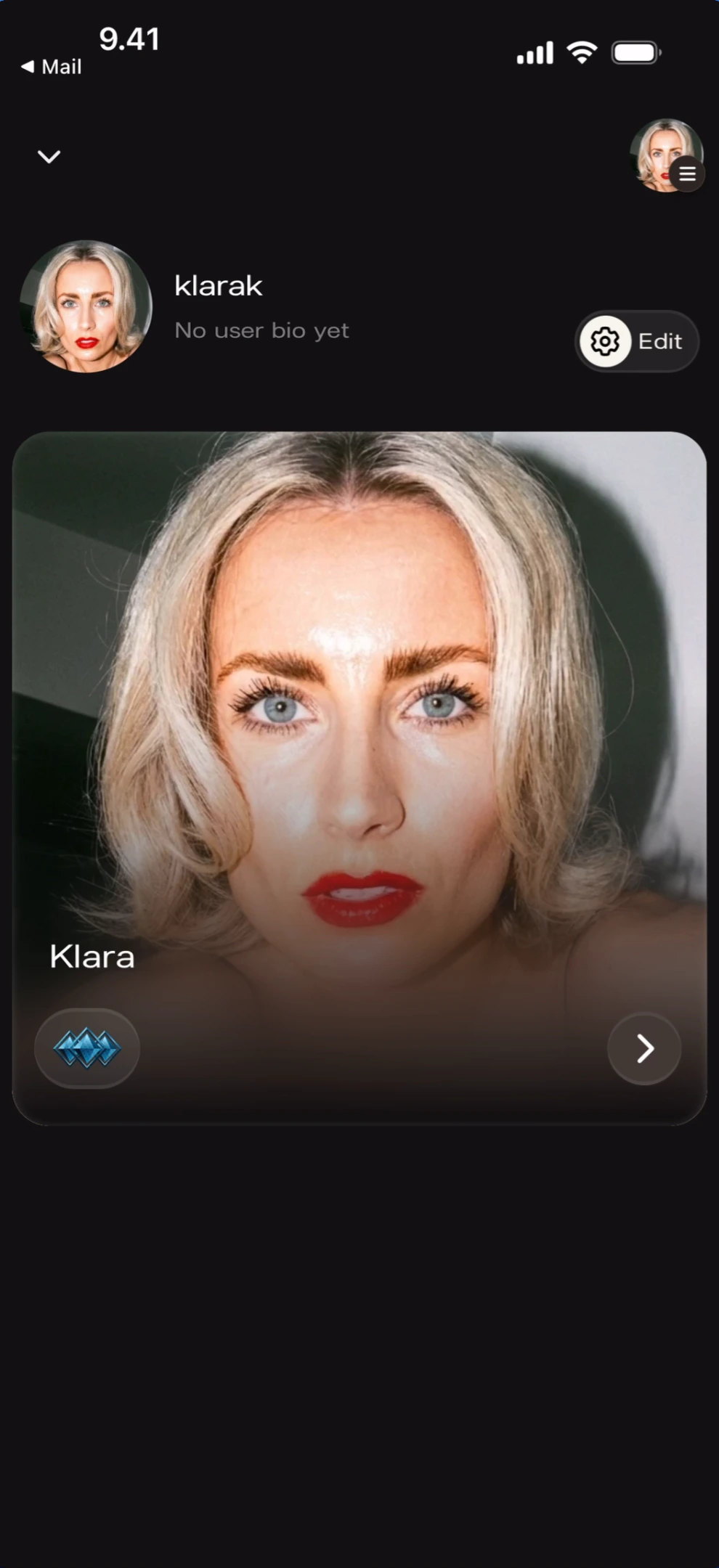
With a profile photo
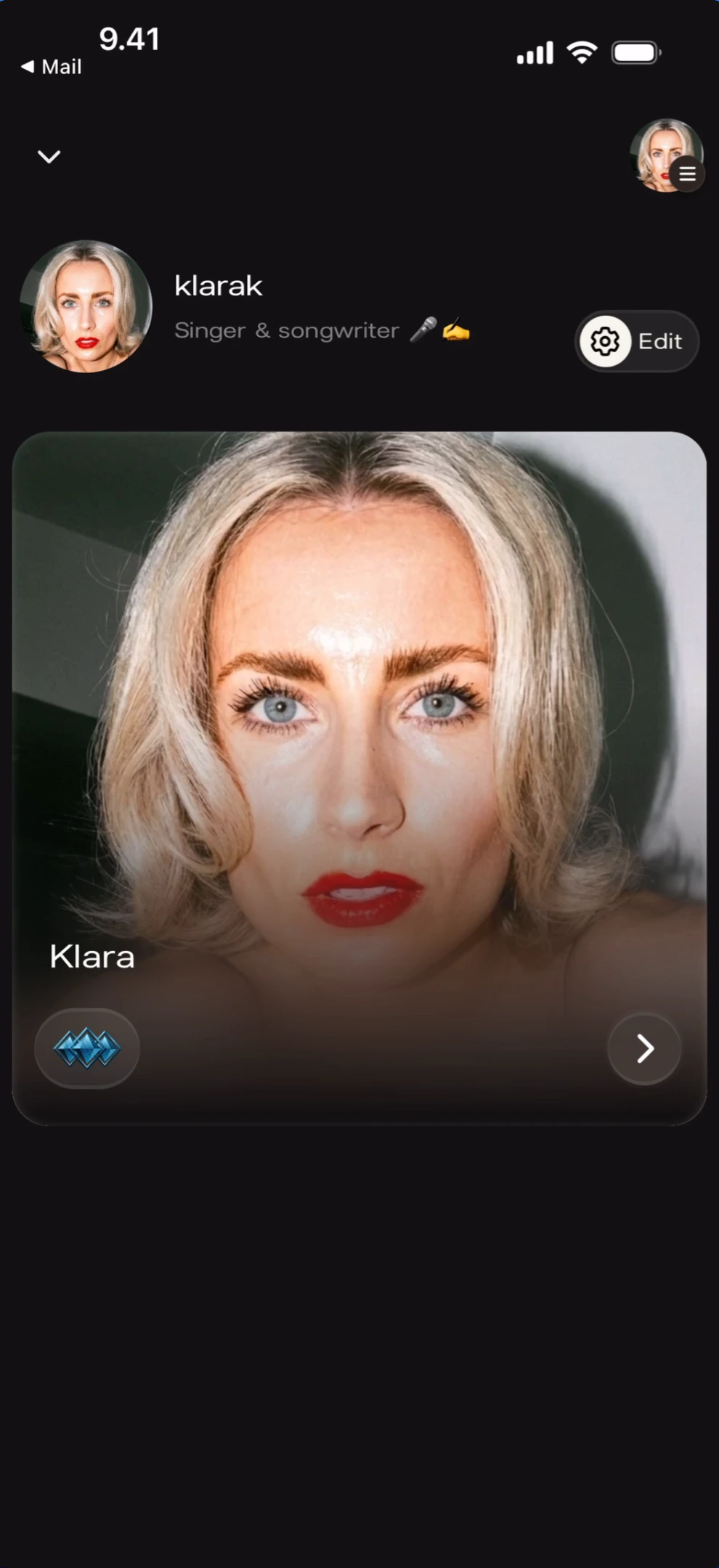
With a bio filled in
Sidebar menu
Tap the hamburger icon (top-right) to open the sidebar — account switcher, artist search, and support links.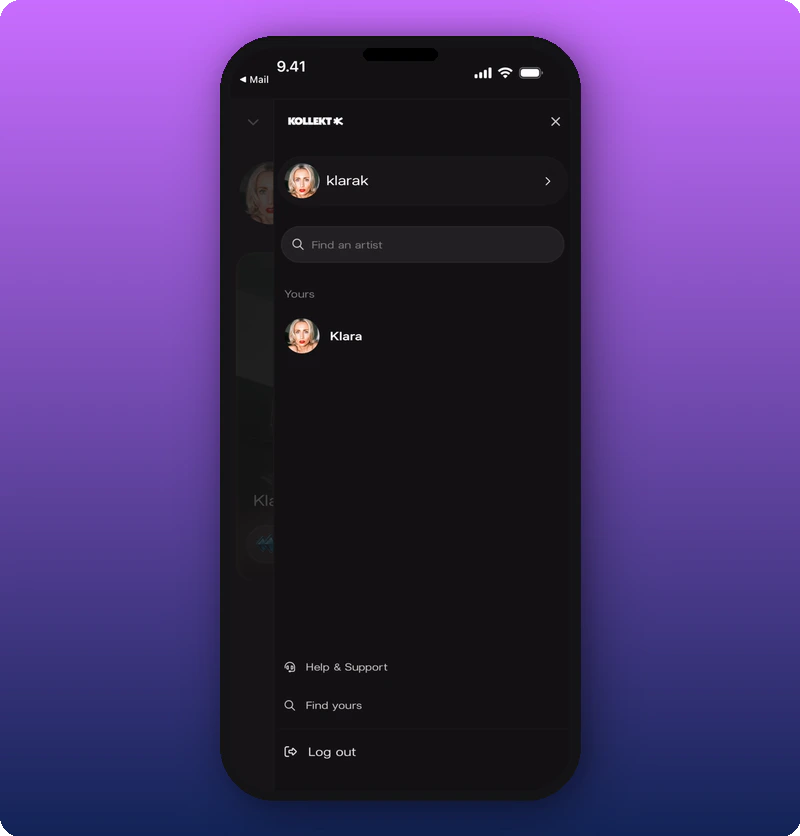
Search for another artist
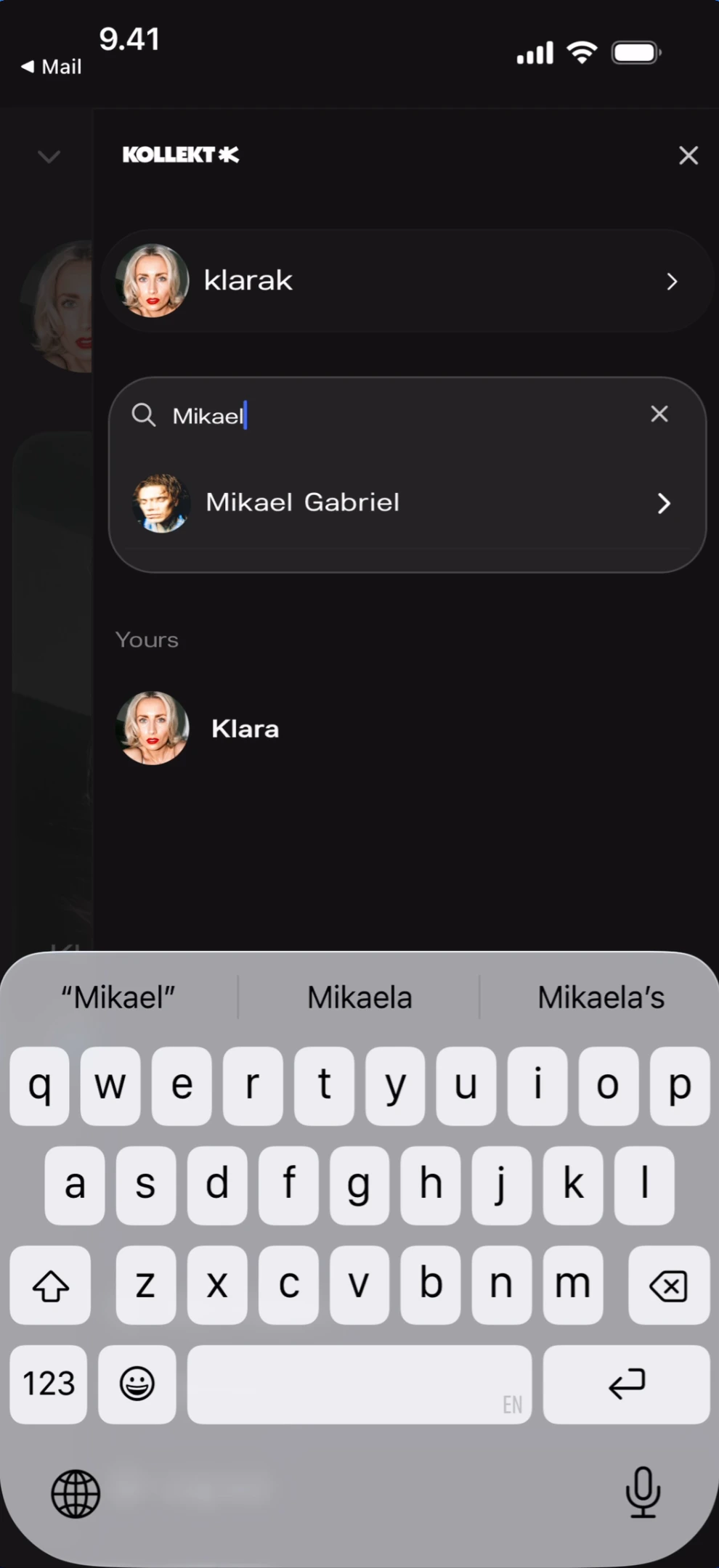
Edit your profile
Tap the gear + “Edit” button on the profile overview to open the Edit profile screen.Edit form
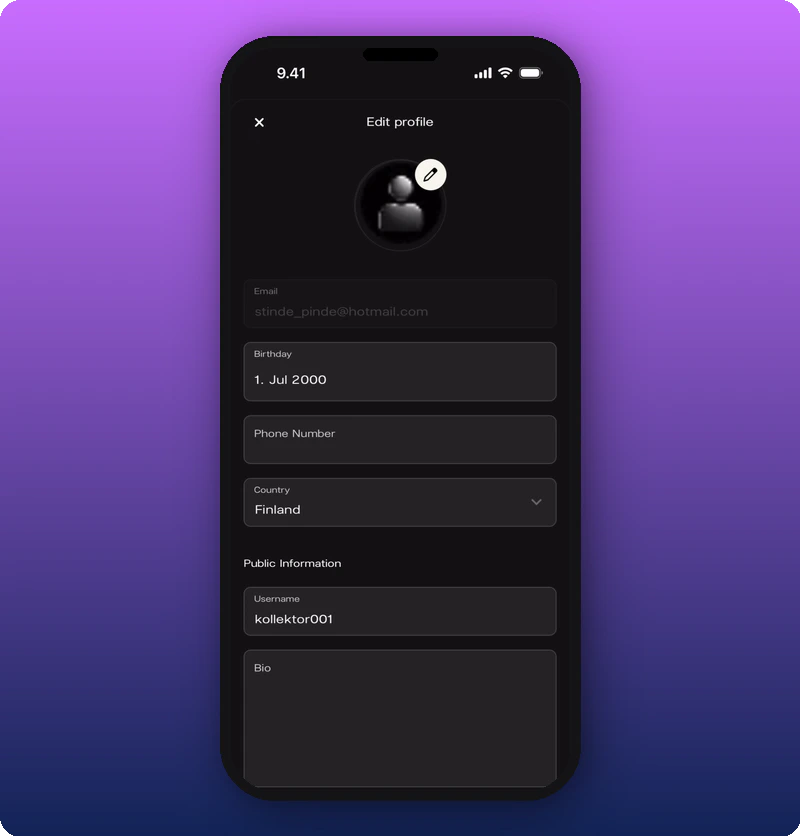
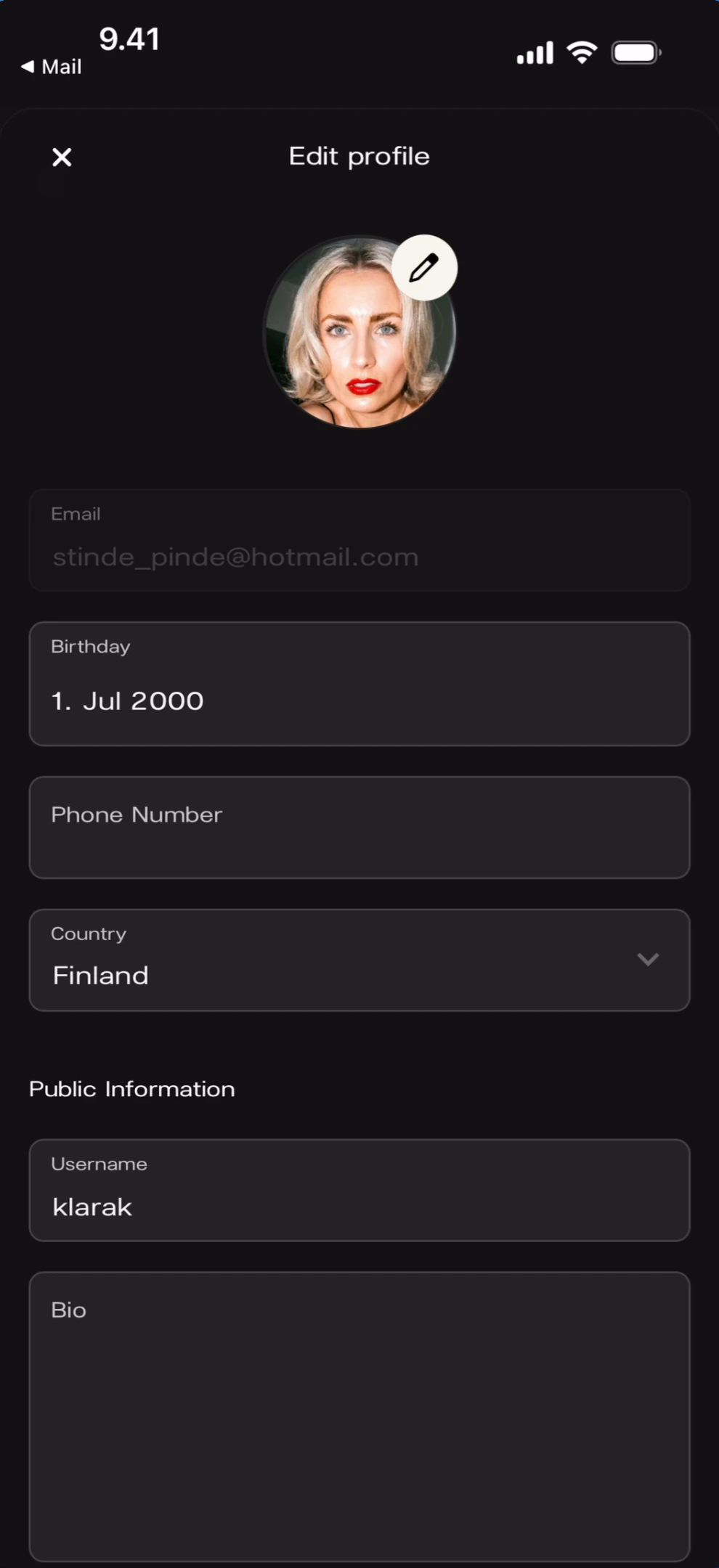
Change your profile photo
Tap the pencil icon on the avatar to open a photo picker.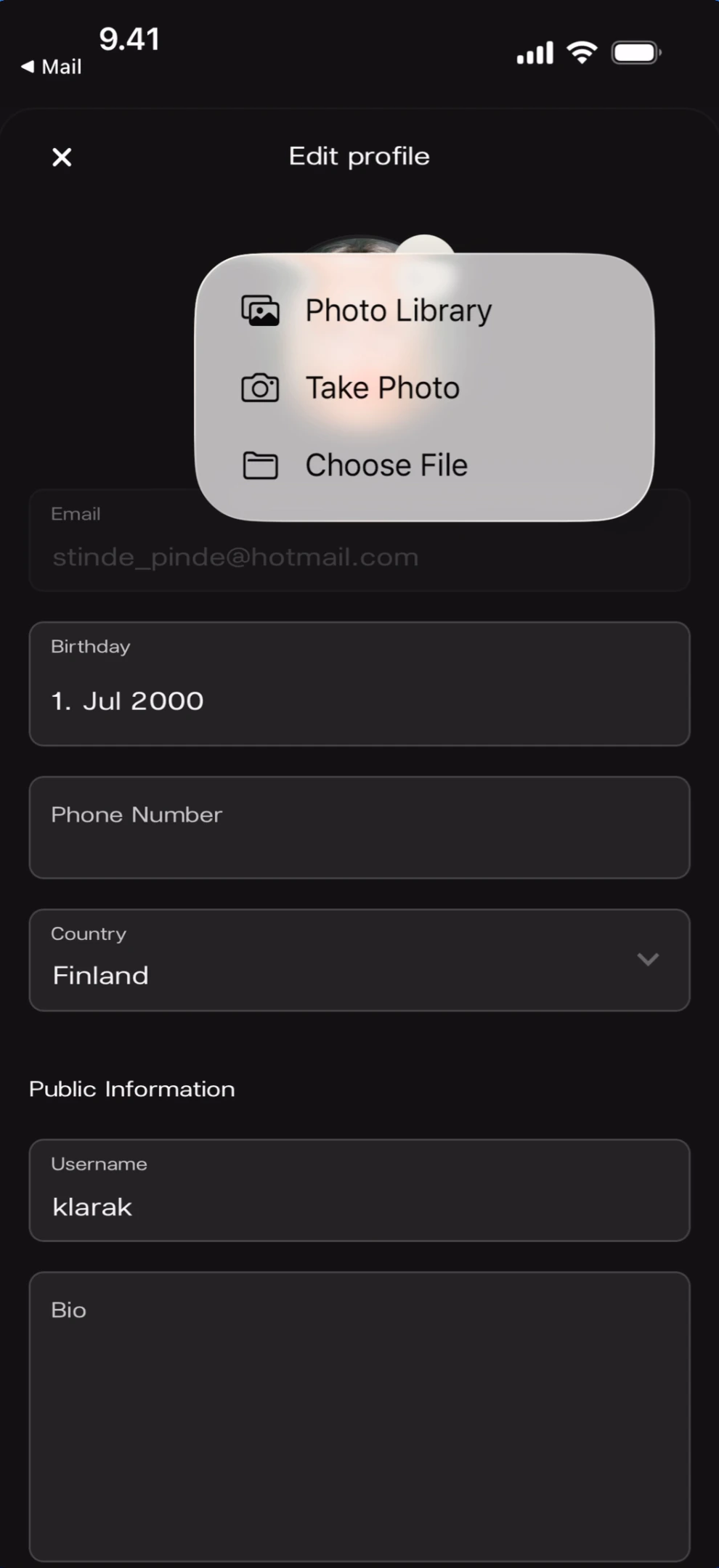
Set your birthday
Tap the Birthday field to open a scroll wheel date picker.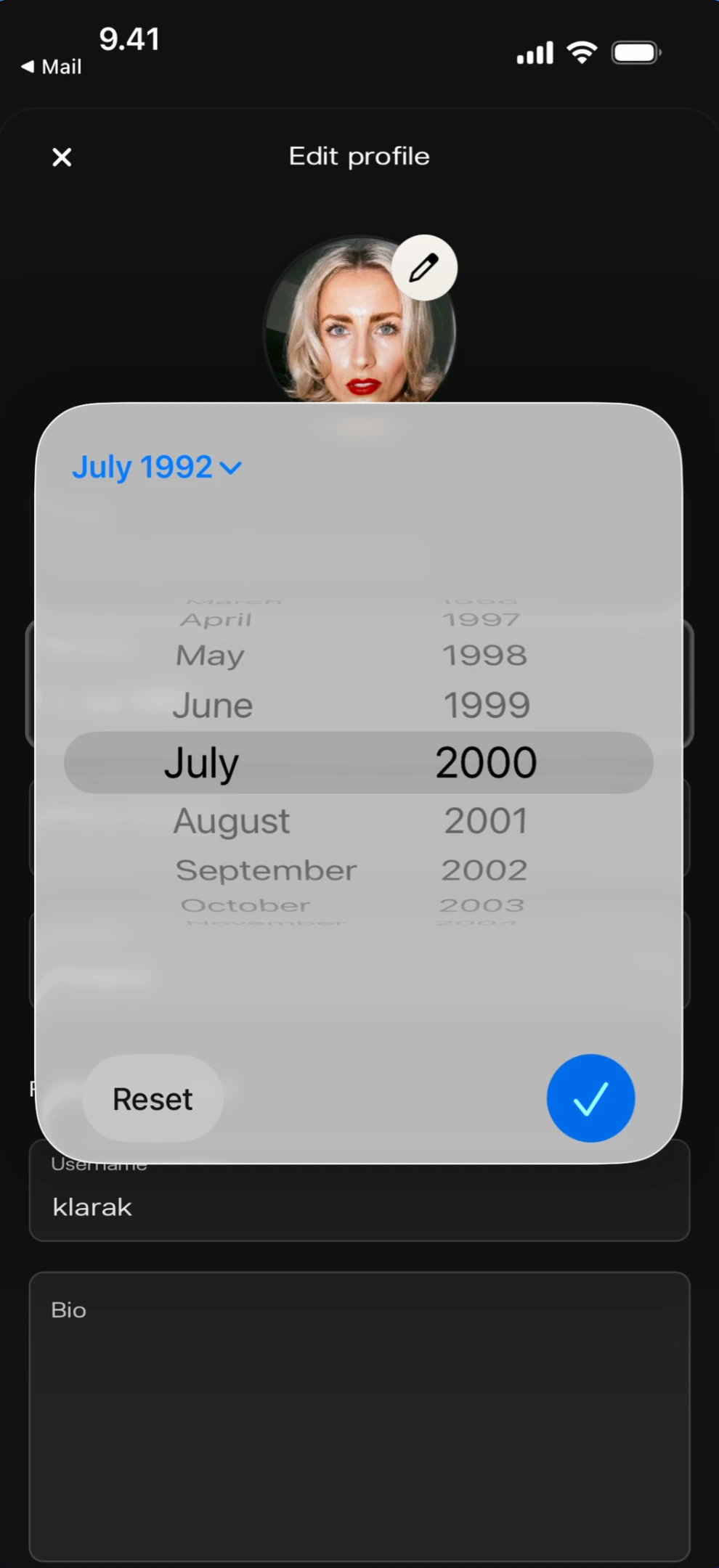
Edit your username
Tap the Username field to activate it for editing. The keyboard opens.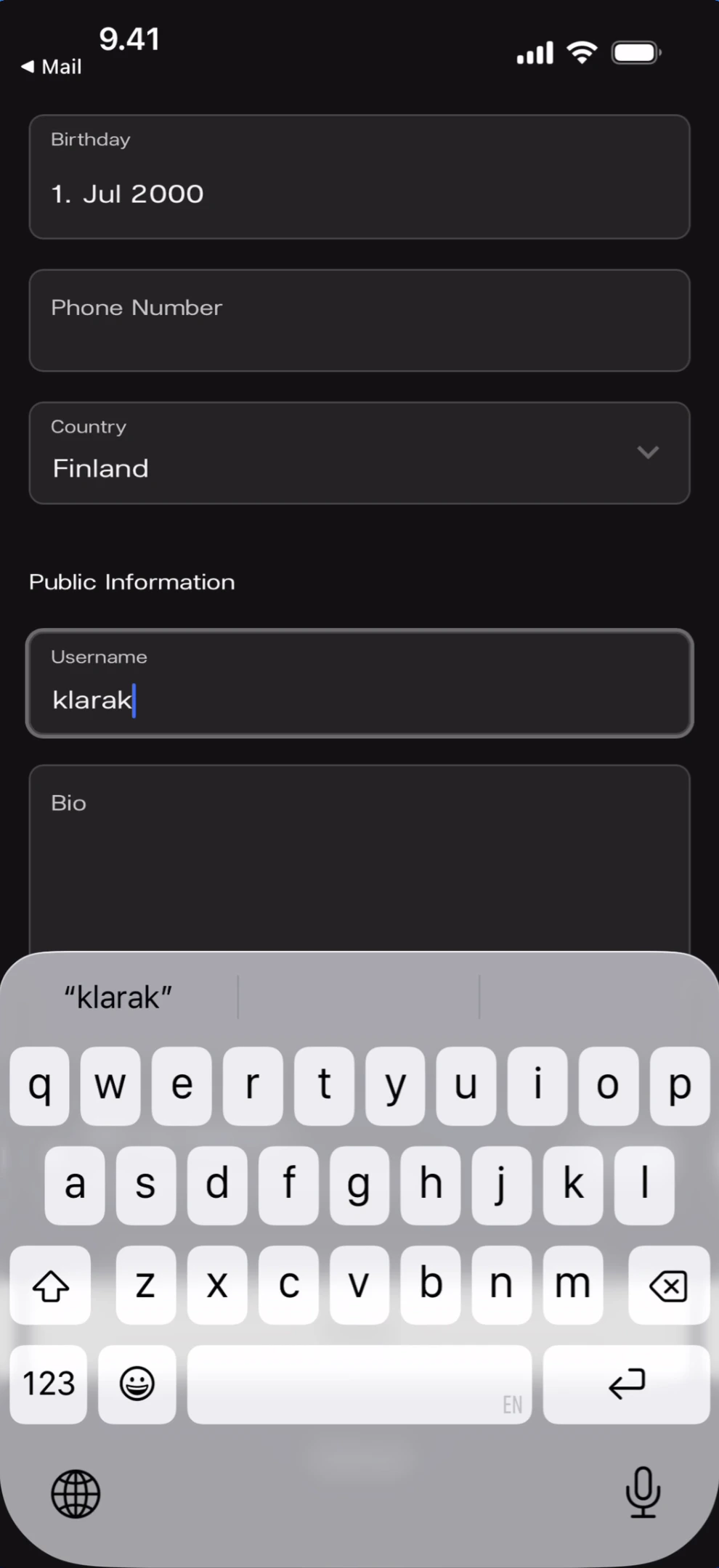
Save changes
Tap Save at the bottom of the edit form. A success toast appears.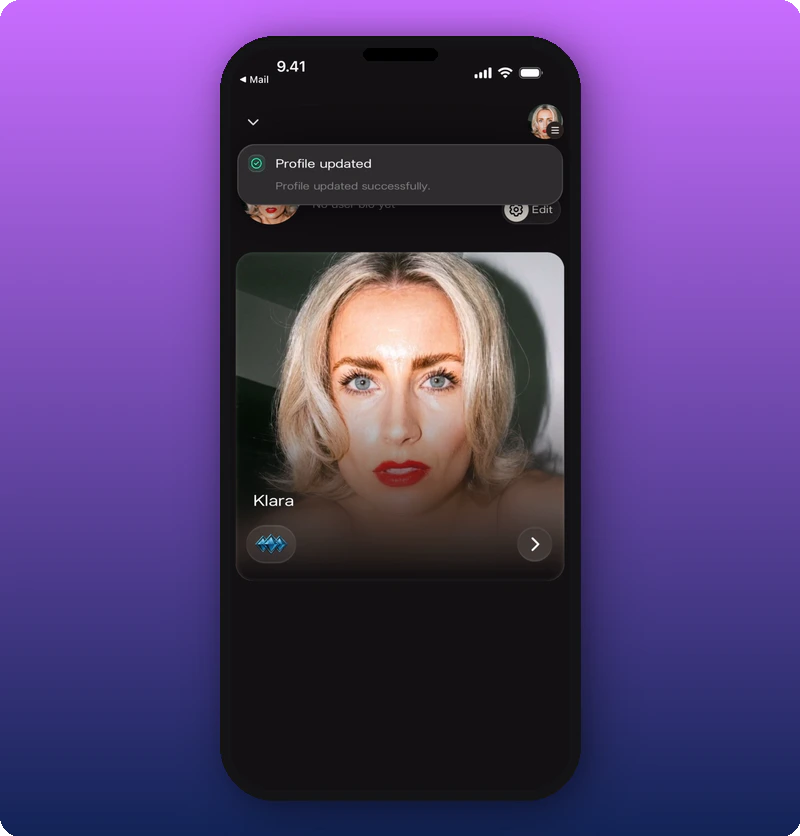
Known limitations
- The Email field appears greyed out in all screenshots — whether it can be changed is not shown.
- Phone Number is empty in all screenshots — formatting and country code behavior are not documented.
- The relationship between the username (e.g., “klarak”) and the public artist name (e.g., “Klara”) is not documented.