

Delete your account
- Tap your user profile icon at the top of your Home page.
- Tap Edit to open the profile editor.
- Scroll to the bottom, past Save and Cancel.
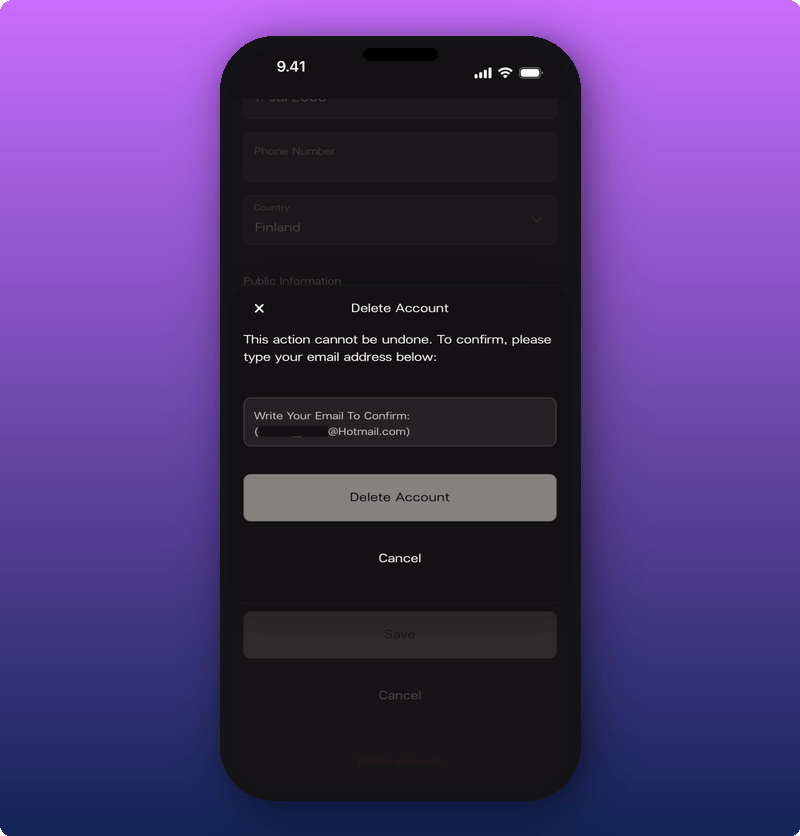
- Tap the red Delete Account link.
- In the box that pops up, type your email address to confirm.
- Tap Delete Account.
- Your user profile and personal account.
- Owner access to any Artist spaces you own.
- Your role on any spaces where you’re an Admin or Moderator.