

Your user profile is your personal account inside Kollekt. Avatar, username, bio, email, birthday, phone, country. It’s your own identity in the app, separate from your public Artist page. It’s also what shows when you post in Chat as yourself rather than as your artist.

Profile overview

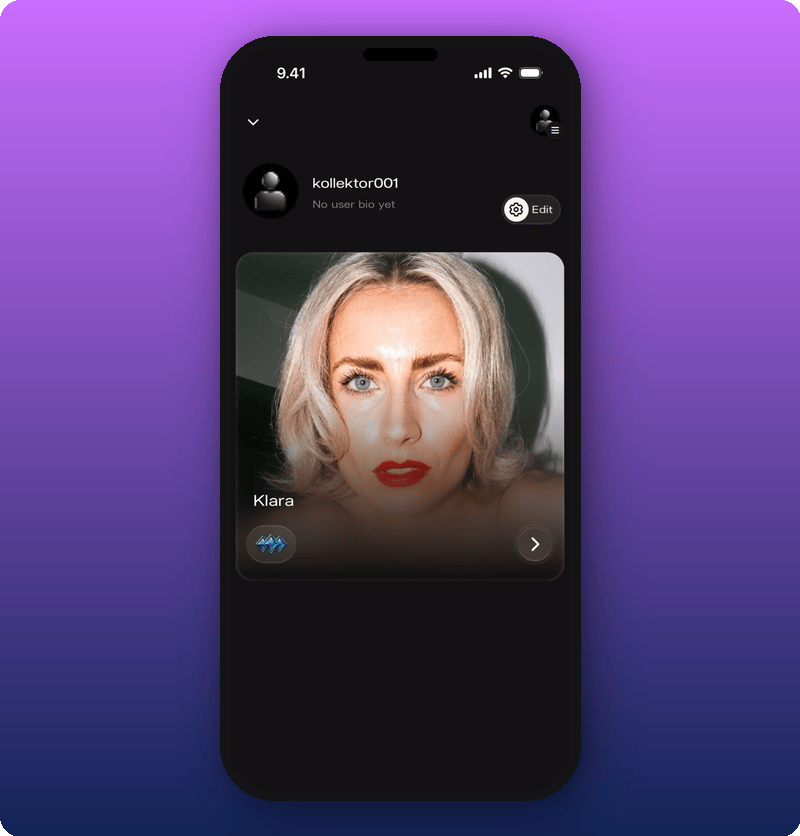
Tap your user profile icon at the top of your Home page to open the overview. Profile overview with default avatar Your avatar, username, bio, and a small preview of your Artist page show here. Tap the Edit button at the top to open the profile editor.
Edit your profile

Tap Edit on the profile overview to open the form. Edit profile form The form splits into two parts:
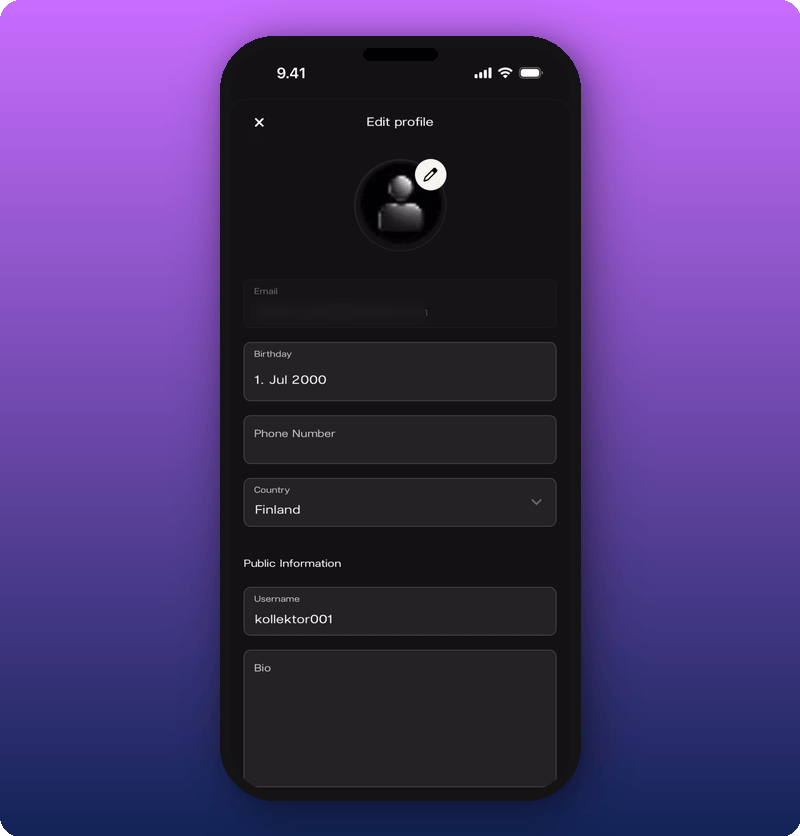
  • Private. Email (can’t be changed here), Birthday, Phone Number, Country.
  • Public. Username, Bio.
Tap the pencil icon on the avatar to change your photo. Tap Birthday for a date picker. Tap Username or Bio to type into those fields. Payouts also live here. Scroll to the bottom of the edit form for the Set up payouts section. See Connect your payout account.

Save your changes

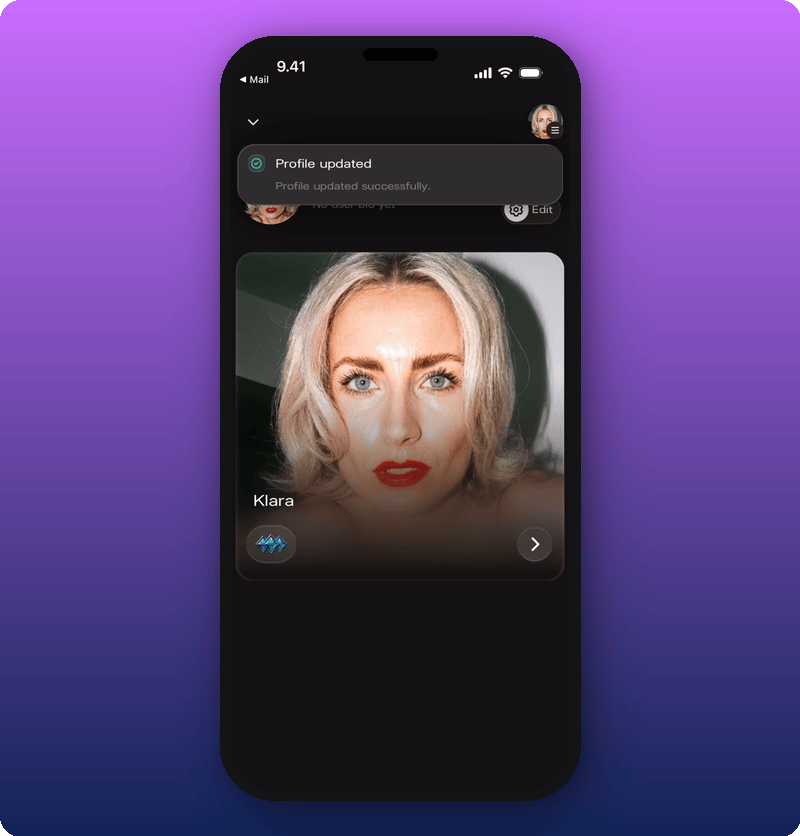
Tap Save at the bottom of the form. A green Profile updated message confirms. Profile updated message
The hamburger menu

Tap the hamburger icon in the top right to open the sidebar. Sidebar menu open The sidebar has:
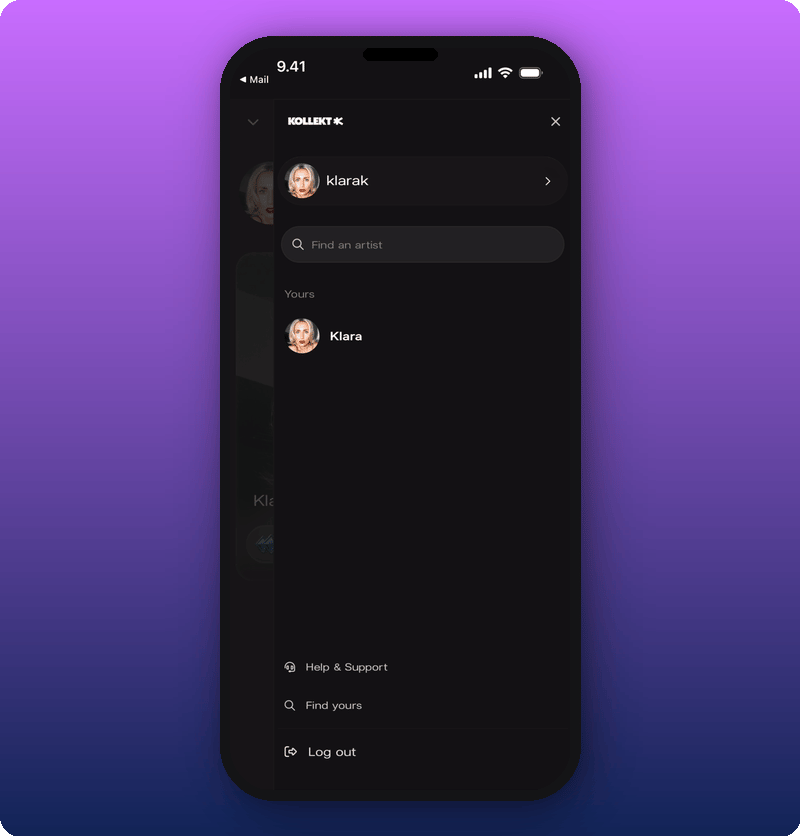
  • Find an artist. Search for other artists on Kollekt.
  • Help & Support. Get answers and contact us.
  • Log out. Sign out of your account.