

Stats overview
- Earnings — total revenue for the selected period.
- Members — current count, plus New and Unfollowed for the period.
- Subscribers — current count, plus New and Cancelled for the period.
- Direct Line Messages — count for the period.
- Chat Messages — count for the period.
- Transactions — individual payment records for the period.
Pick a date range
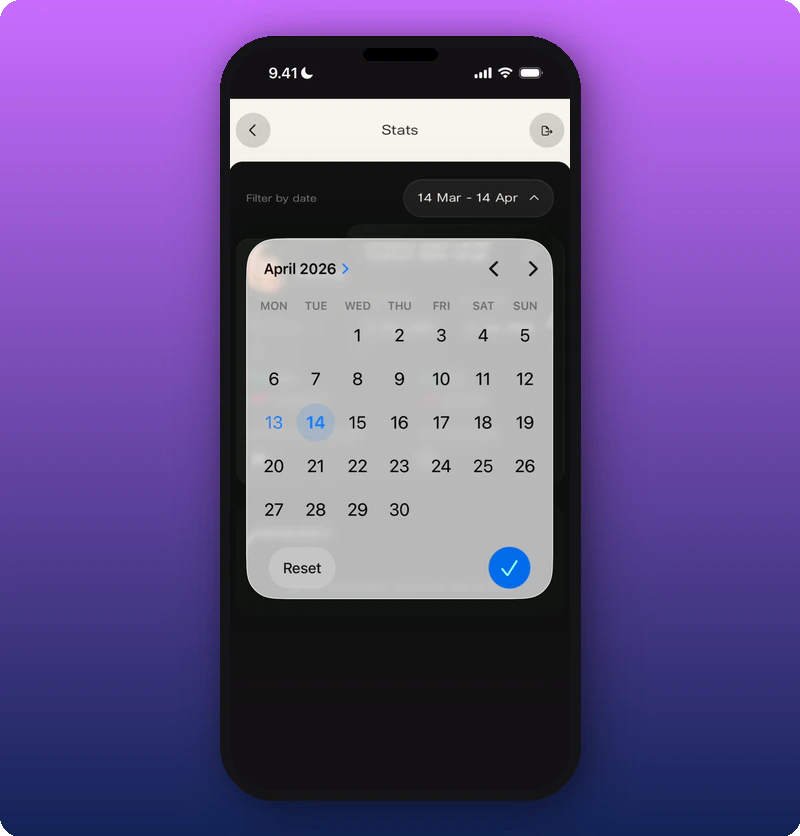
Tap the date range pill to open a calendar picker.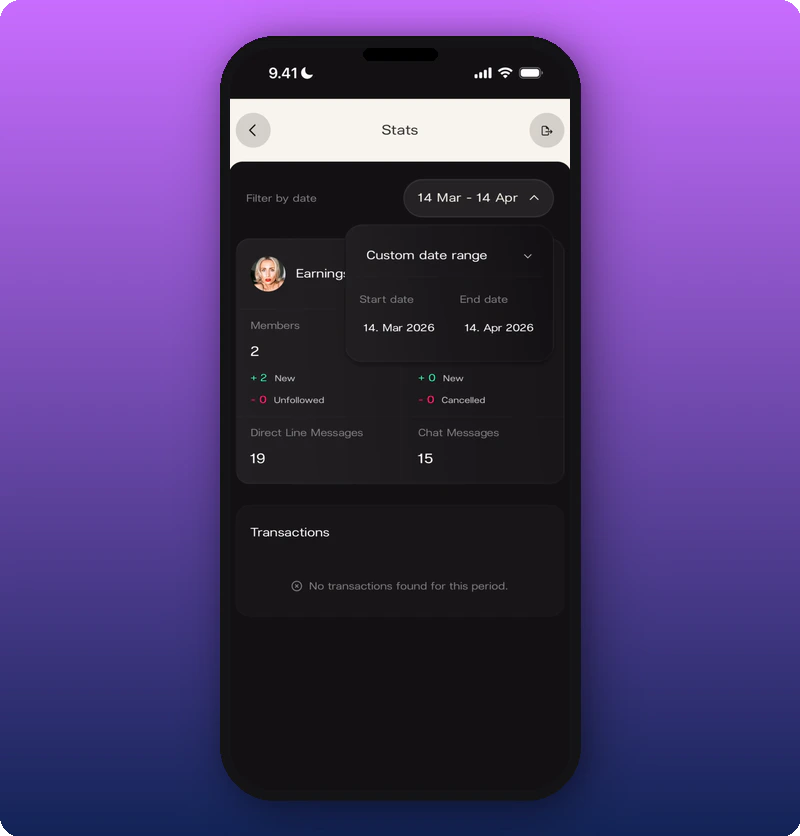
Custom range expanded
Tapping the date pill again shows the exact start and end dates.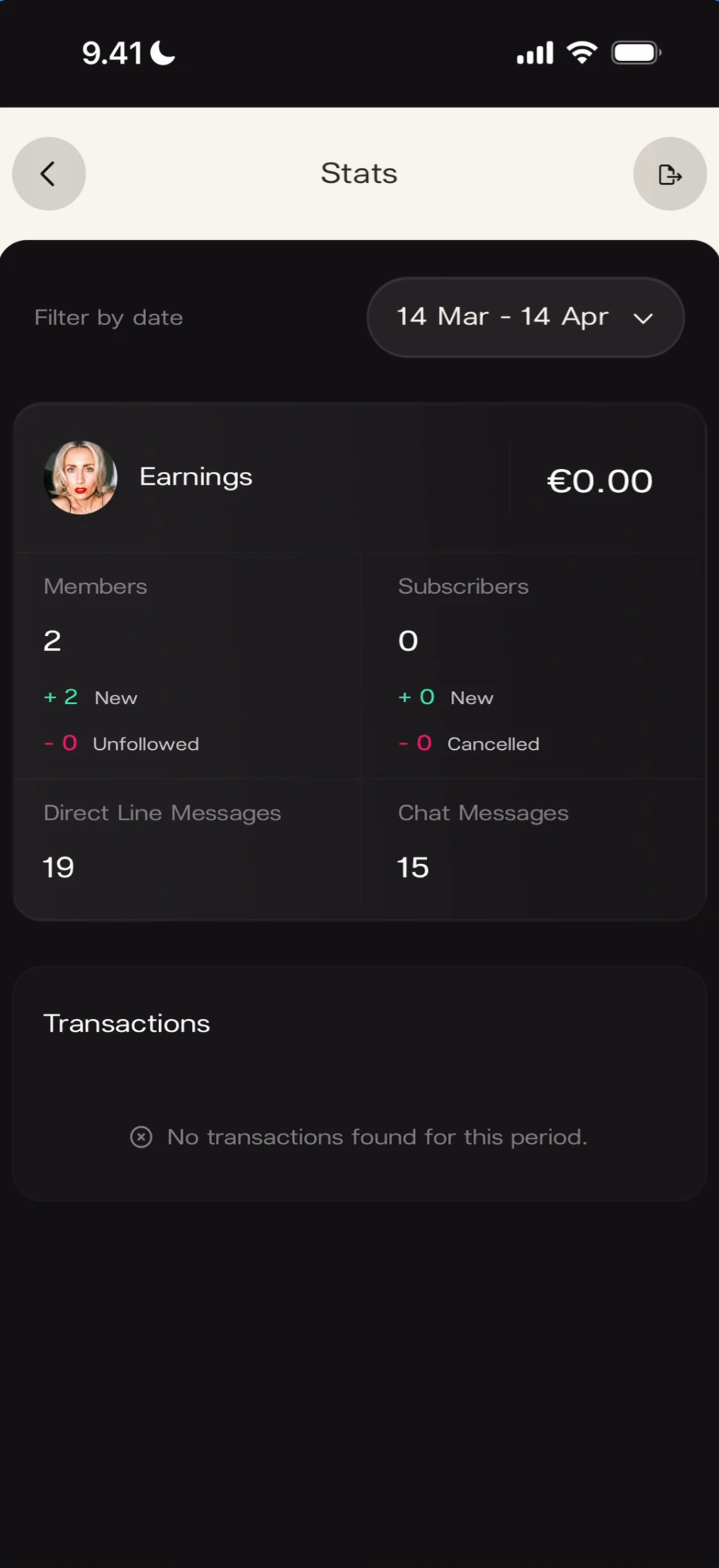
Known limitations
- The share/export icon in the Stats top bar is visible but its behavior is not documented.
- Transaction records appear when payments exist but the exact row format is not captured.