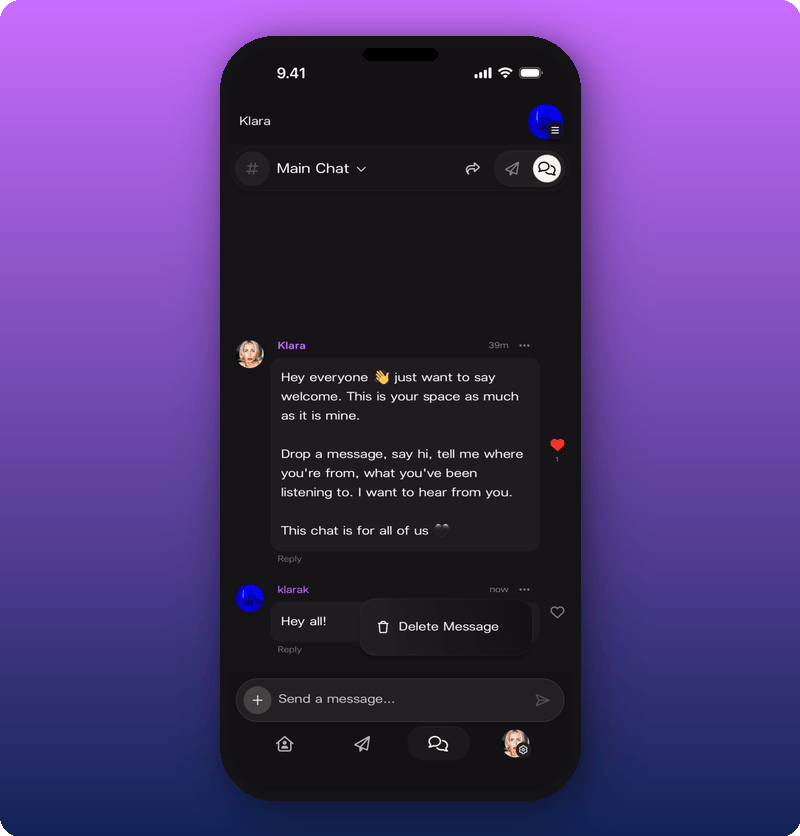
Post as your artist or as yourself
You can post in two ways: as your personal account (your own avatar) or as your artist (your artist page). You pick per message. Tap the + button next to the message input. The pill at the bottom shows who you’re posting as. By default, it’s your personal account.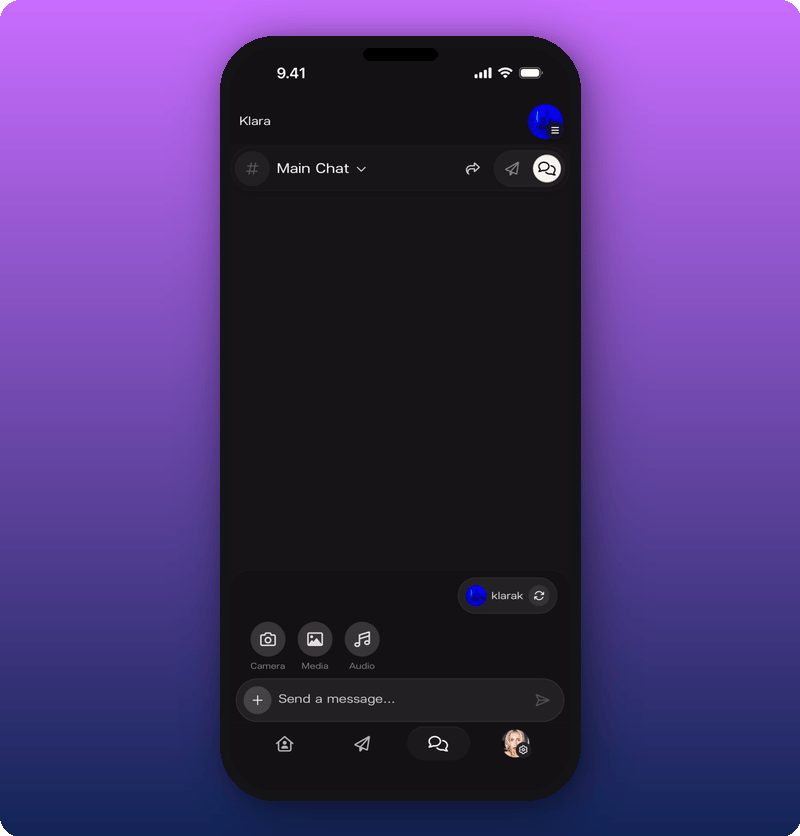
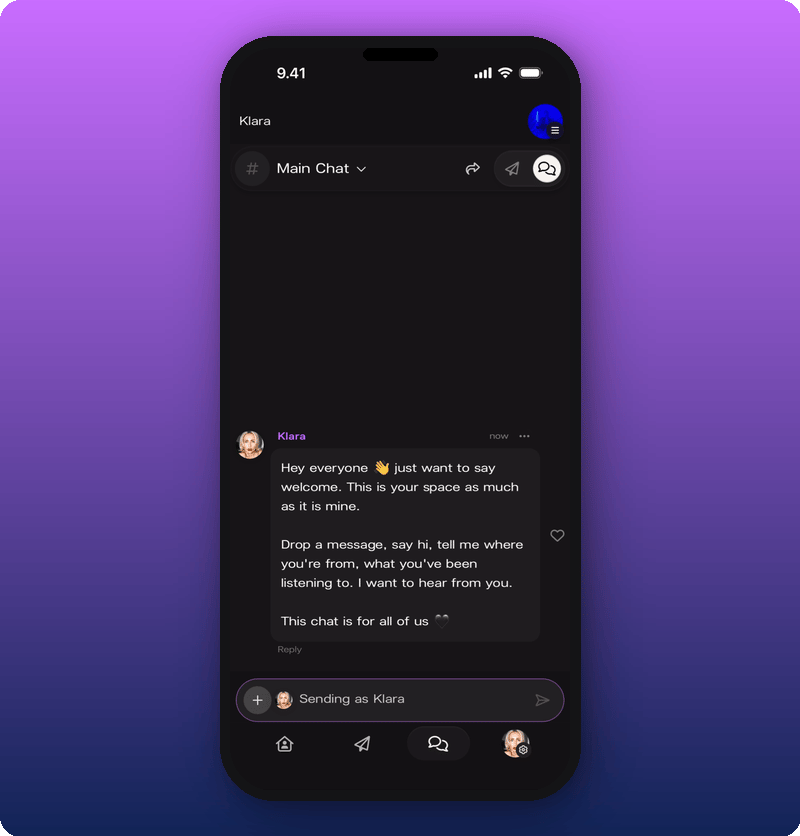
Switch between rooms
The current room name sits at the top of the screen with a dropdown arrow. Tap it to switch between Main Chat and Subscribers Chat.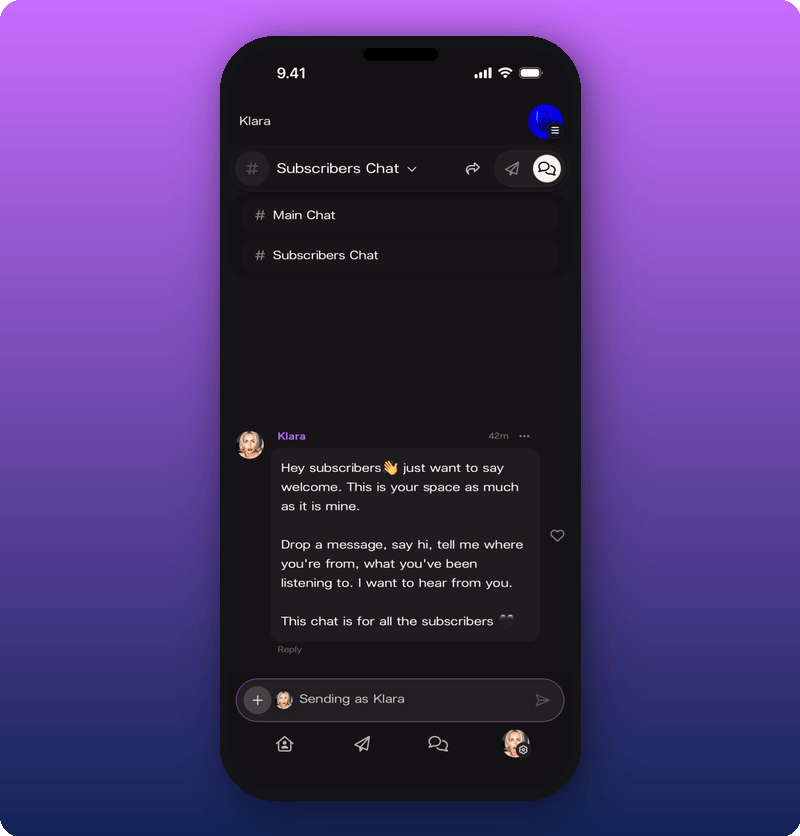
React, reply, delete
- React. Tap the heart icon on any message.
- Reply. Tap Reply on a message to start a thread. The reply shows below the original with a “Reply to:” label and a preview.
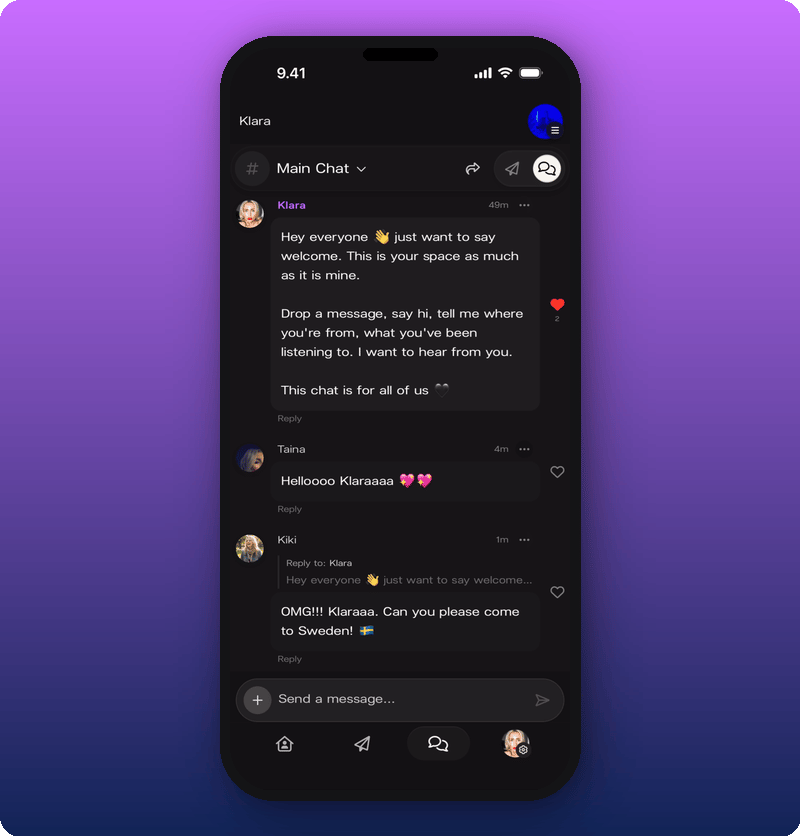
- Delete your own message. Tap the three-dot menu on a message you sent and choose Delete Message.