Open Payments from the Settings gear in the bottom nav, then tap Edit to go to your editor and find Payments.

What you see

You’ll see two sections:
  • Earnings. Money from all sales. Split into Pending (waiting for payout) and Paid (already sent).
  • Default split. How money divides across the team. Tap the info icon on either section for more.
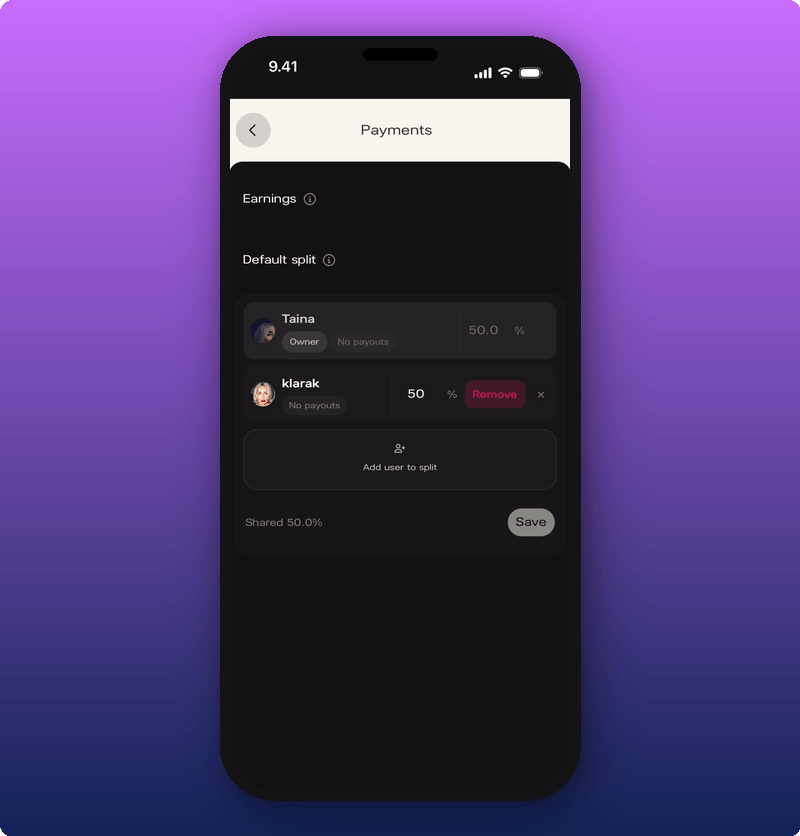
Payments screen with the default split being edited

Add someone to the split

The total can’t go over 100%. Whatever’s left stays with you.
  1. Tap Add user to split.
  2. Search for the team member by name or username.
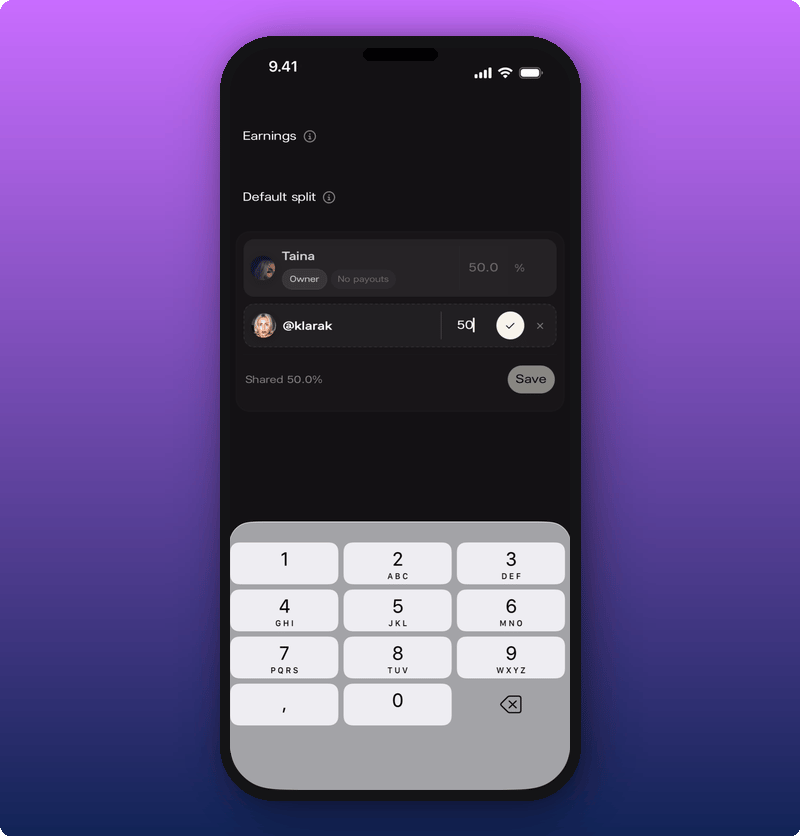
  3. Type their percentage.
  4. Tap the checkmark to confirm.
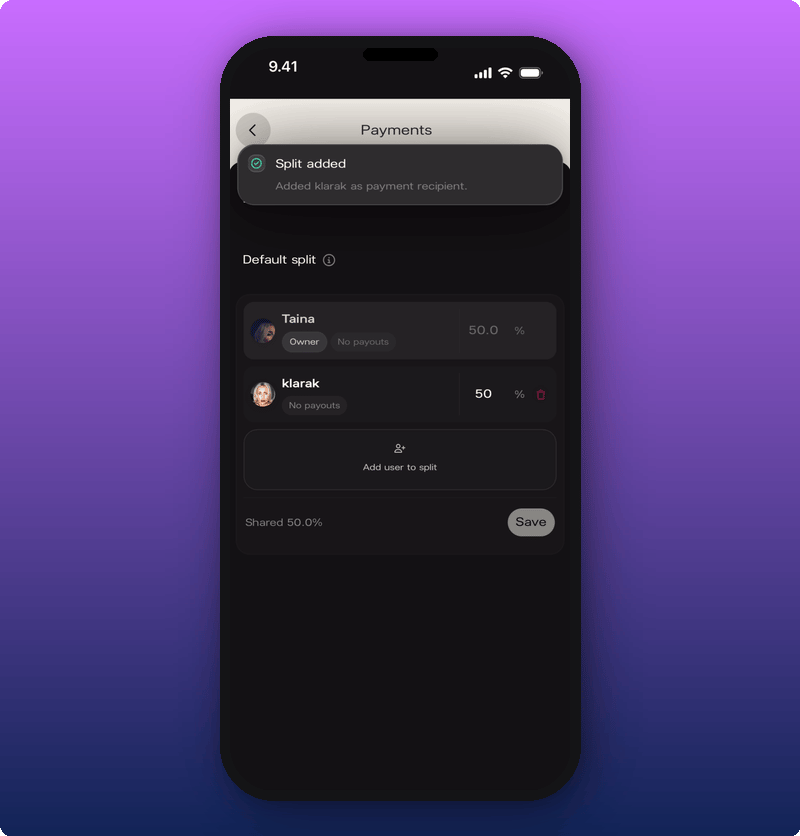
Typing the split percentage The row shows Shared [percentage]% at the bottom. Tap Save to lock it in. Split added confirmation A green Split added banner confirms.

Remove someone from the split

Tap the delete icon next to the team member’s row. Remove appears. The percentage goes back to 100% for you (or splits across other team members if there are any).