

Notification Banner
When you first join an artist’s space after downloading the app, a banner appears at the bottom of the home screen prompting you to enable notifications. If you previously dismissed the banner or turned off notifications, it will reappear the next time you use the app.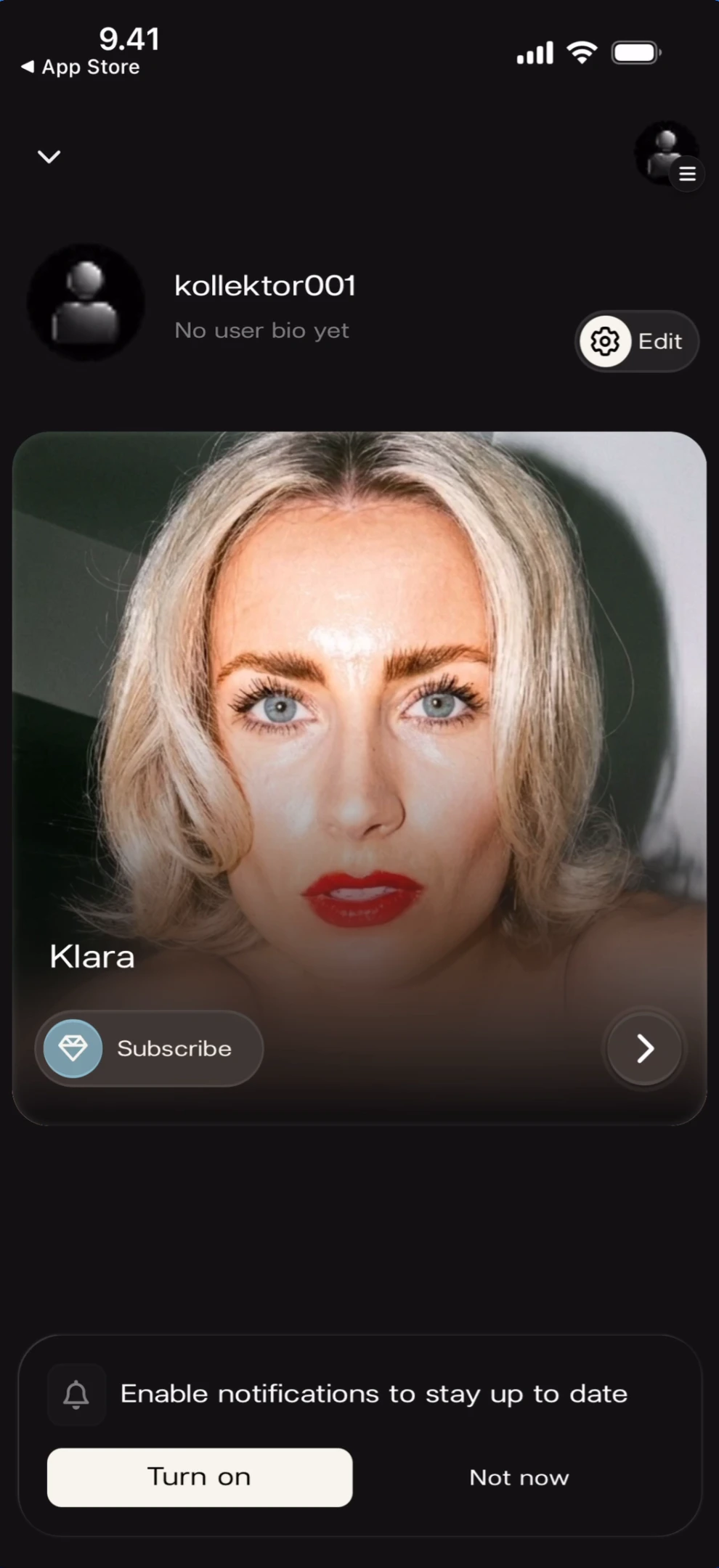
Enabling Notifications
Tapping Turn on triggers the iOS system permission dialog asking for notification access.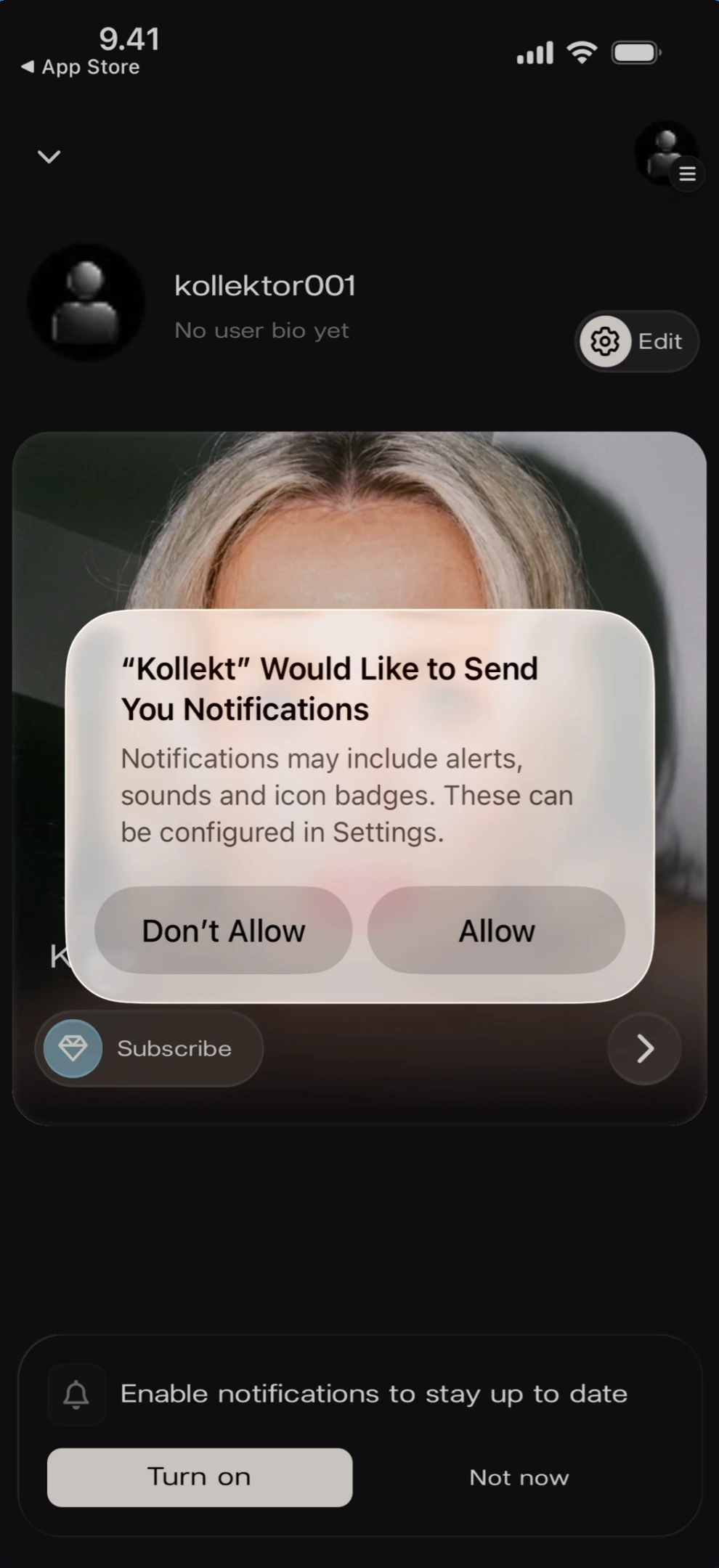
Dismissing the Banner
Tapping Not now on the Kollekt banner dismisses it for the current session without triggering the system dialog. The banner will reappear on a future session if notifications are still not enabled.Known Limitations
- The notification banner behaviour on Android is not documented — the screenshots show iOS only.
- The specific notification types (Direct Line posts, chat messages, etc.) and their appearance are not shown in the current screenshots.
- If a user taps “Don’t Allow” on the iOS system dialog, they must re-enable notifications manually through the device’s Settings app — Kollekt cannot trigger the system dialog again.
Related Features
- Browsing Direct Line — Direct Line posts trigger push notifications
- Participating in Chat — Chat activity may trigger notifications
- Exploring the Artist Page — The home screen where the notification banner appears