

Are you an artist? Click here.
How to delete your account
- Tap the gear icon next to your profile on your fan home screen to open the Edit profile page.
- Scroll to the bottom, past Save and Cancel.
- Tap the red Delete Account link.
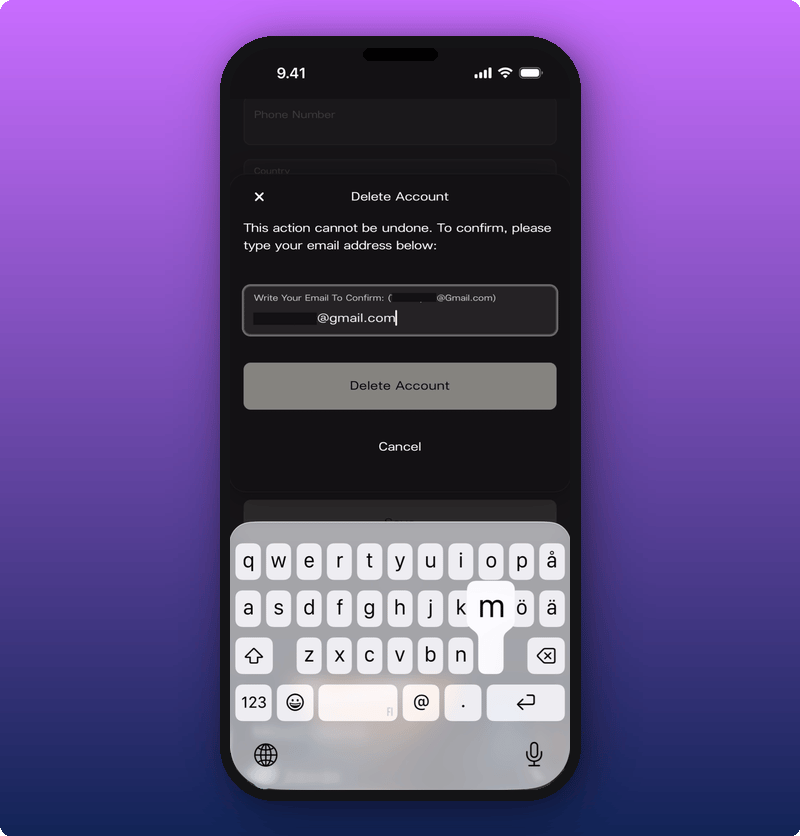
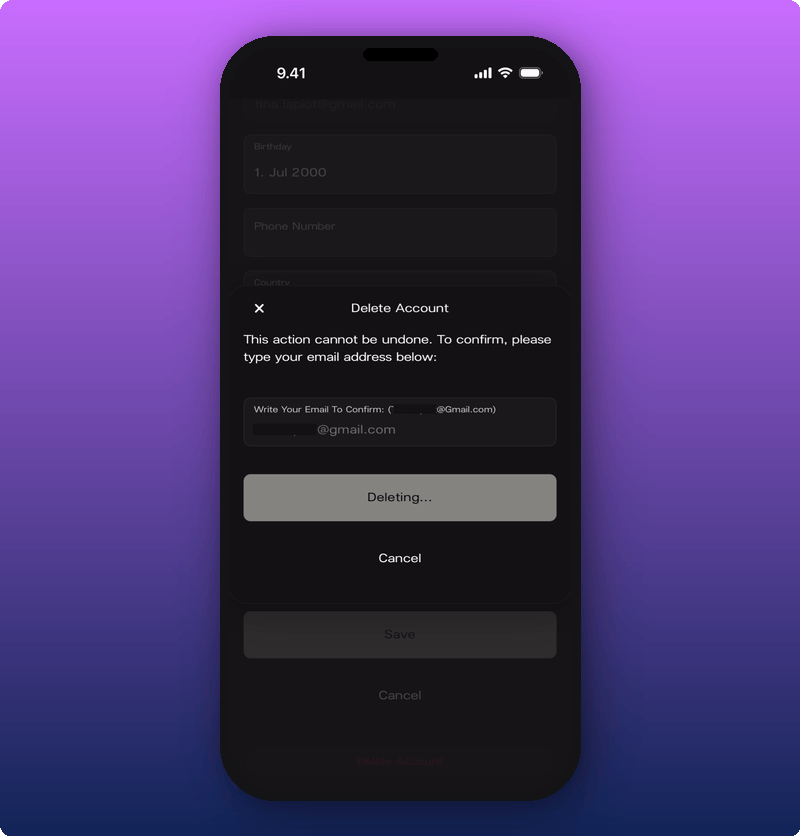
- In the box that pops up, type your email address to confirm.
- Tap Delete Account.
- Your user profile.
- Your membership in every artist space you’ve joined.
- Any active subscriptions you have.
Related
- Your user profile. Where the Delete Account link lives.