

The notification banner
The first time you land on your home screen after joining an artist, a banner appears at the bottom asking you to turn notifications on.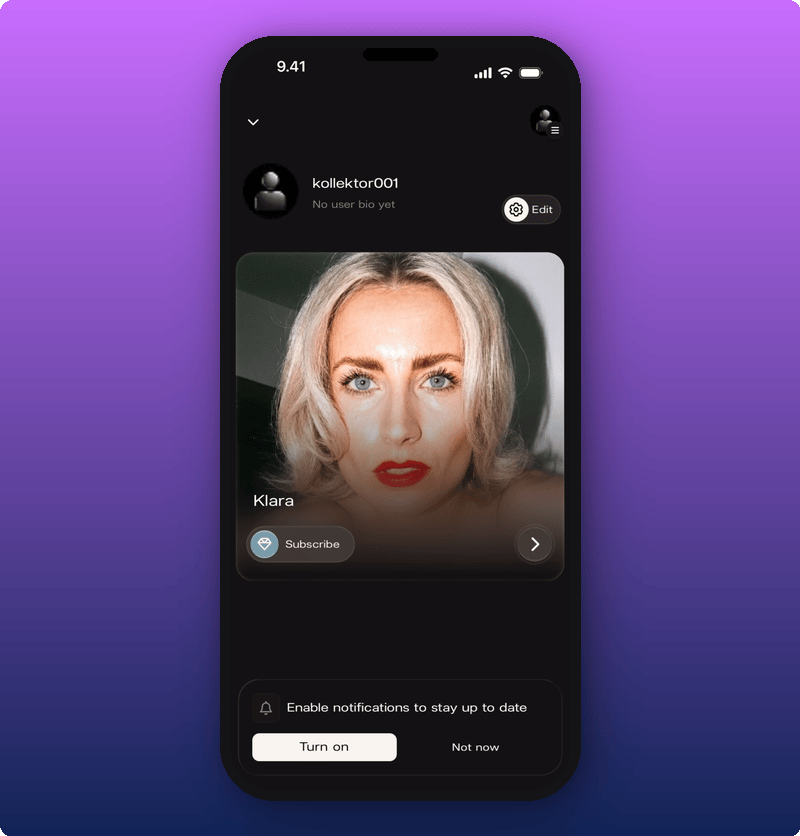
The system permission prompt
When you tap Turn on, your phone asks if Kollekt is allowed to send you notifications. This is your phone’s permission, not Kollekt’s.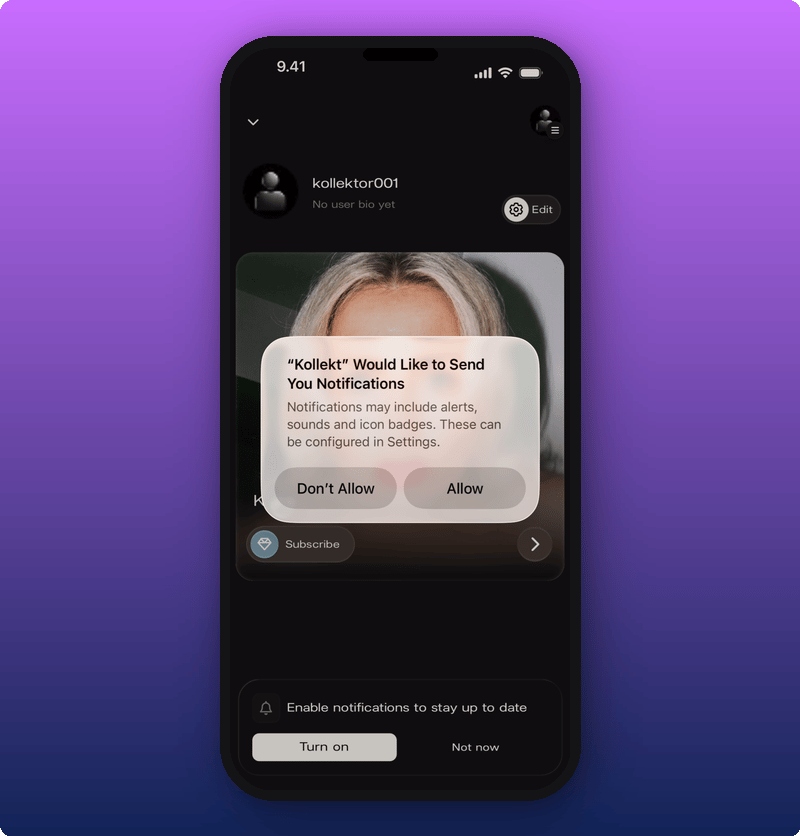
If you want to change your mind later
If you said no by accident, you can fix it in your phone’s Settings.- iPhone or iPad: Settings, then Notifications, then Kollekt. Toggle Allow Notifications on.
- Android: Settings, then Notifications, then App notifications, then Kollekt. Turn it on.
Related
- Your artist’s Direct Line. Direct Line posts trigger a push to every member.
- Get to know Kollekt. The fan home screen is where the banner shows up.