

Are you an artist? Click here.
Open your profile
Tap the gear icon next to your profile on the fan home screen. The Edit profile page opens.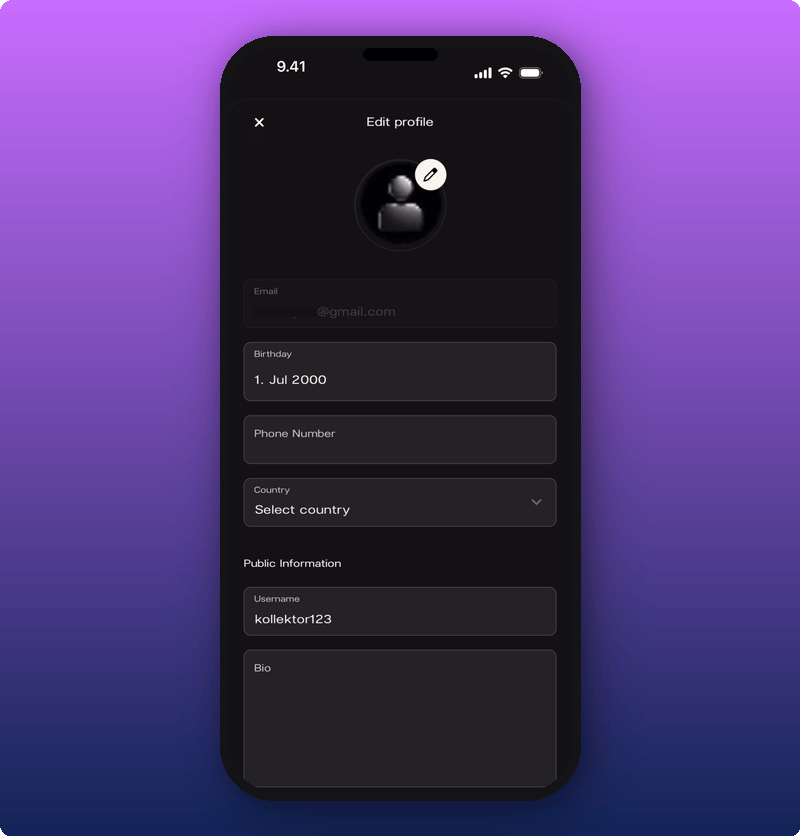
- Private. Email (you can’t change this here), Birthday, Phone Number, Country.
- Public Information. Username and Bio. These are what other fans and artists see.
Change your photo
Tap the pencil icon on the photo. A small menu pops up.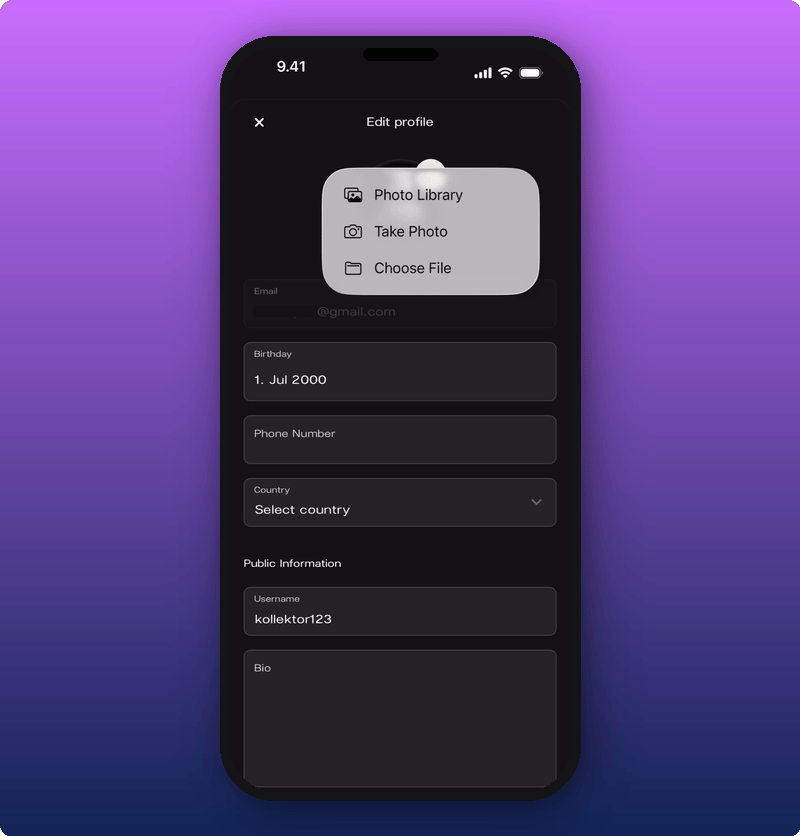
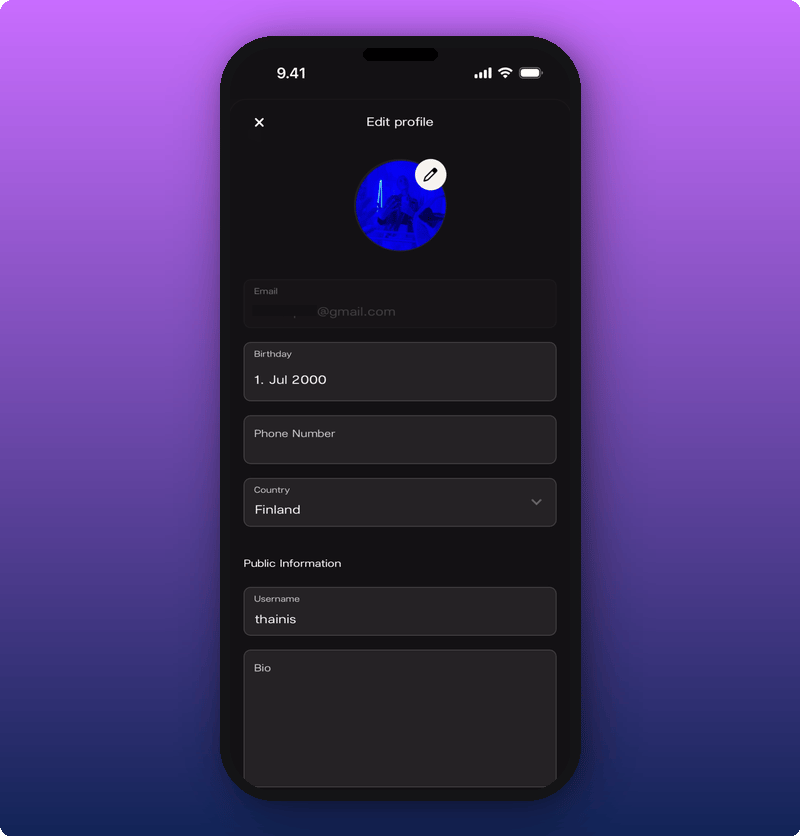
Change your username
Tap the Username field under Public Information. Your keyboard opens.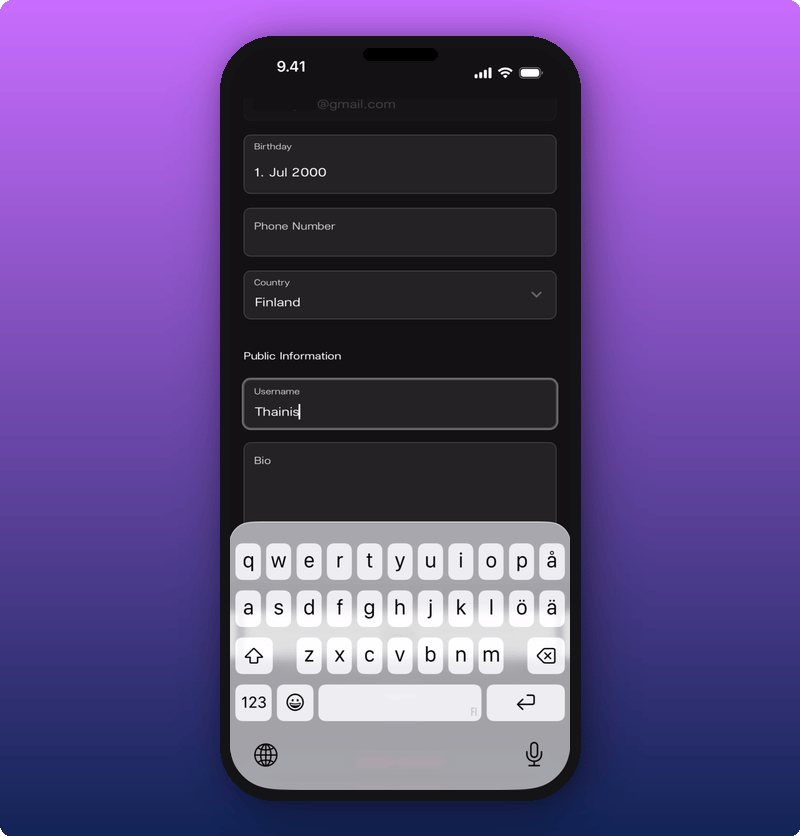
Add a bio
Tap the Bio field. Type something short about yourself, the music you love, or your favourite tour memory.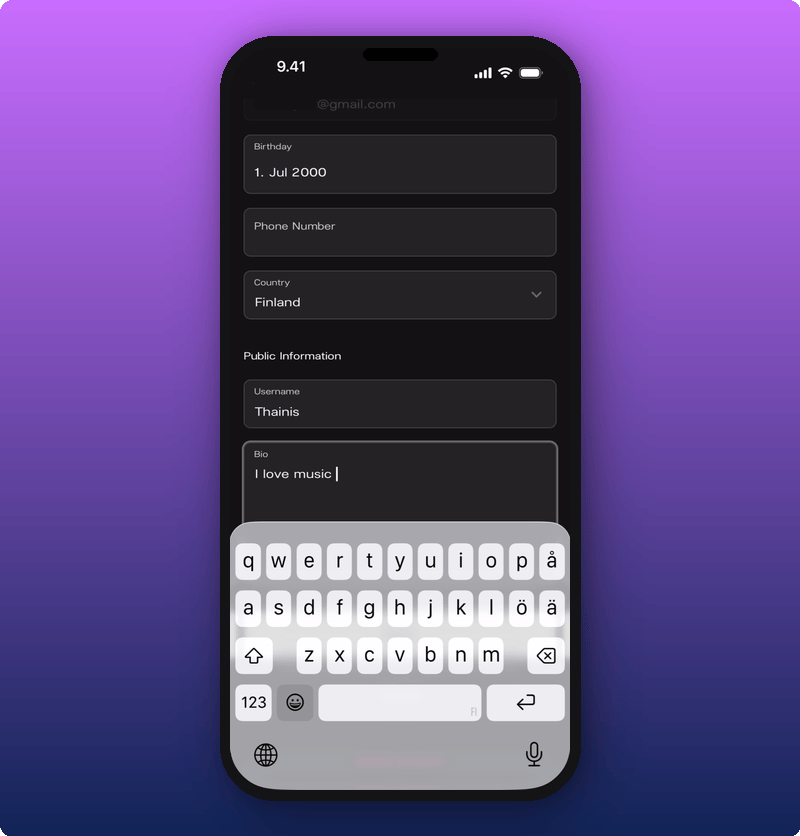
Add your phone number
Tap the Phone Number field. The number keyboard opens.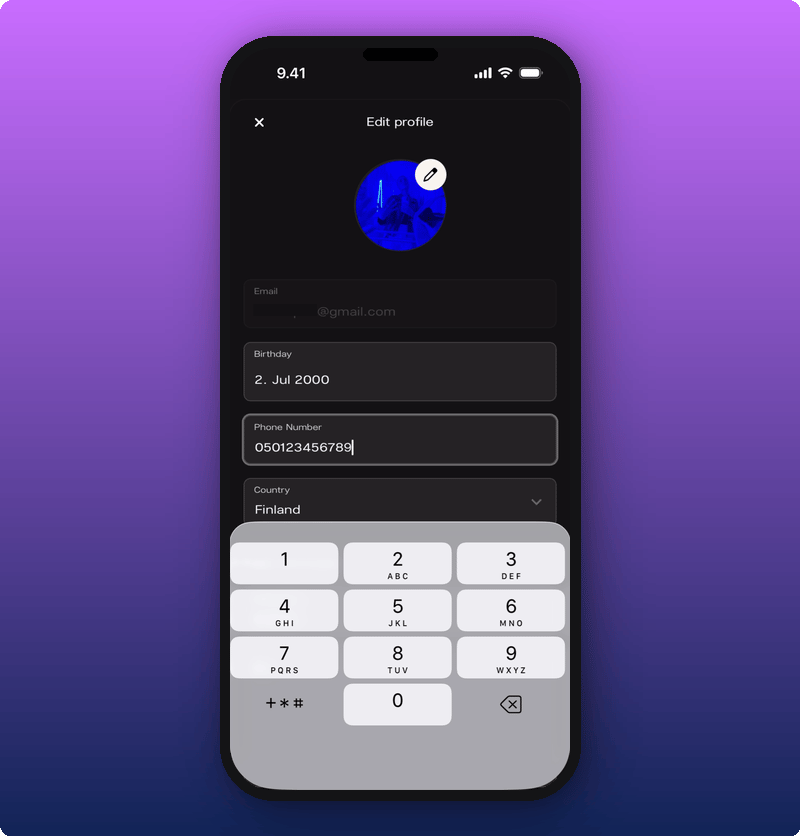
Set your birthday
Tap the Birthday field. A calendar opens.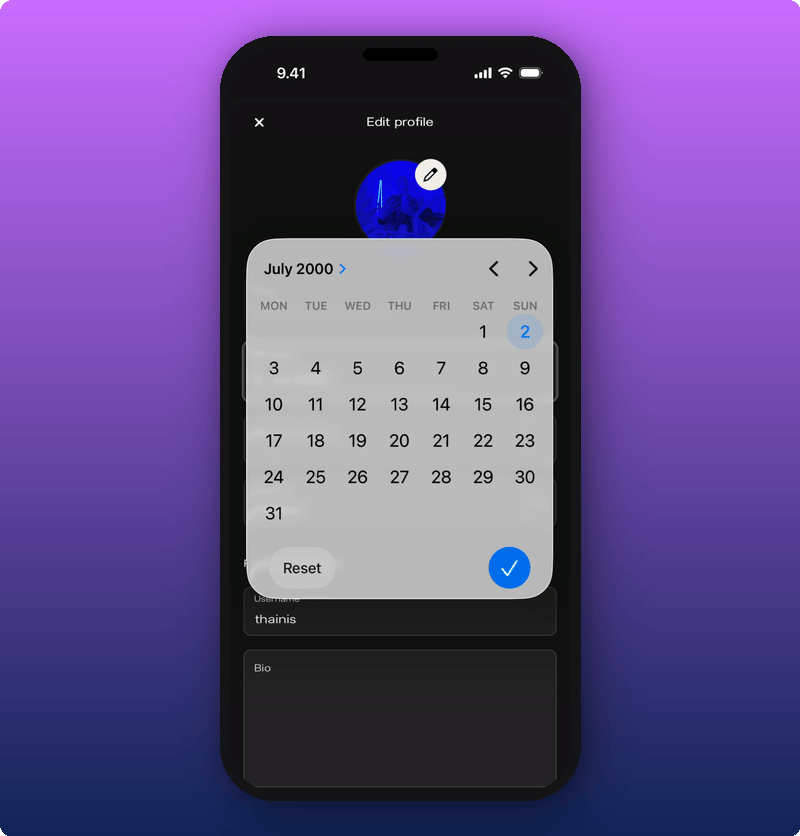
Pick your country
Tap the Country field. A list of countries opens.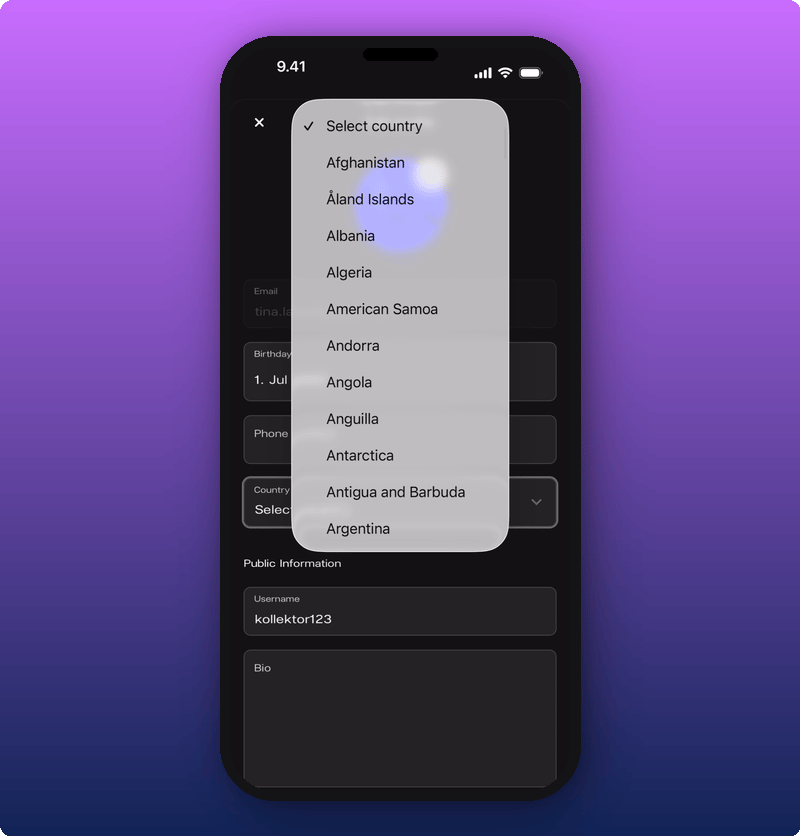
Save your changes
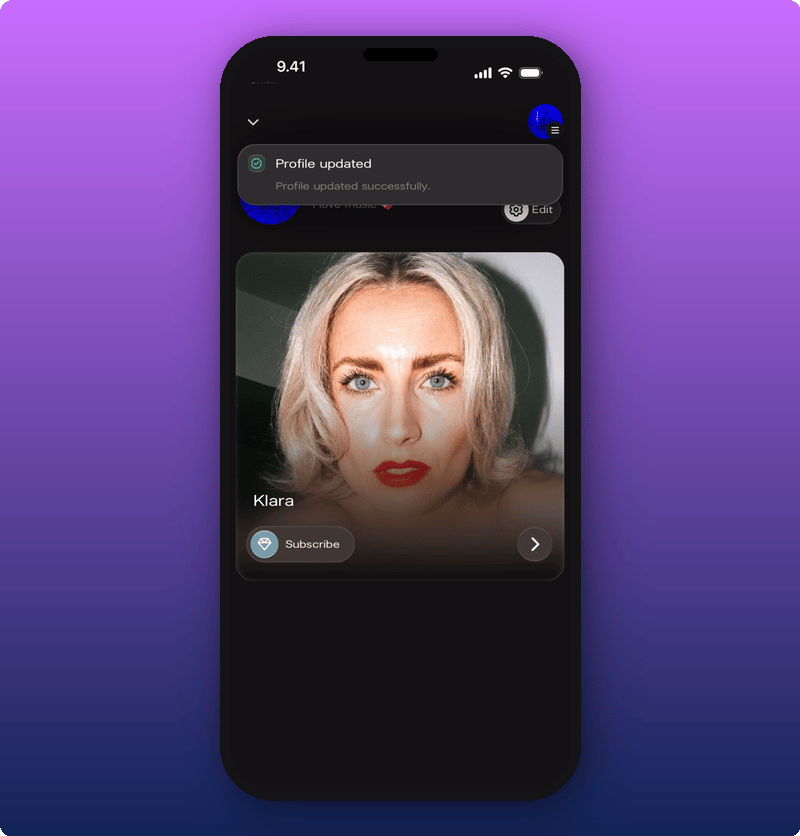
Scroll to the bottom of the form. Tap Save.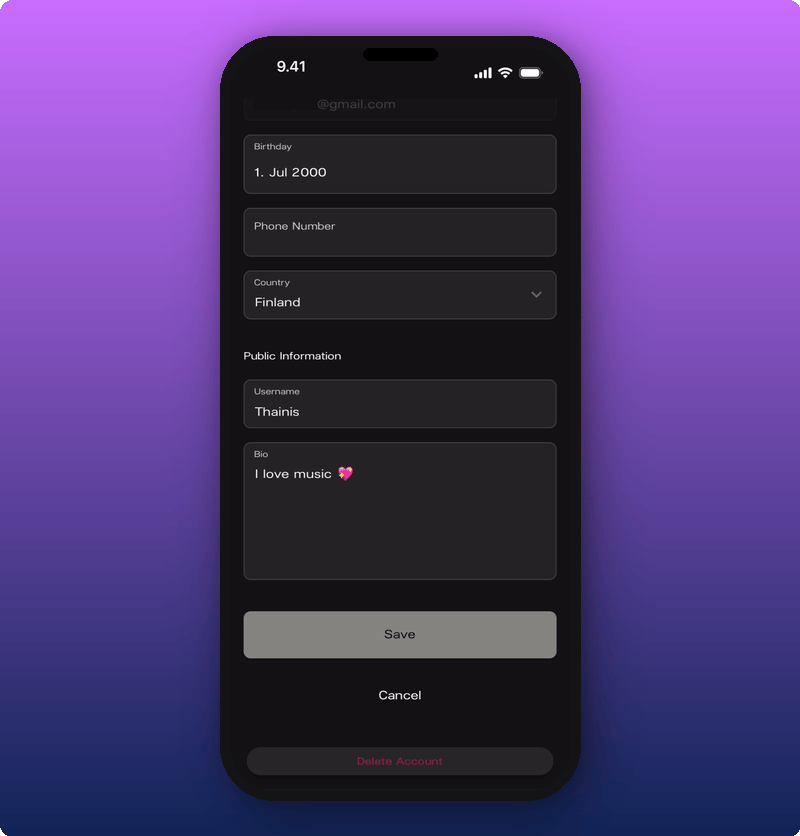
Want to delete your account?
If you want to leave Kollekt for good, you can do that from this same page. See Delete your account.Related
- Joining an artist’s space. How to set up your account in the first place.
- Get to know Kollekt. Where the gear icon and your profile preview live.
- Joining the chat. Where your name, photo, and bio show up to other fans.
- Delete your account. Leave Kollekt for good.