

Step 1. Open the artist’s link
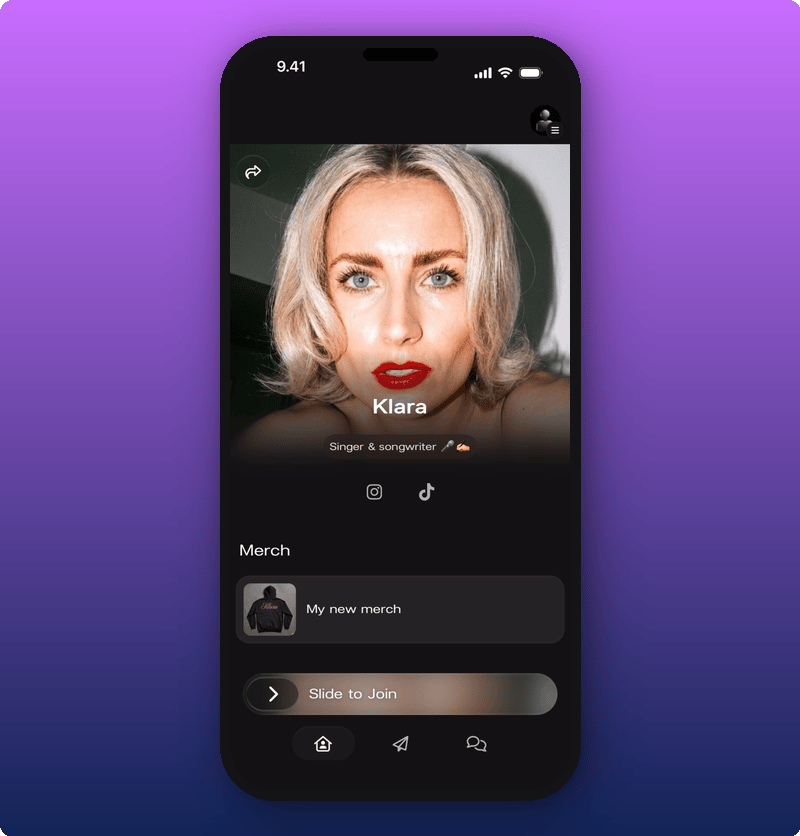
The artist’s link looks likekollekt.io/artistname. Tap it. The artist’s page opens in your phone browser.
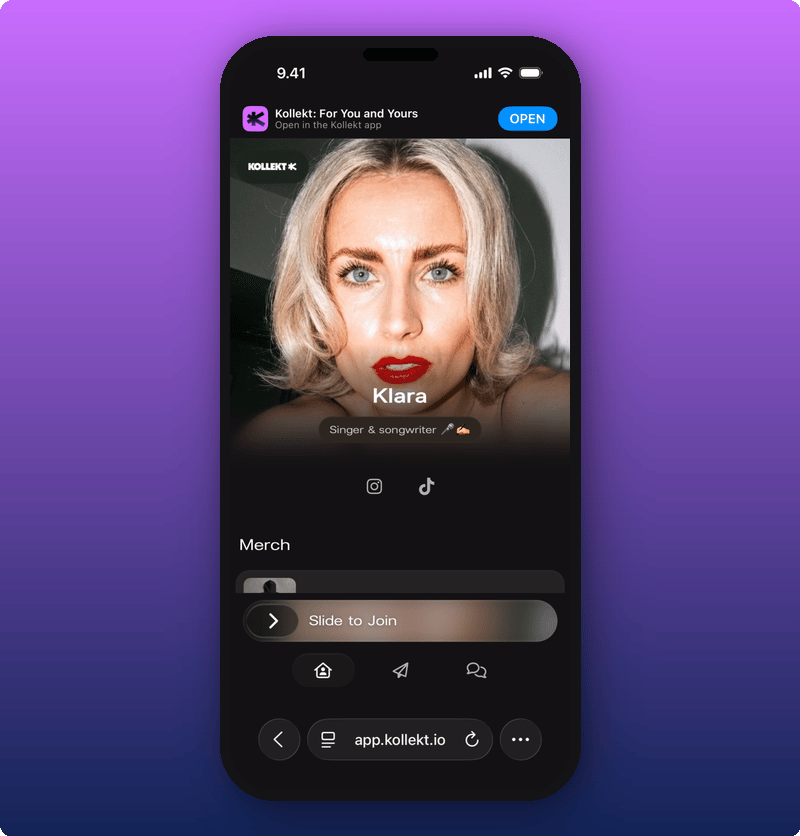
Step 2. Slide to join
Slide the bar to the right. A sheet appears asking for your email.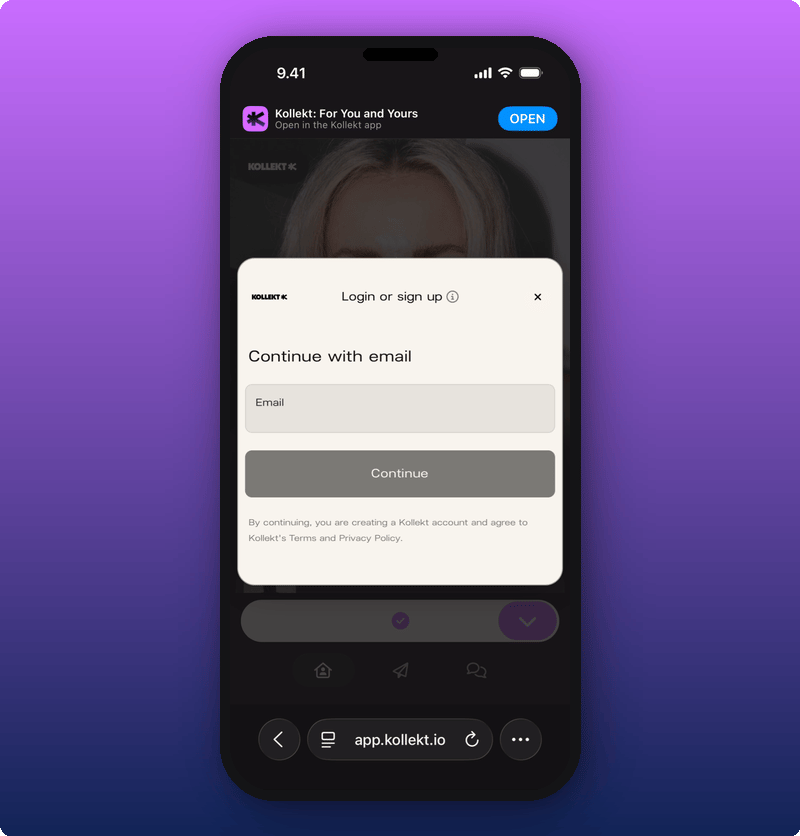
Step 3. Type your email
Type your email and tap Continue.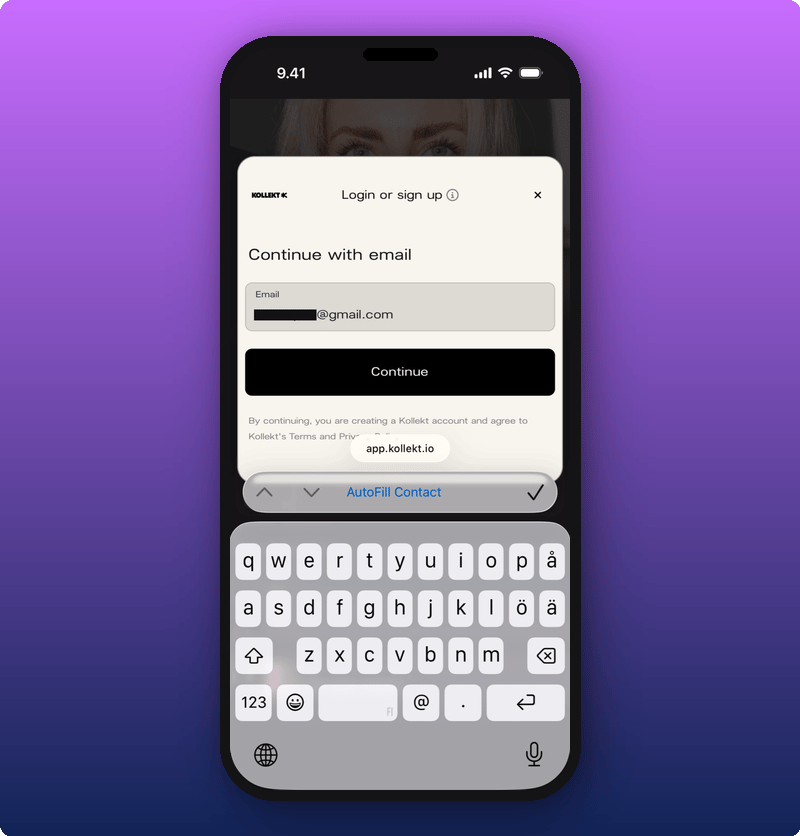
Step 4. Check your email
Kollekt sends you a magic link and shows a confirmation screen.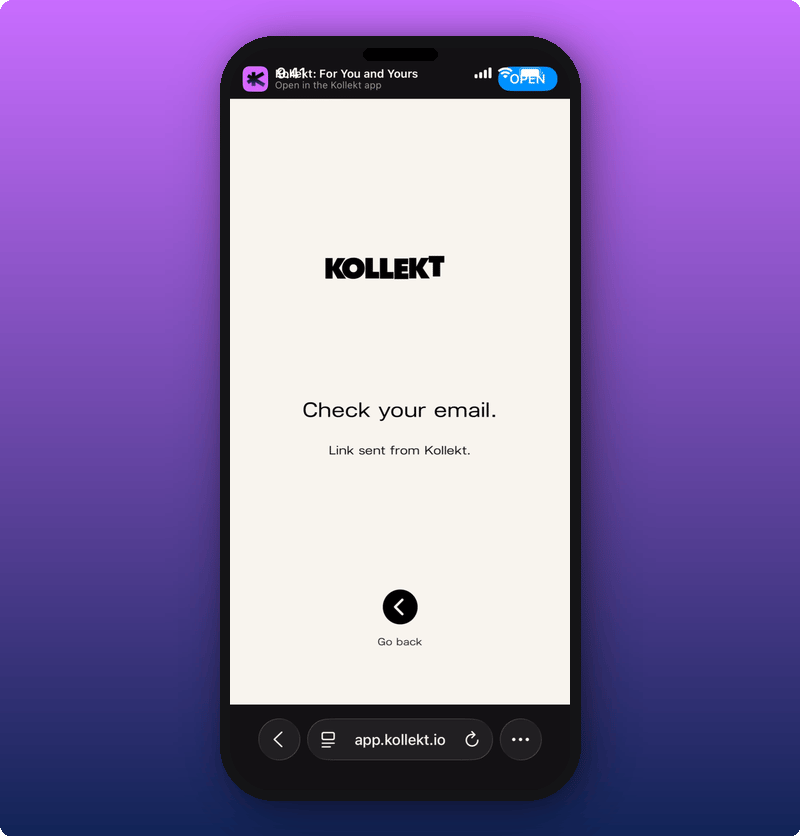
Step 5. Tap Enter in the email
The Kollekt email has a purple Enter button. Tap it.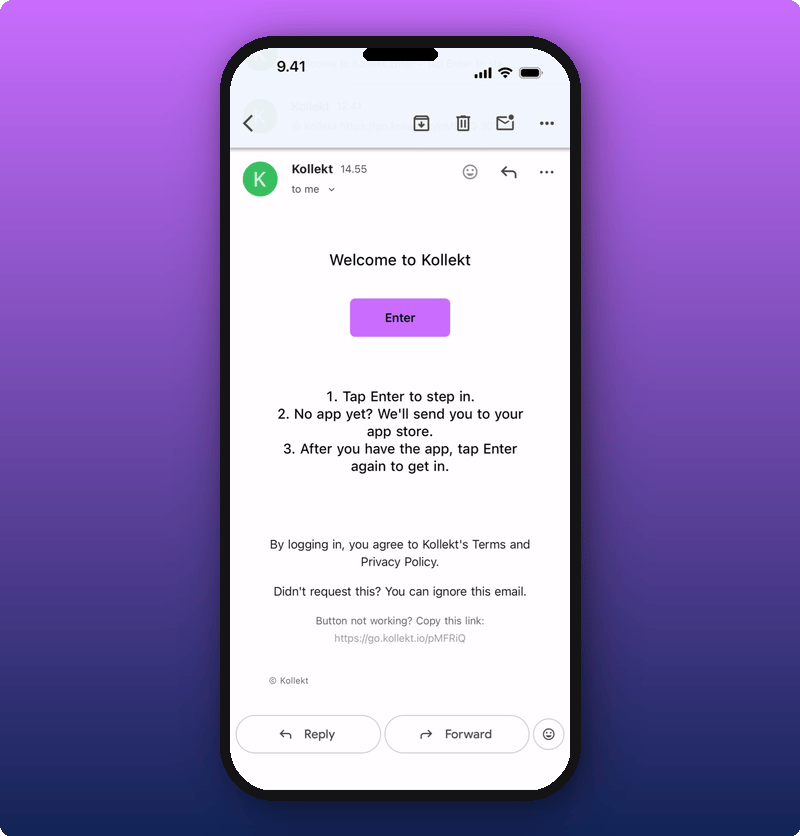
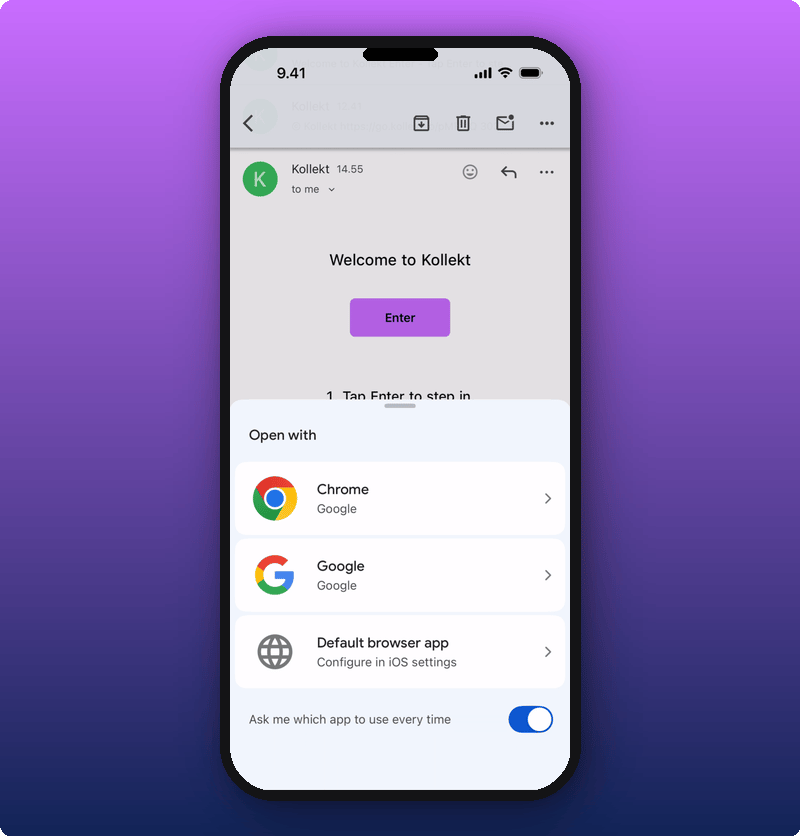
If you don’t have the Kollekt app yet
The first time you tap Enter, your phone takes you to the App Store (or Google Play) to download Kollekt.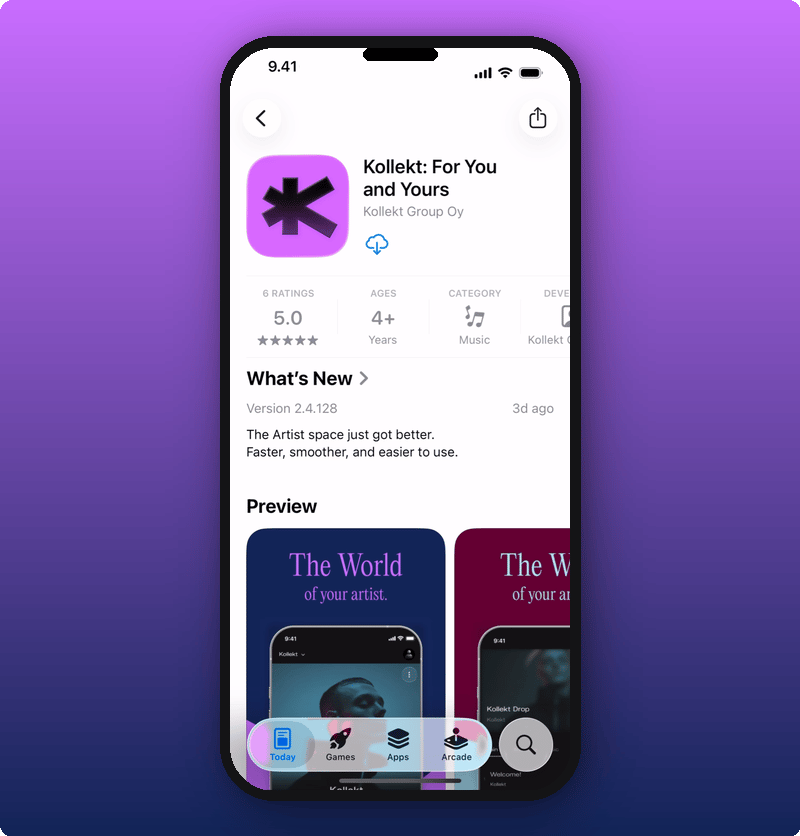
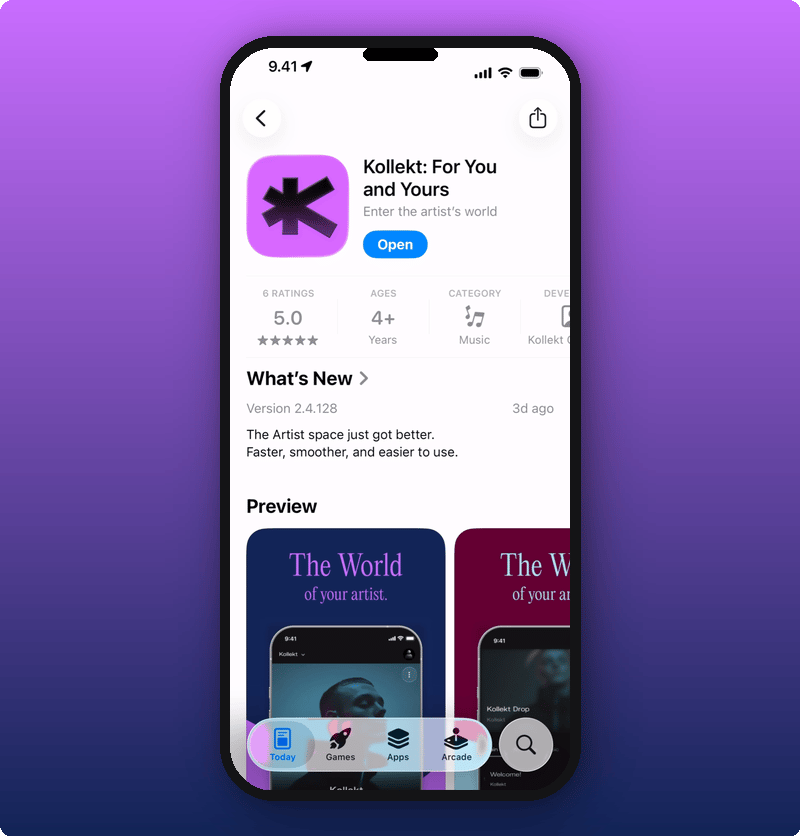
Step 6. Tap Enter again
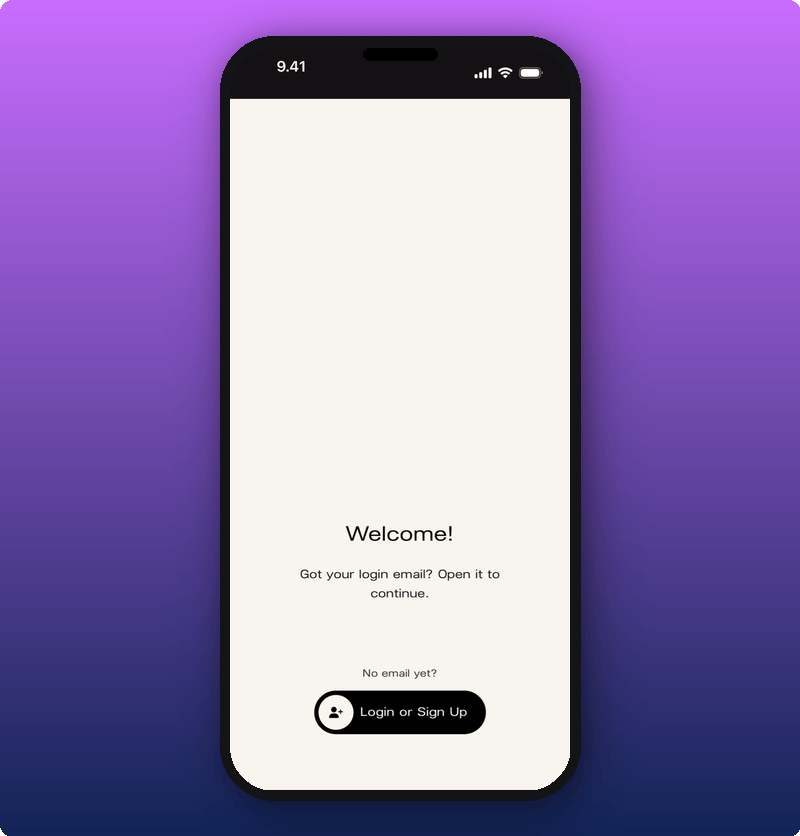
Open the Kollekt email again and tap Enter one more time. The app opens to a Welcome screen.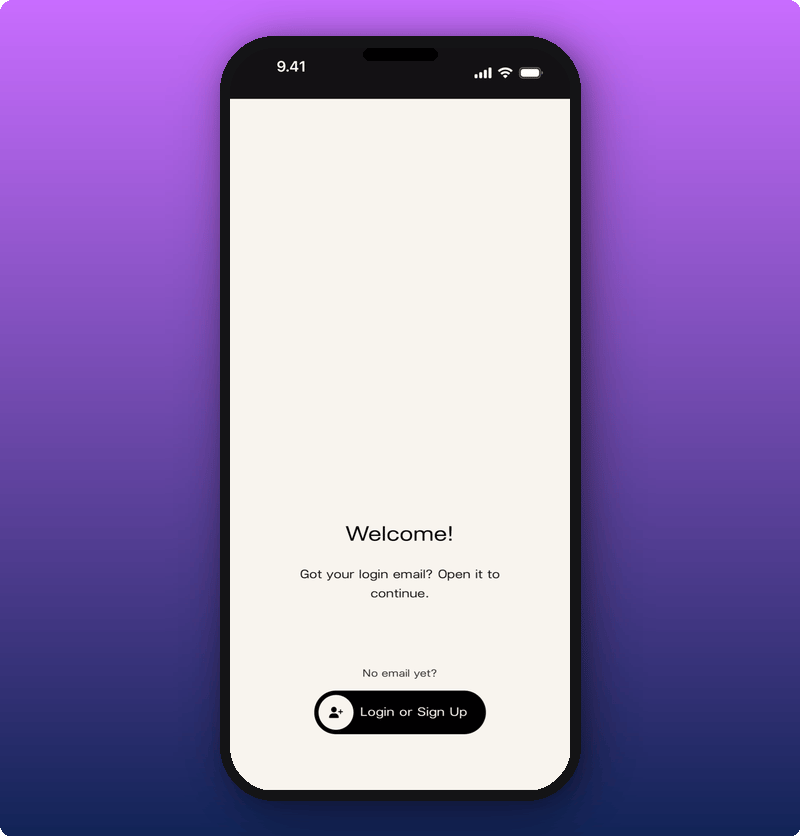
You’re in
After the magic link finishes signing you in, the app opens to your fan home with the artist already added.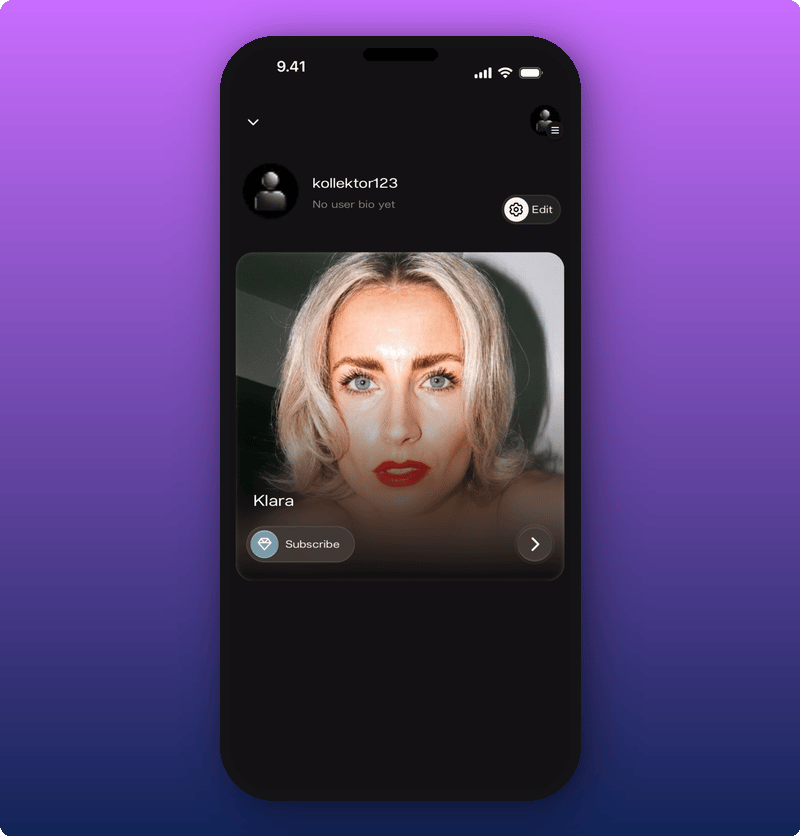
- Tap the artist’s card to open their full page.
- Read their Direct Line.
- Talk in chat.
- Subscribe if they’ve turned subscriptions on.
Looking around before you join
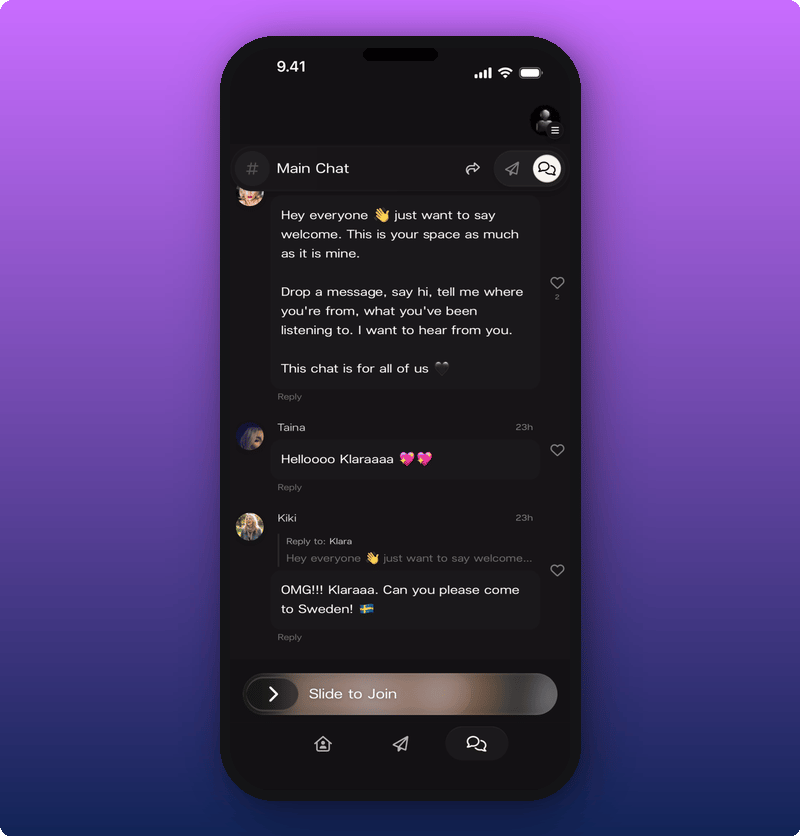
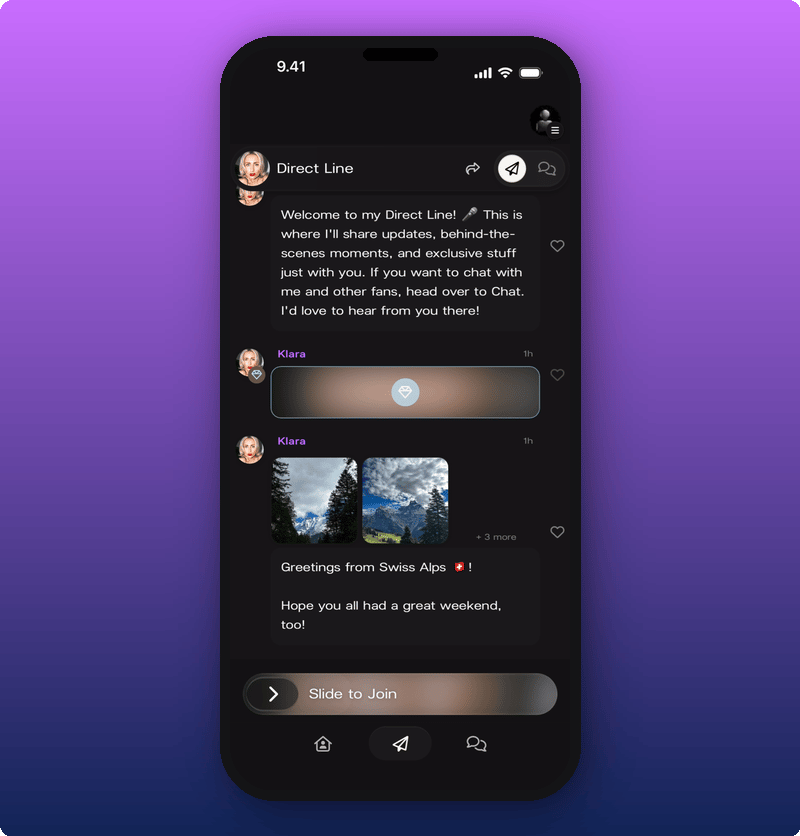
You don’t have to join straight away. Before you slide to join, you can scroll the artist’s page, tap the Direct Line, and tap into the chat. Some bits will be read-only.The artist’s page
Chat
Direct Line
Finding new artists
If you’ve already joined Kollekt and want to find another artist, you have two ways:- Inside the app. Tap the Find Yours button on your fan home, or open the side menu (top right) and use the search field.
- In your browser. Go to kollekt.io and search for the artist by name.
Related
- Get to know Kollekt. Find your way around once you’re in.
- Your artist’s Direct Line. Read what the artist just sent.
- Joining the chat. Talk with other fans.
- Your user profile. Set your name, photo, and bio.
- Turn on notifications. Get a push when the artist posts.