

Find the Share button
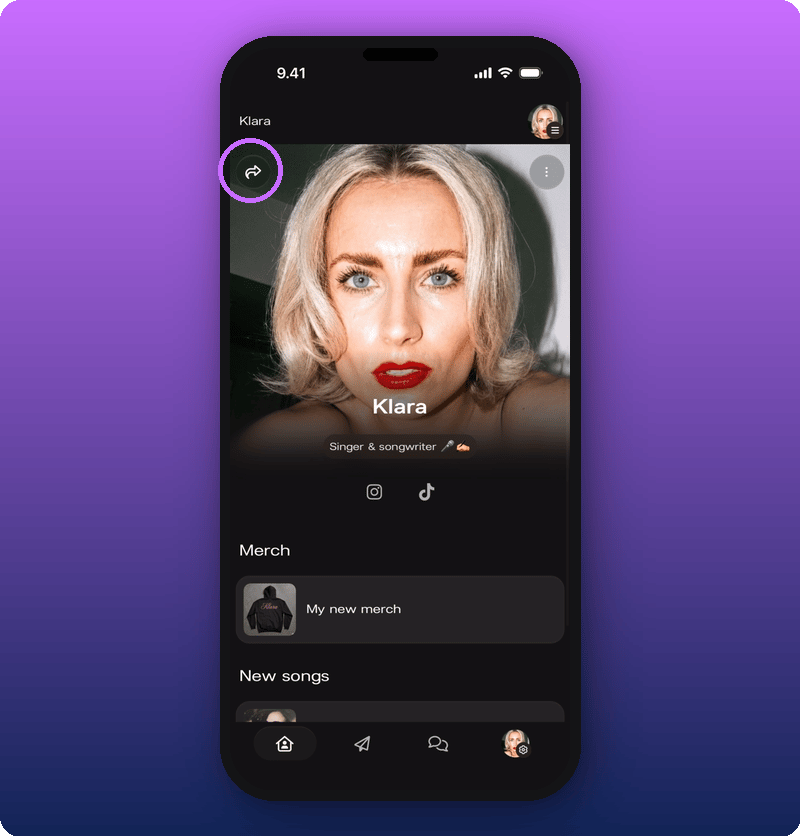
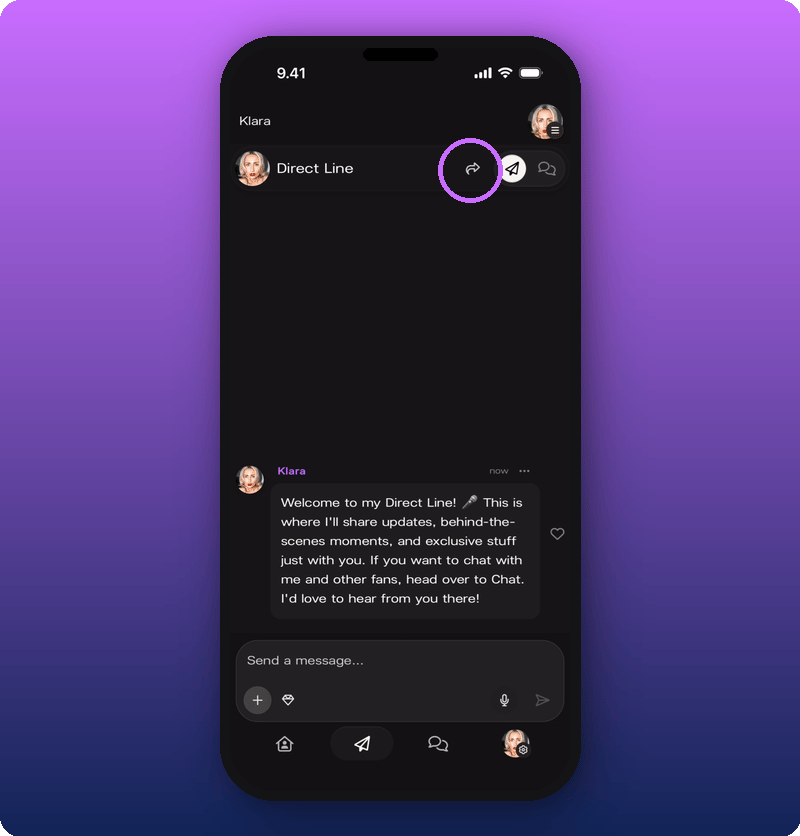
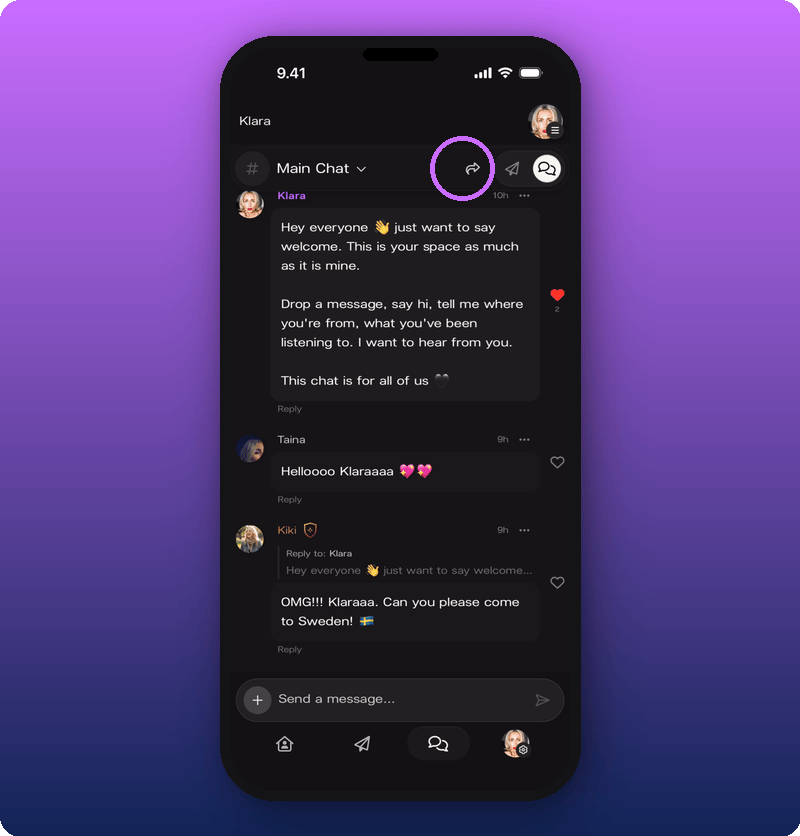
The Share button (a curved arrow icon) sits at the top of every main screen. The link it gives you is different on each screen, so the fan opens exactly where you sent them.- Home: your artist page (
https://kollekt.io/yourname) - Direct Line: opens your Direct Line for them
- Chat: opens your Chat for them
The Share Sheet
Tapping the Share button opens the Share Sheet. It has three actions: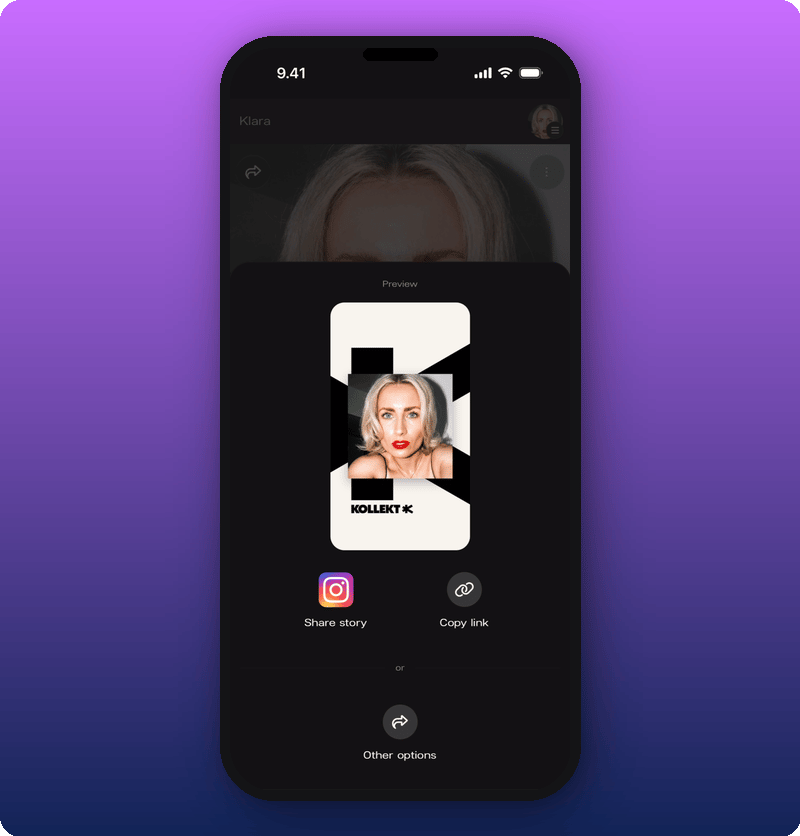
- Copy link. Copies the link for the current screen to your clipboard. Paste anywhere.
- Share story. Drops your Kollekt card into the Instagram Story composer. You still need to add the link yourself using Instagram’s link sticker. See Post to your Instagram Story.
- Other options. Opens your phone’s normal share menu (WhatsApp, Messages, Mail, AirDrop, any other app).