

Attachment options
Tap the + button in the compose bar to reveal attachment options.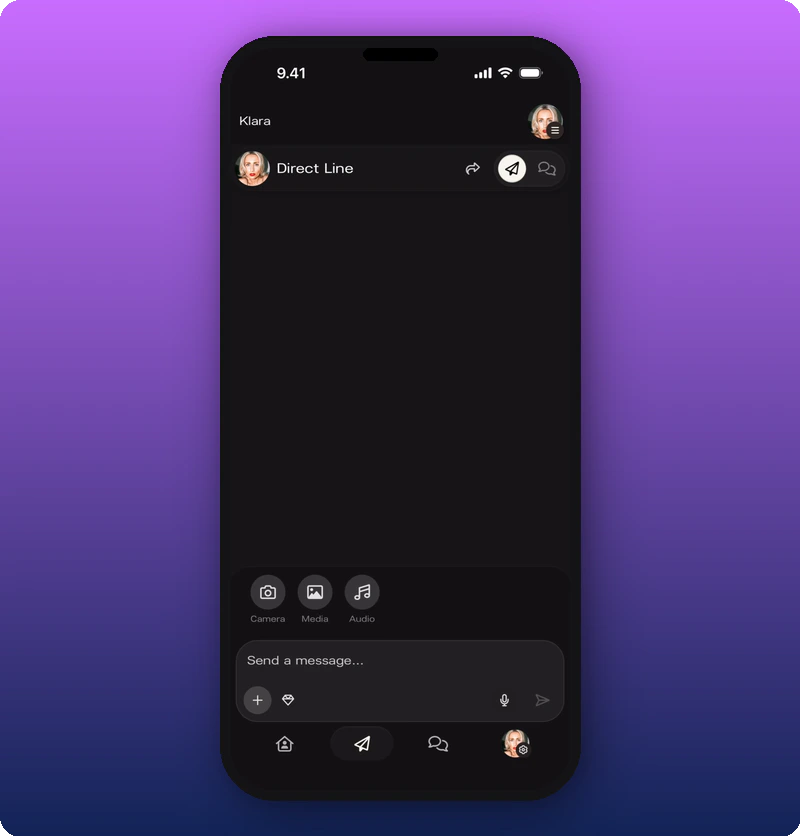
What you can attach
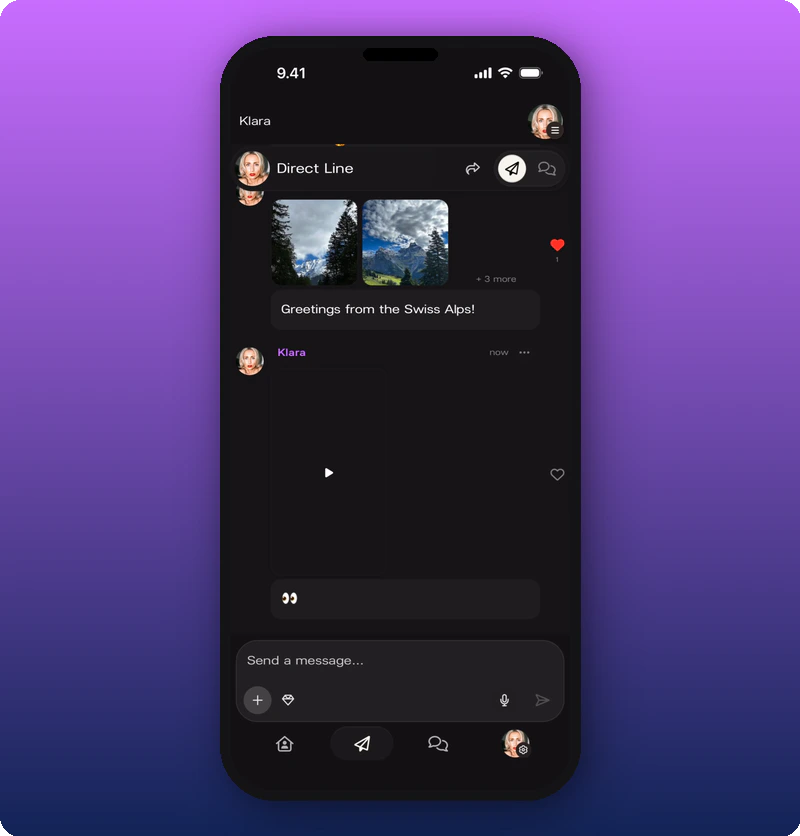
- Photos — one or many. Multiple photos show as a grid in the feed.
- Videos — appears with a play button overlay. Can include a text caption.
- Voice notes — via the microphone icon in the compose bar.
- Audio files — via the Audio option in the + menu.
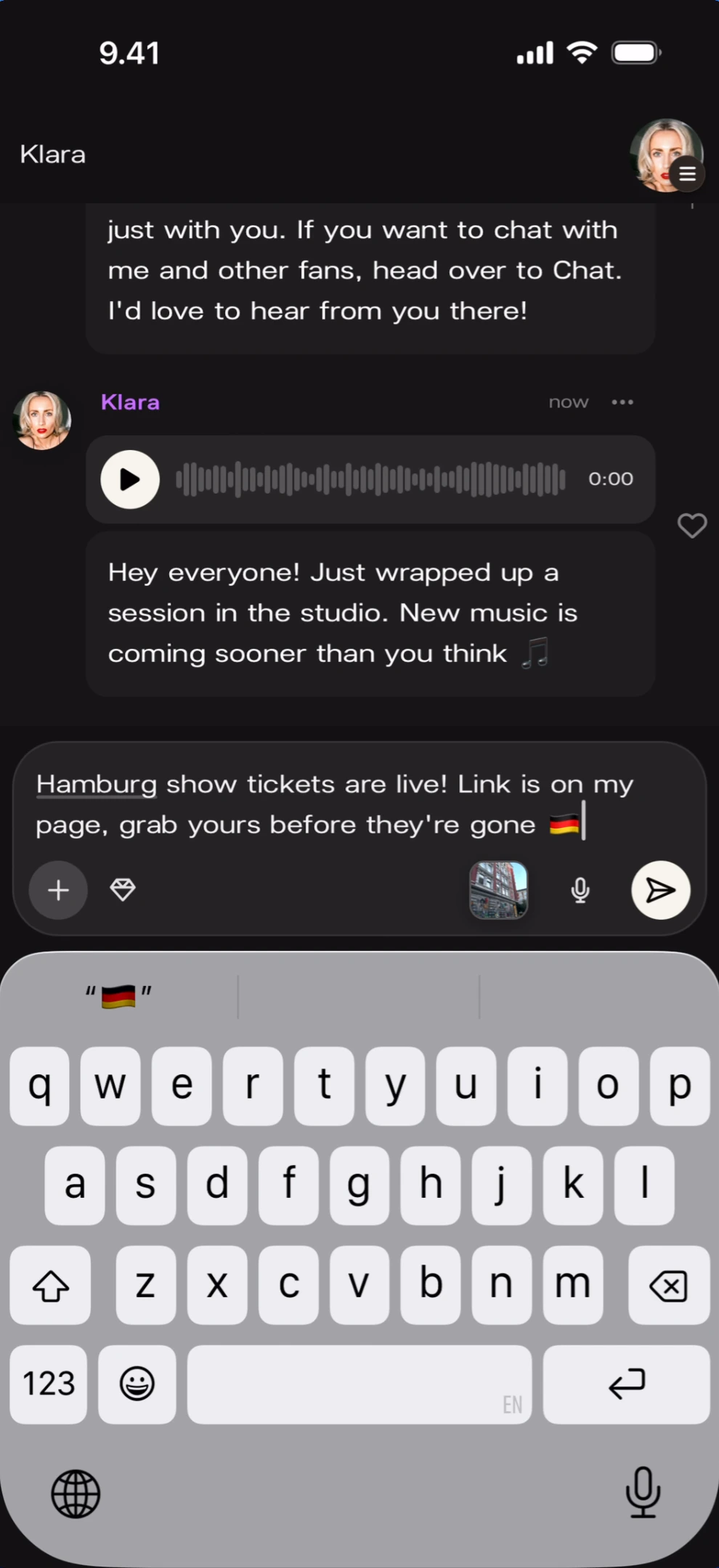
Photo with caption
Multiple photos
Messages can include multiple photos. Thumbnails appear as a horizontal row in the compose area with a count badge.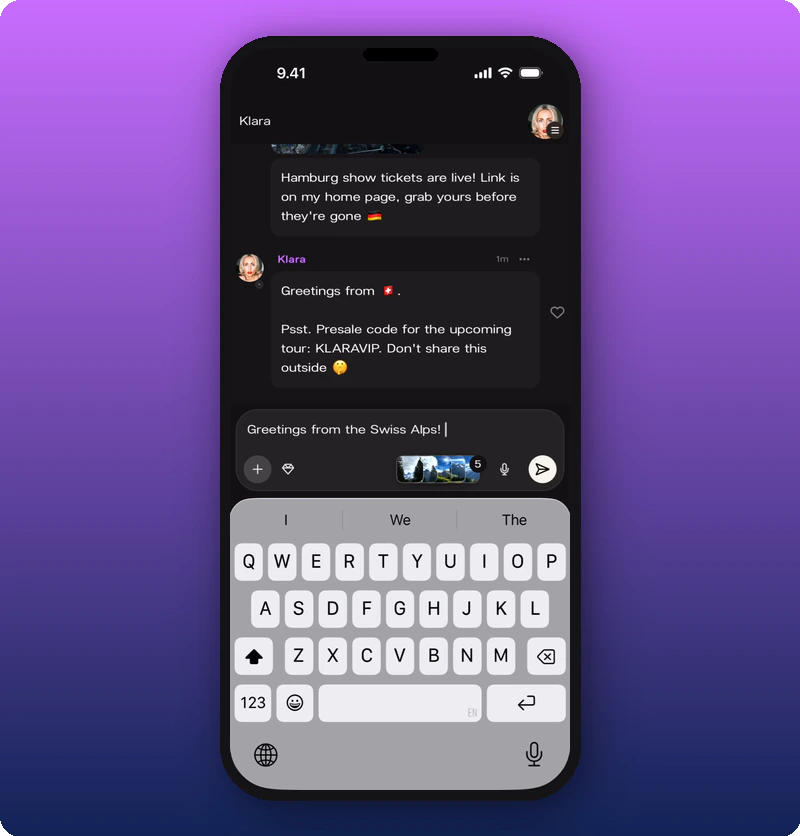
Video in the feed
Known limitations
- Maximum number of photos per message is not confirmed — five were attached in the example.
- Difference between audio attachment via the + menu vs. the microphone button is not documented.