

Your Direct Line feed
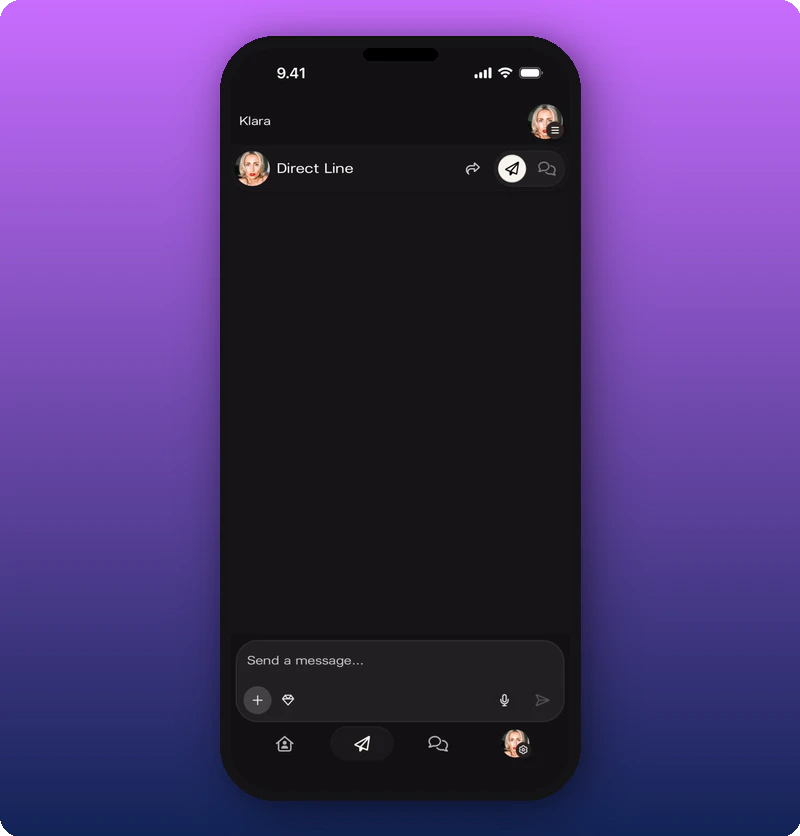
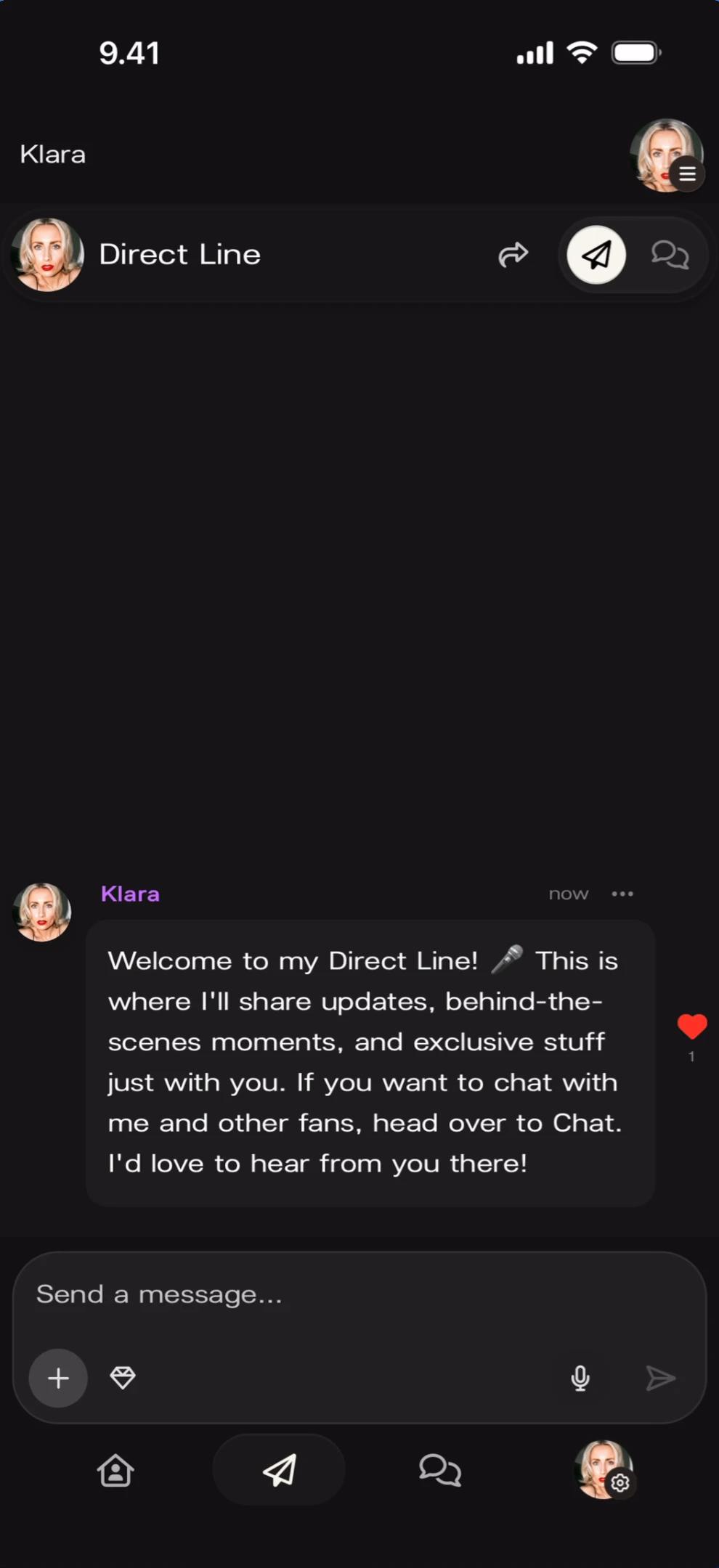
Direct Line is accessed via the second tab in the bottom navigation bar (paper plane icon). The feed displays messages in reverse-chronological order — newest at the bottom.Empty state
Feed with messages
Compose a text message
Tap the message input field to open the keyboard. Type your message and tap the send arrow to post it.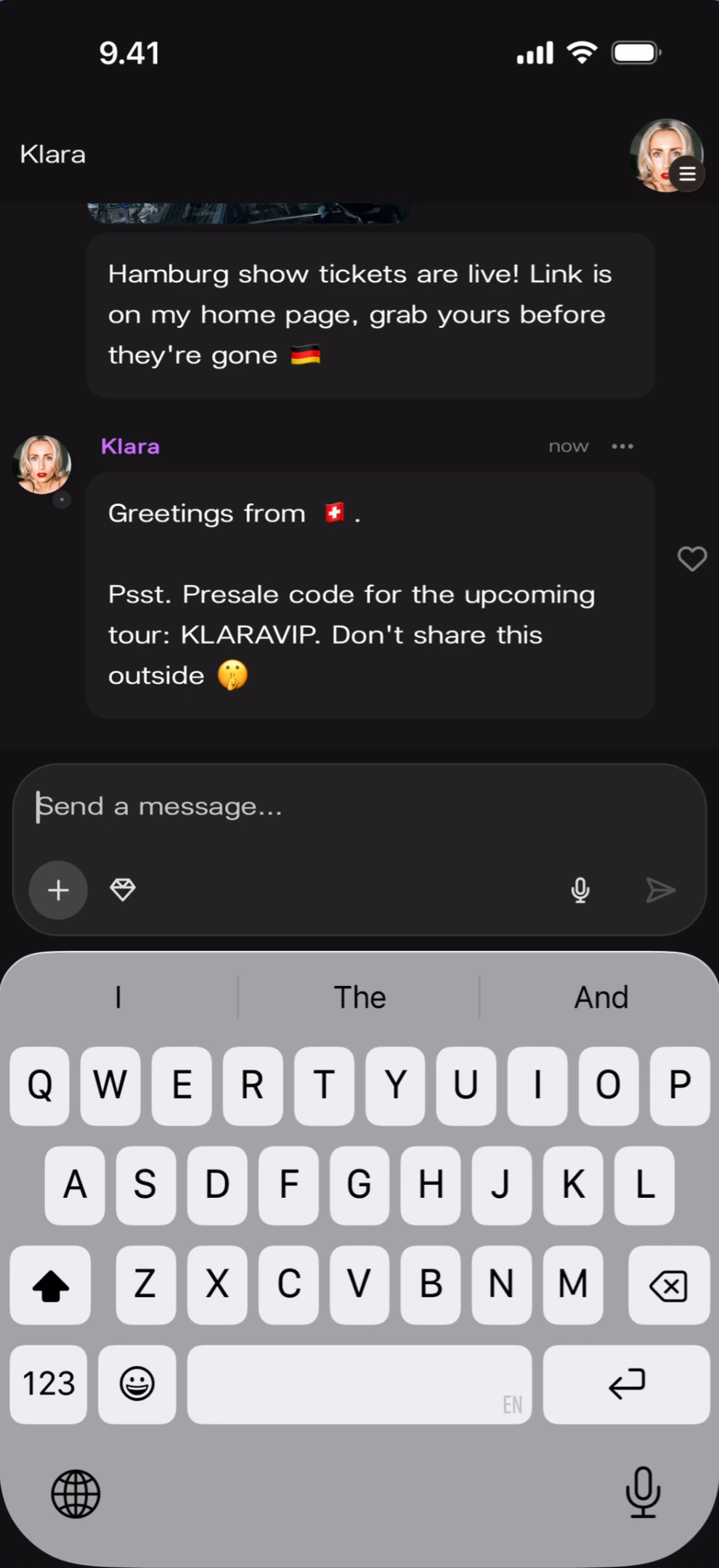
Attach media
For attaching photos, videos, and audio to your message, see Attach photos, videos, and audio.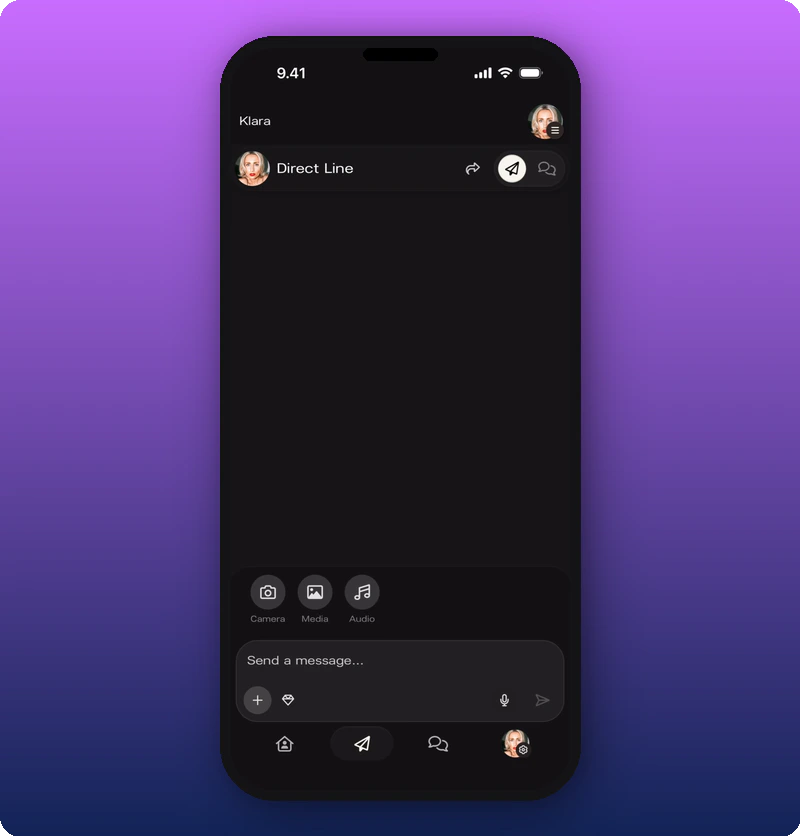
Record a voice message
Tap the microphone icon in the compose bar to start recording. A recording interface appears over the feed.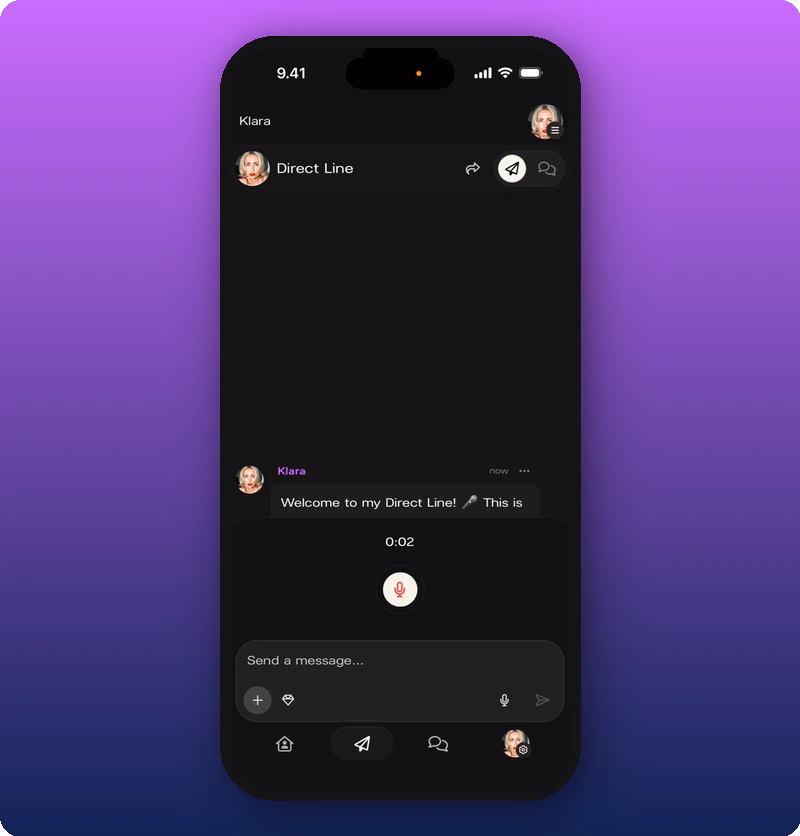
Review and send
After stopping the recording, a review interface appears with playback controls.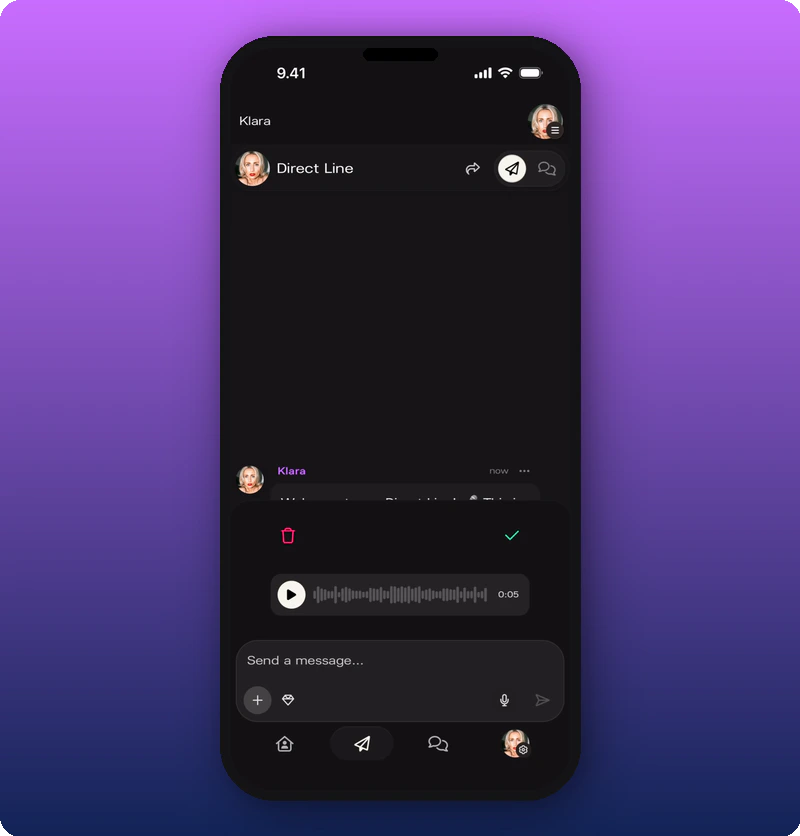
Subscriber-only content
To lock a post so only subscribers can see it, see Post subscriber-only content.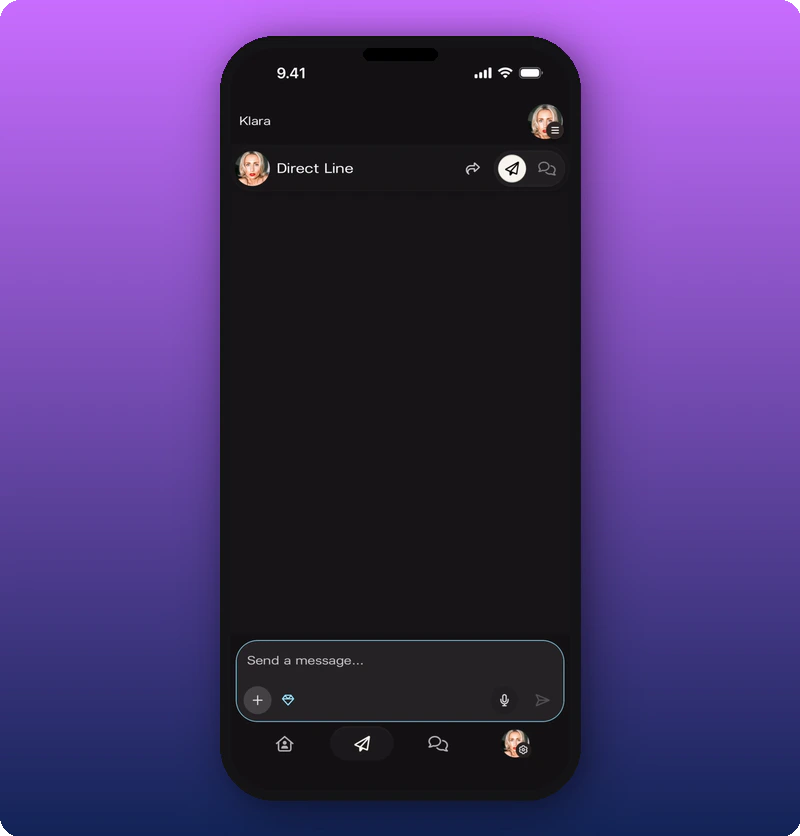
Delete a message
Tap the ··· (three-dot menu) on any message to reveal the Delete Message option.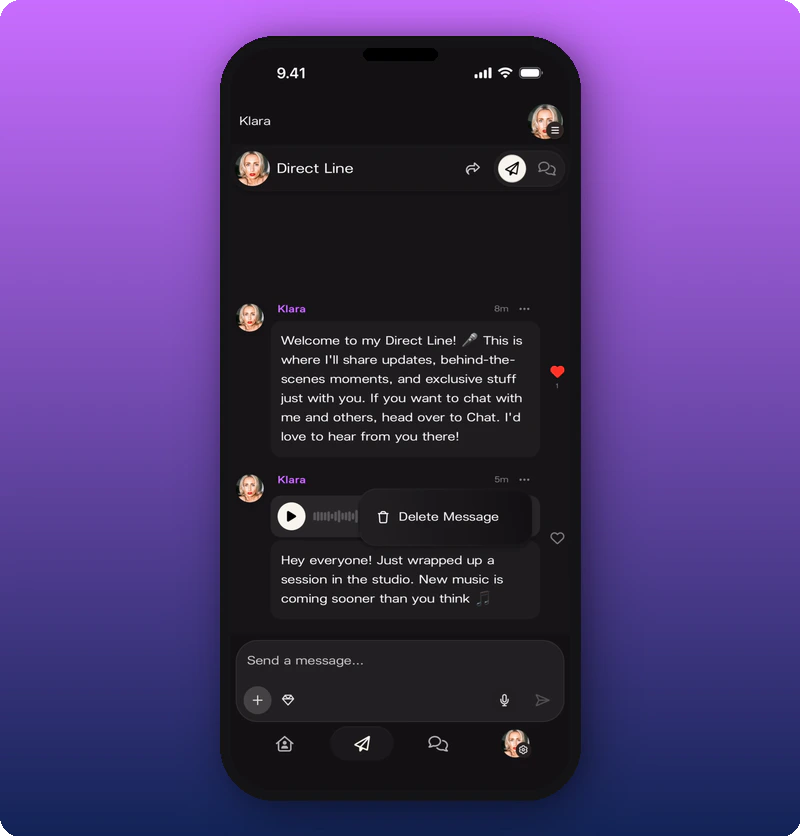
Share your Direct Line
Tap the share icon at the top of the Direct Line screen to open the sharing panel. See Share your Kollekt link.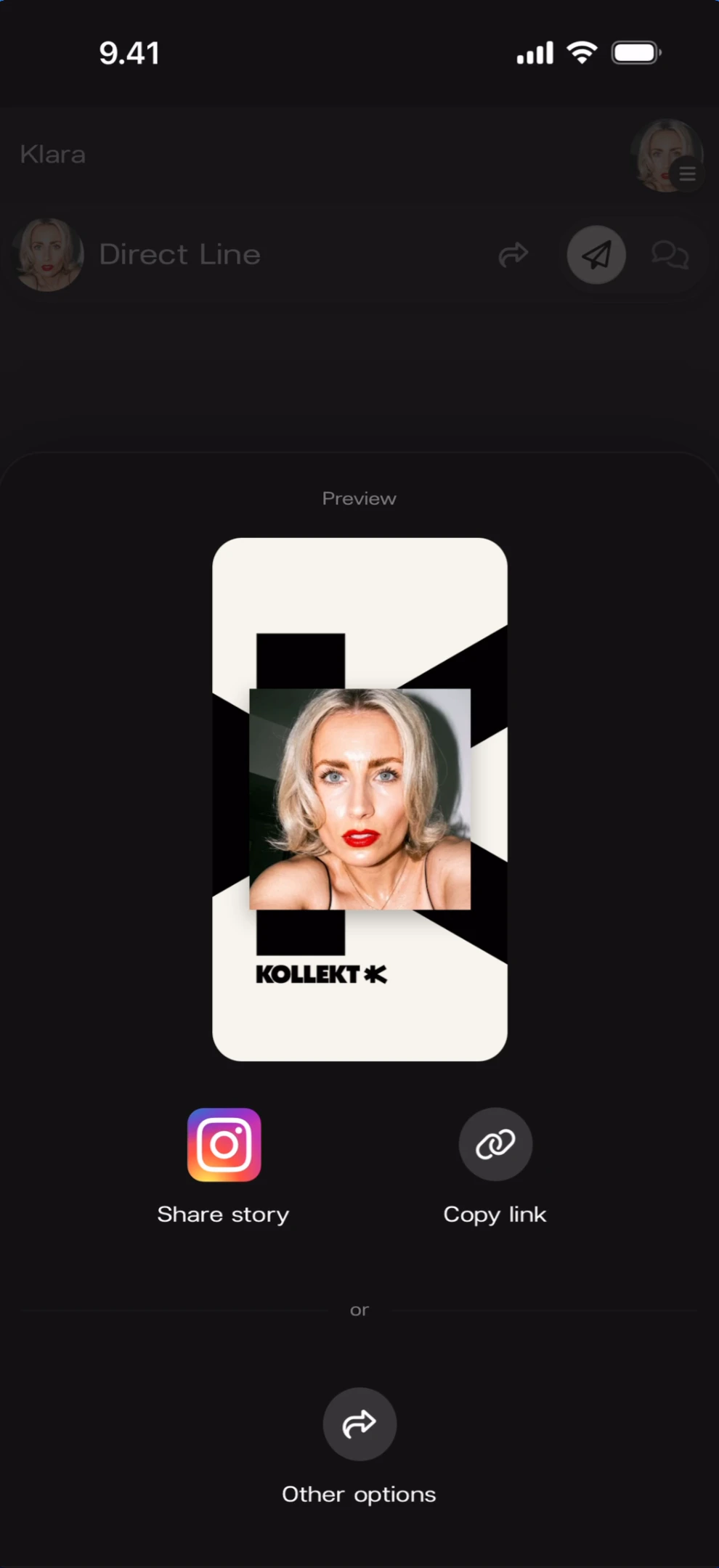
Push notifications
Every Direct Line message sends an iOS push notification to all community members (or subscribers only, if subscriber-only mode was used).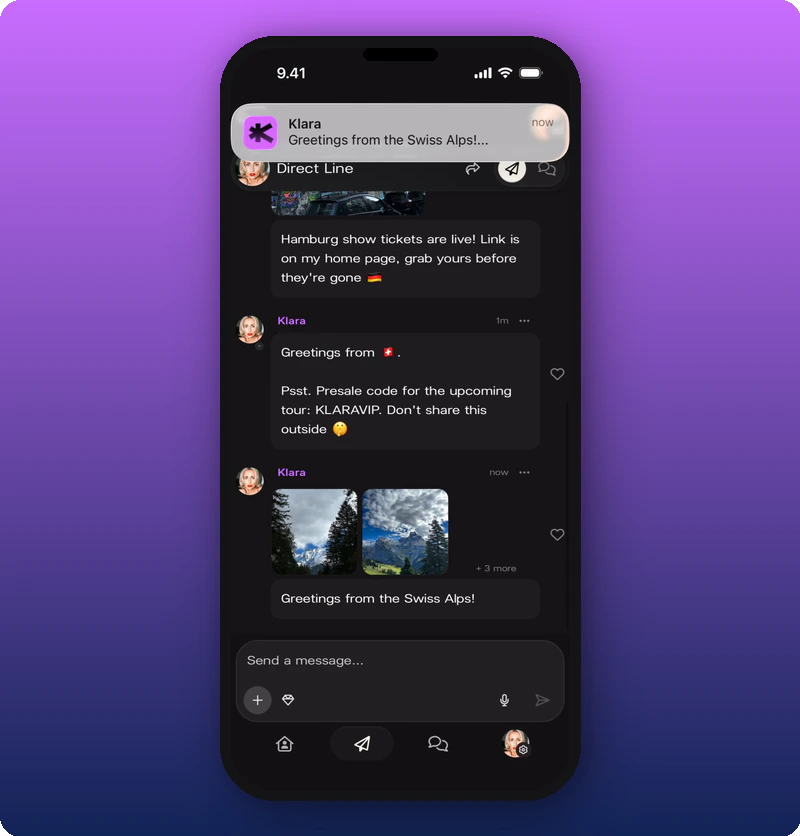
Known limitations
- Whether fans can react to Direct Line messages is not shown from the artist perspective.
- The exact behavior of the quote block below video messages is not fully demonstrated.
- Whether subscriber-only messages show a visual lock to non-subscribers is not shown from the artist side.