

Chat rooms
Every community has two rooms: Main Chat (all followers) and Subscribers Chat (paying subscribers only). The current room name is at the top of the screen with a # icon and a dropdown arrow.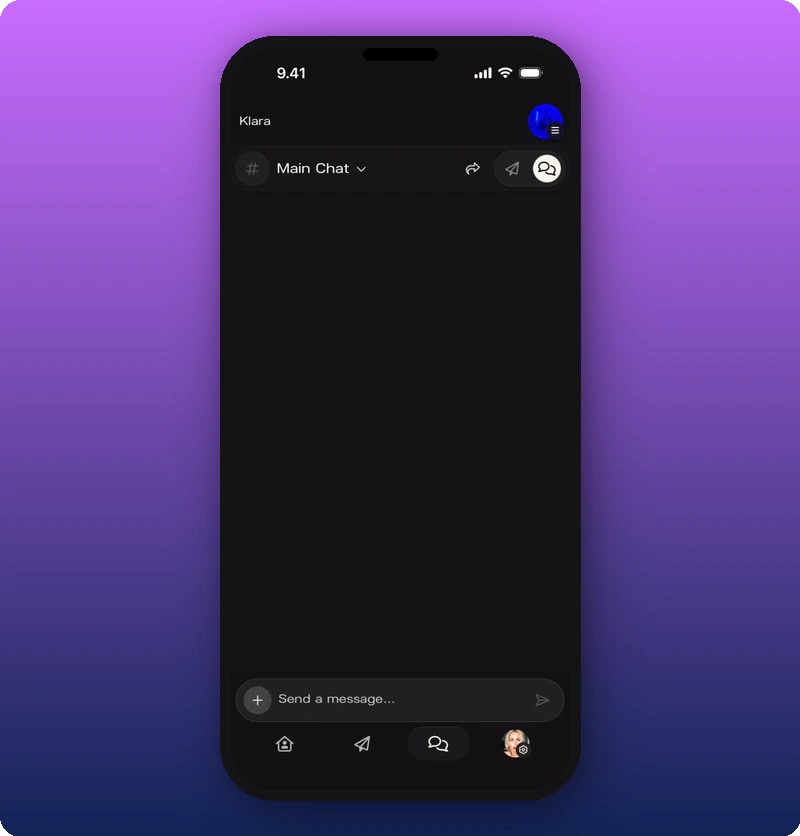
Switch rooms
Tap the dropdown to switch between the two rooms.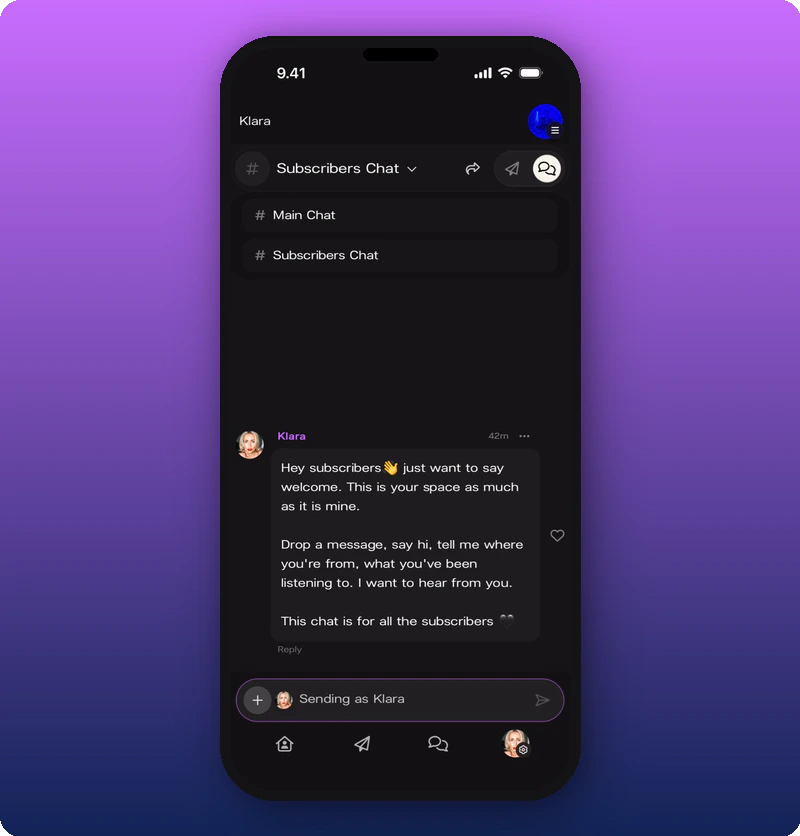
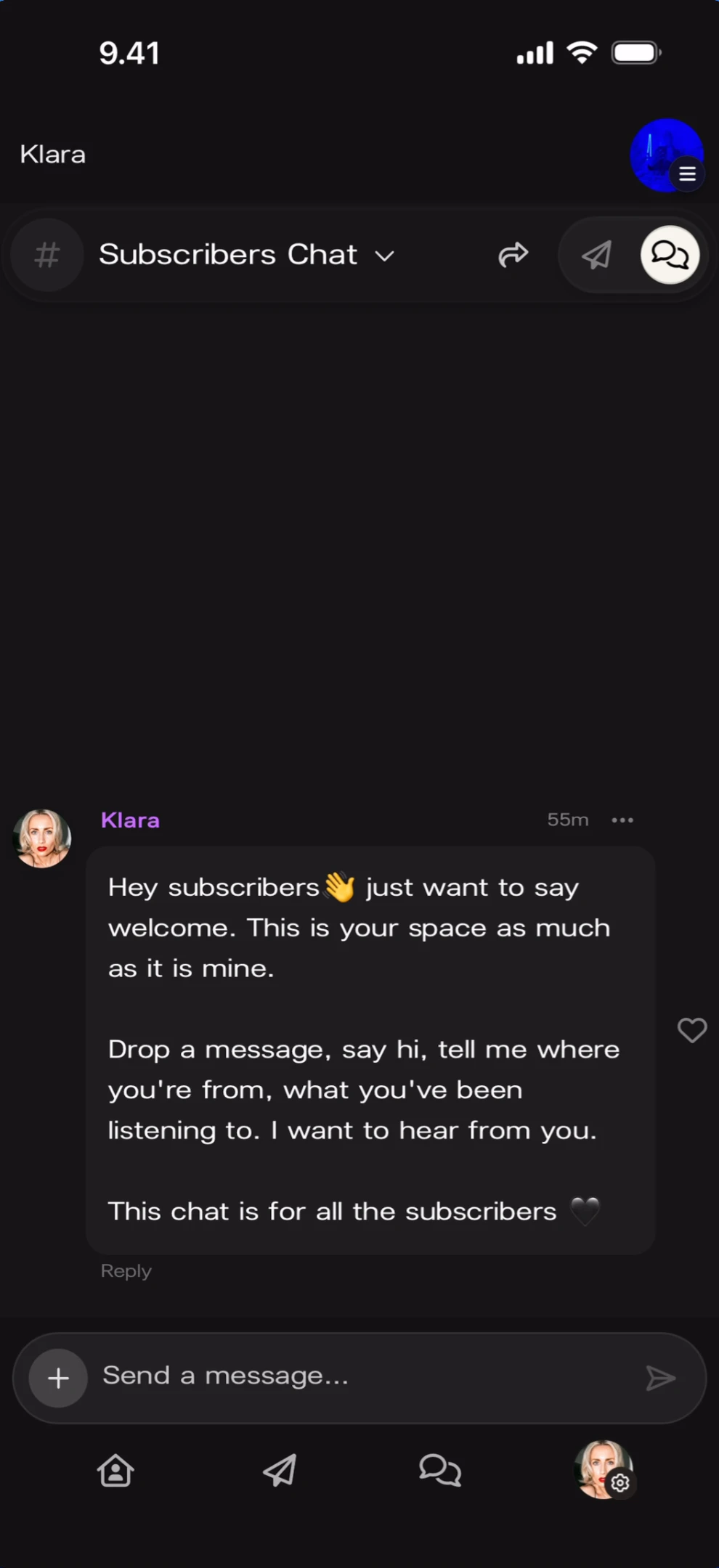
Send as your personal account or as the artist
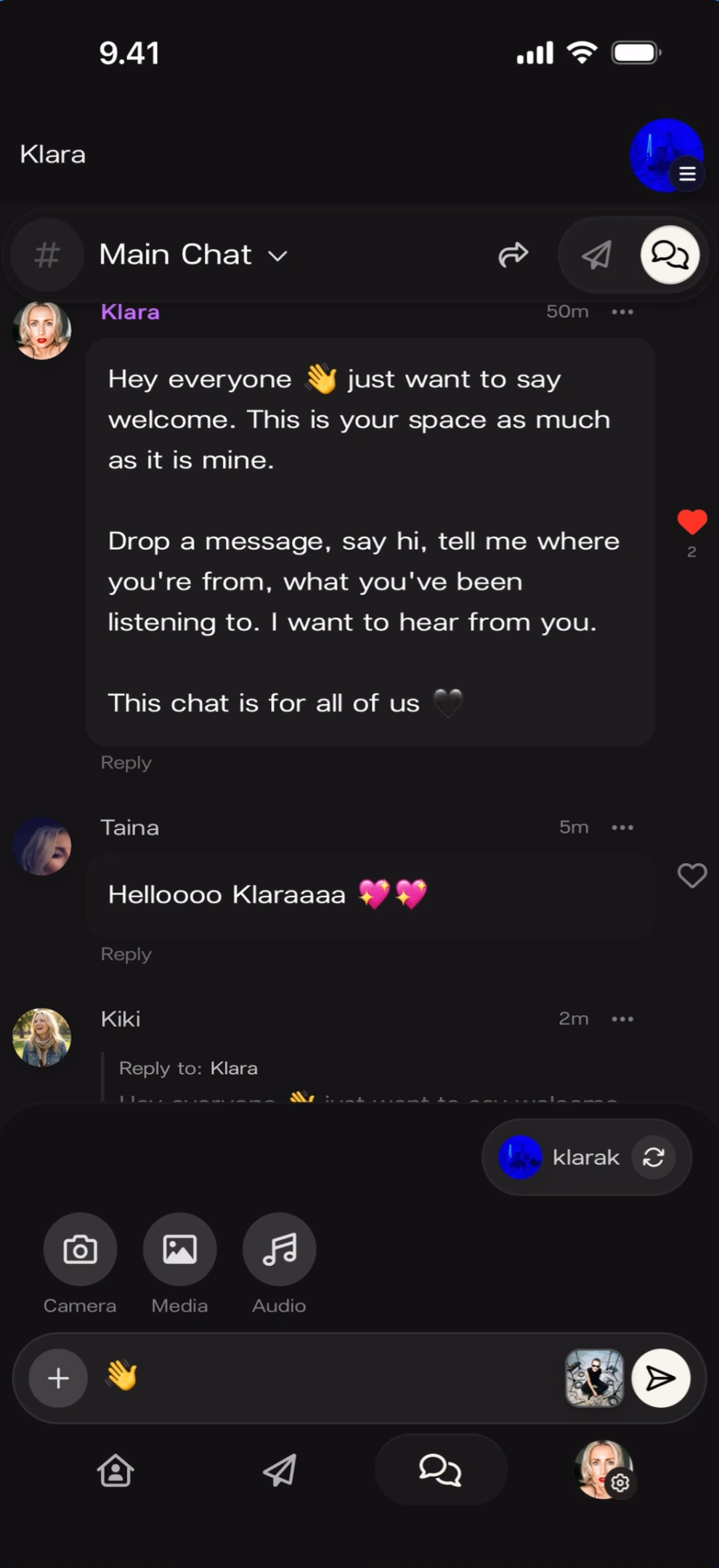
You can send messages as two identities: your personal account or your artist identity. Tap the + button next to the message input to reveal the identity switcher.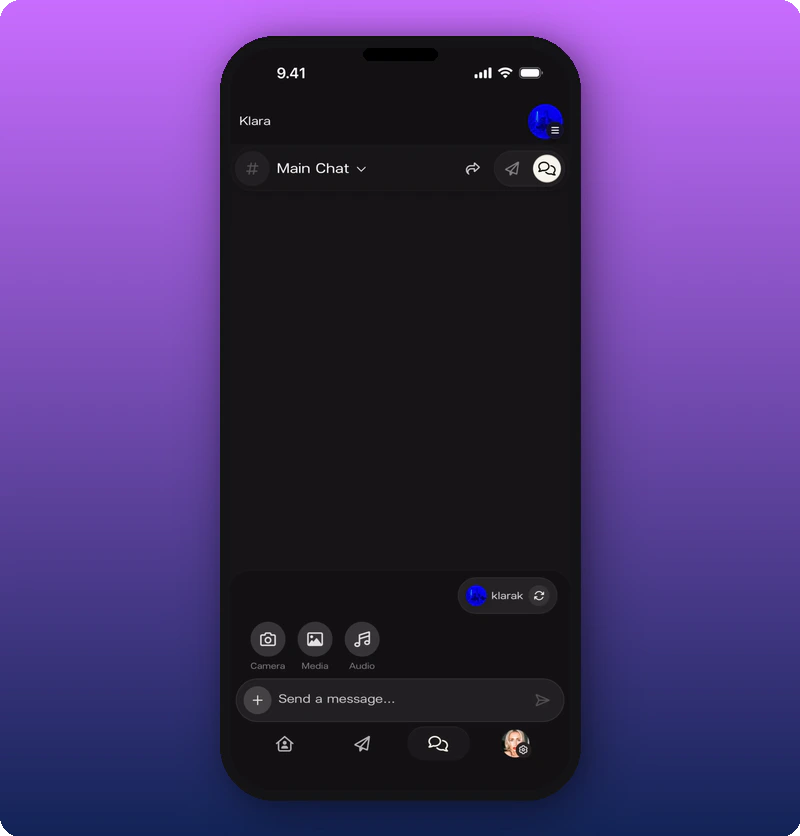
Sending as personal
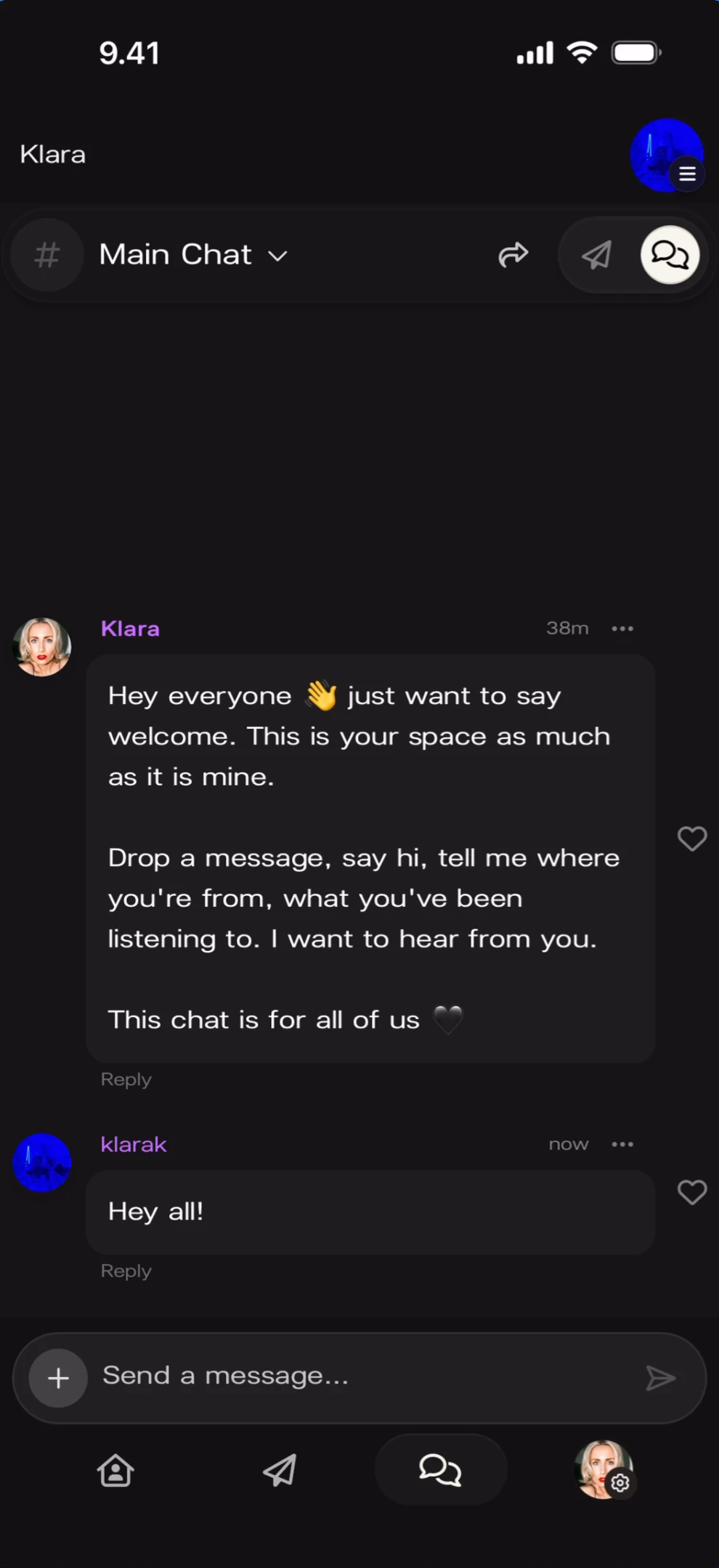
Sending as artist
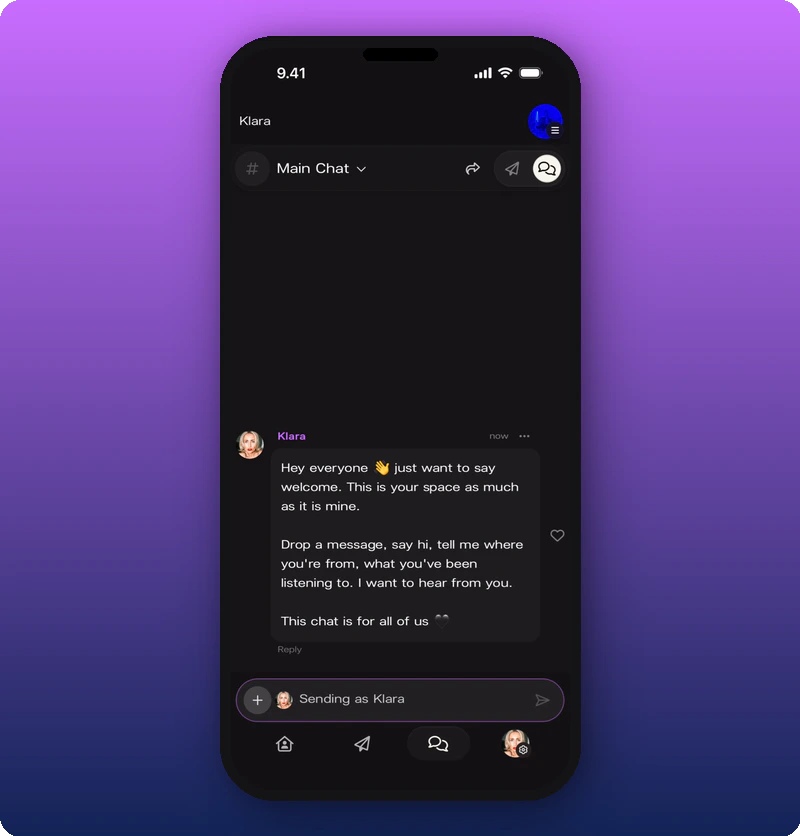
Tap the refresh icon to switch. The input field turns purple and reads “Sending as [Artist Name]”.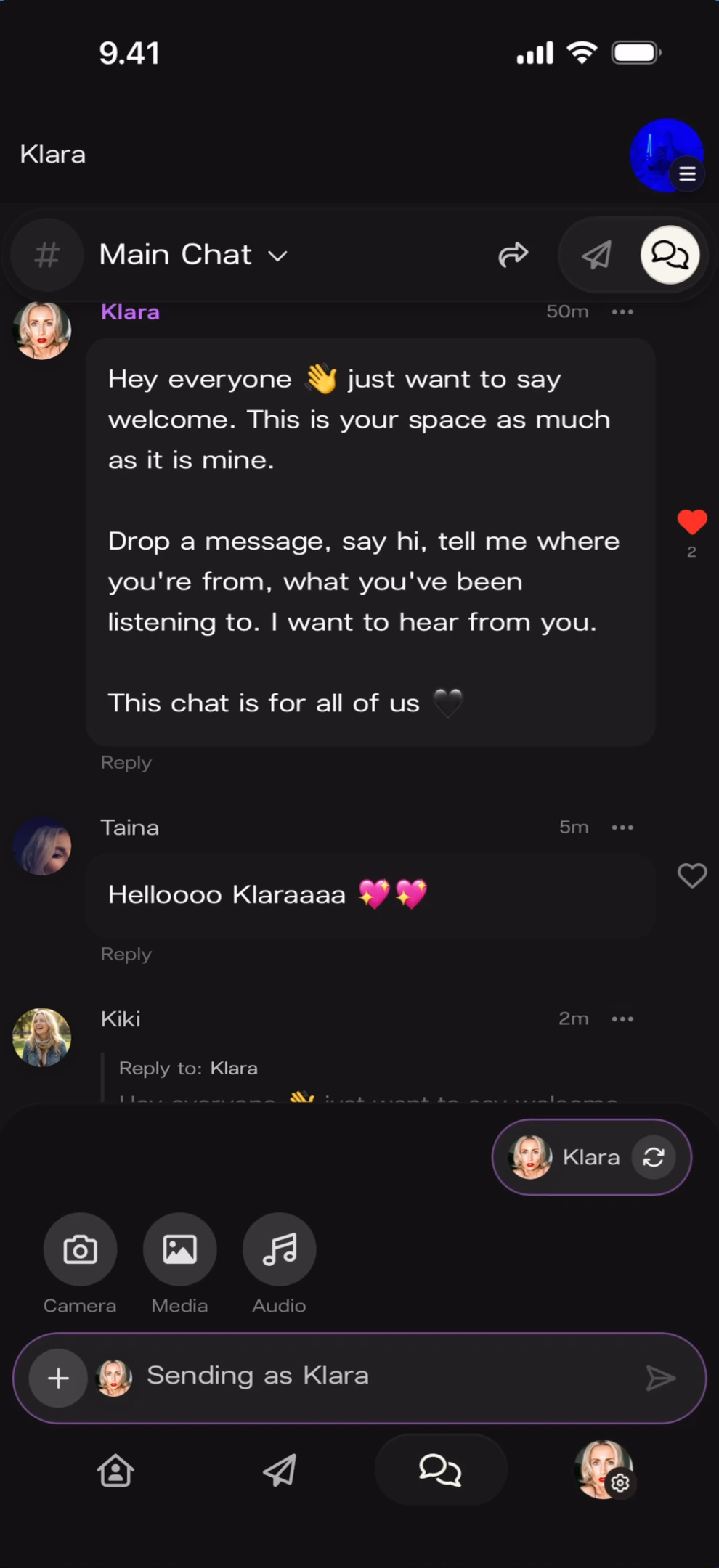
React with a heart
Tap the heart icon on any message to react.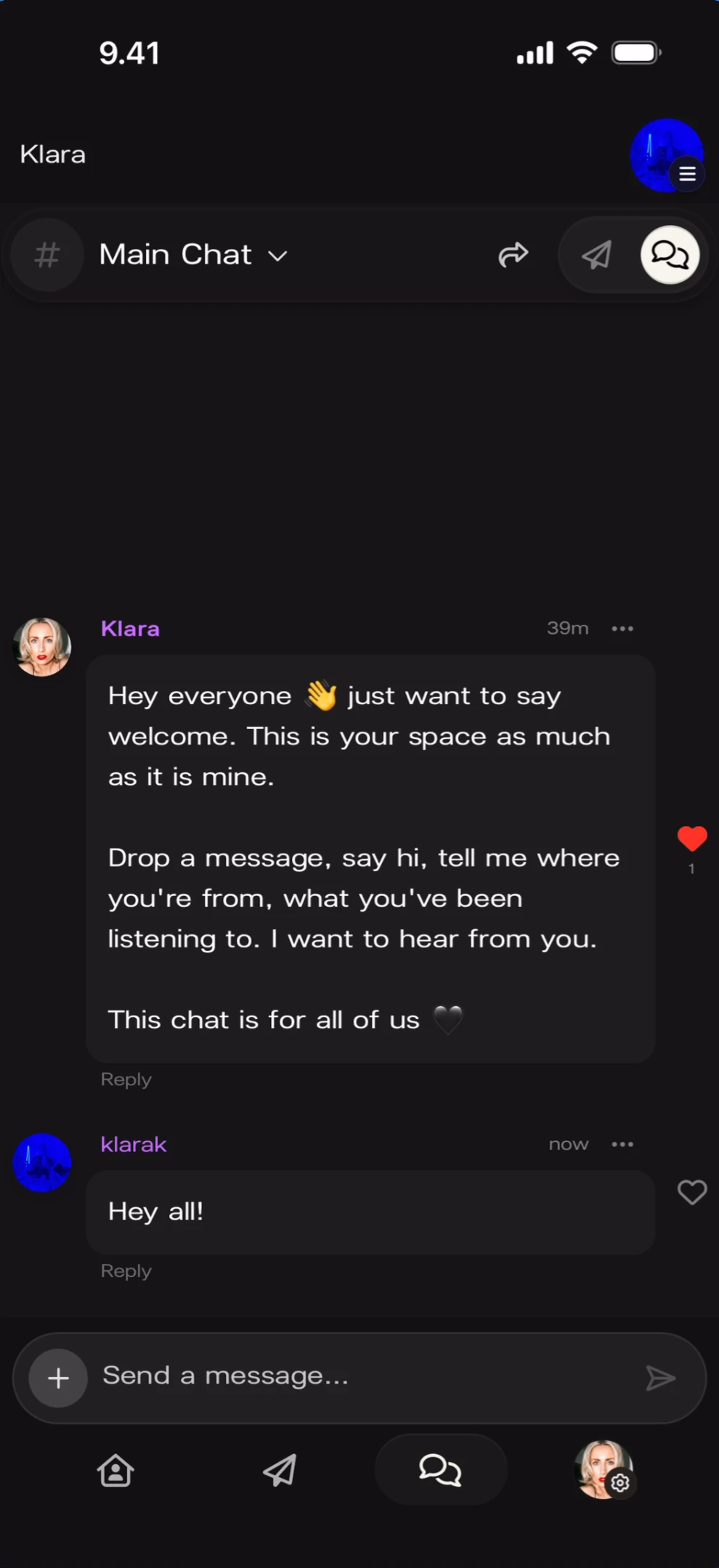
Reply in threads
Tap Reply on any message to start a thread. The reply appears below with a “Reply to:” label and a preview of the original.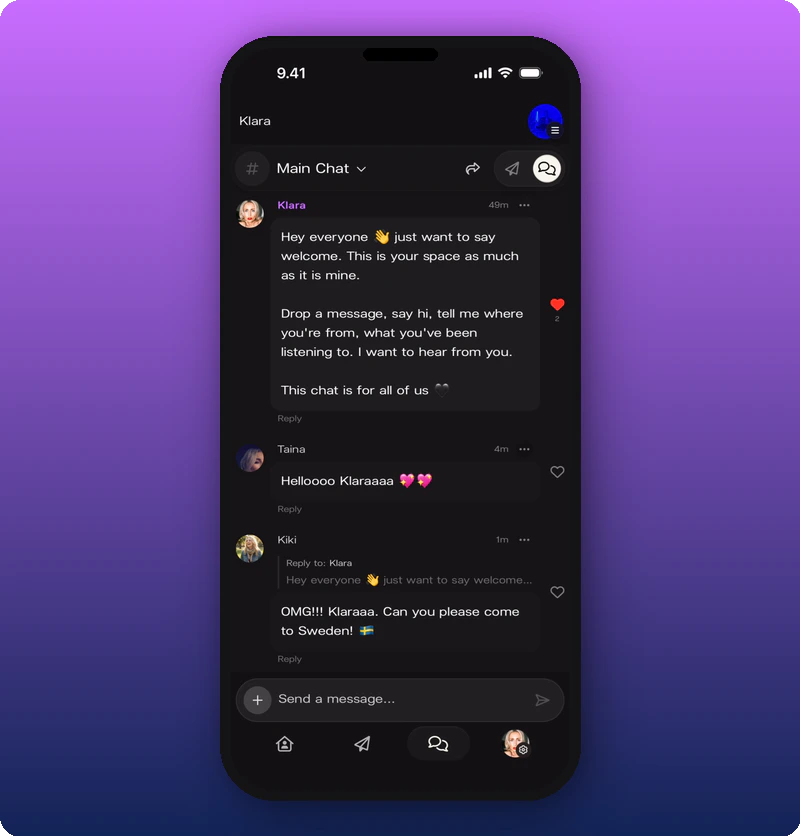
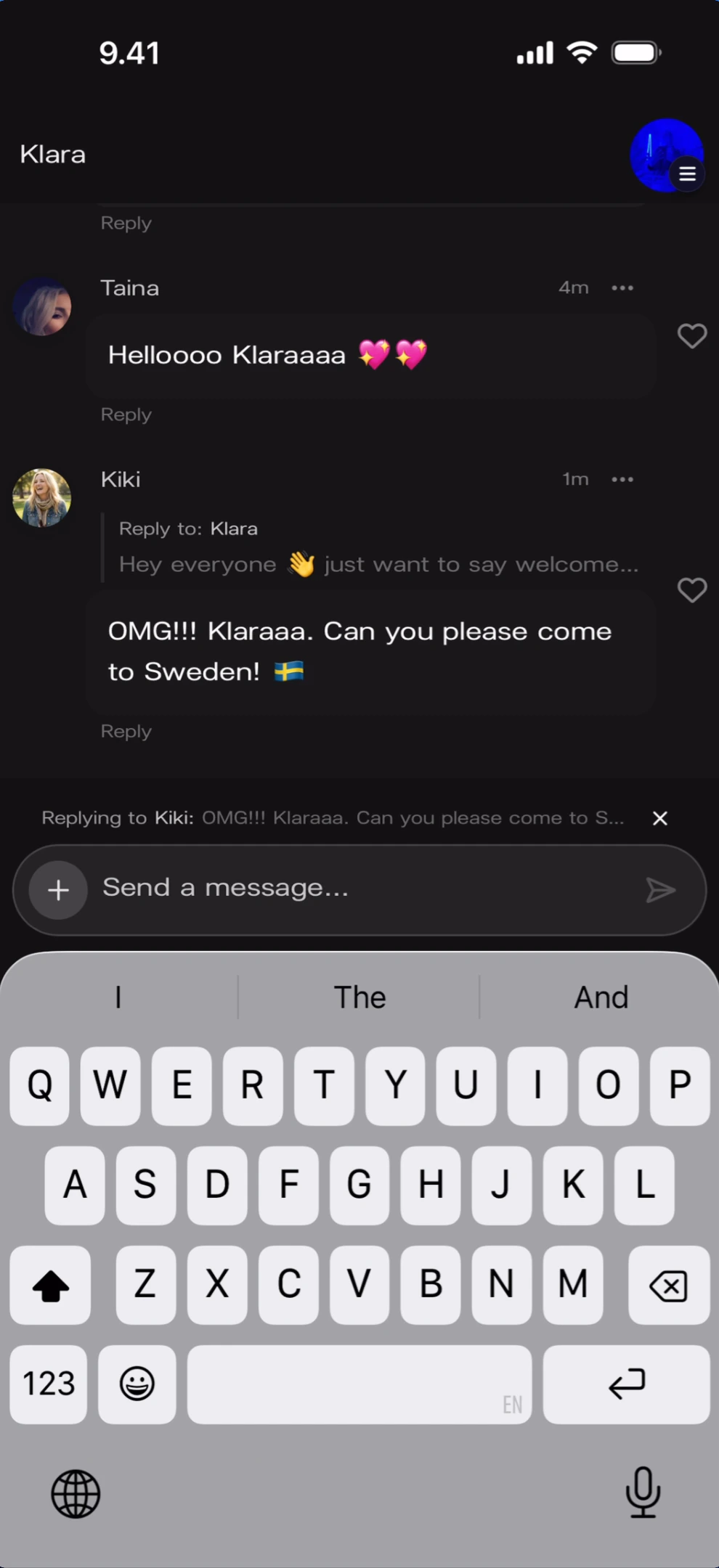
Delete your own messages
Tap the ··· menu on a message to reveal the Delete Message option.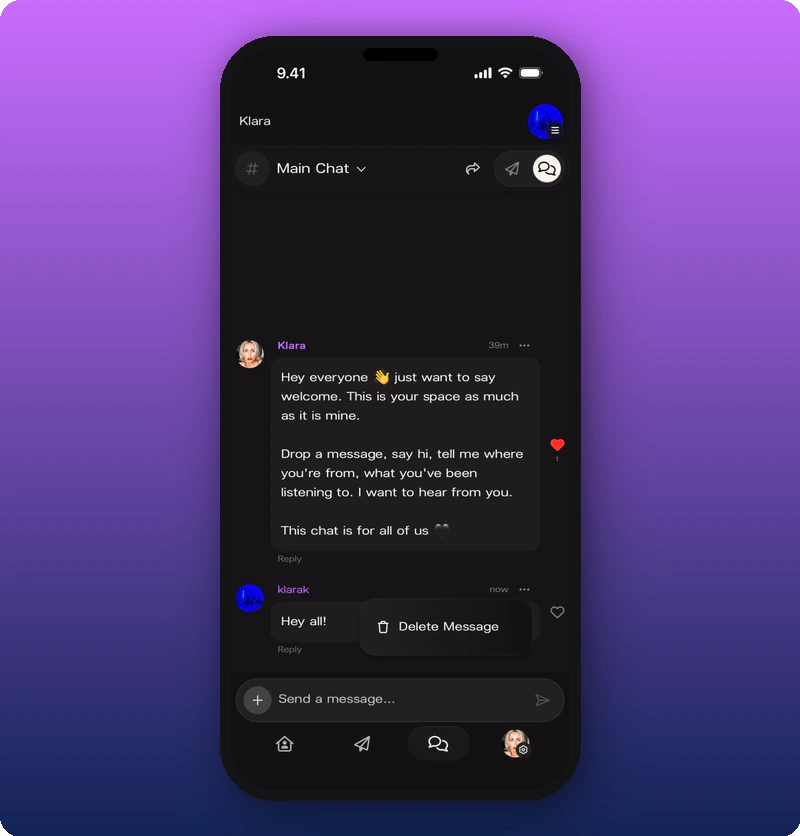
Moderate members
For timeout, promote, and member profile actions, see Moderate your chat.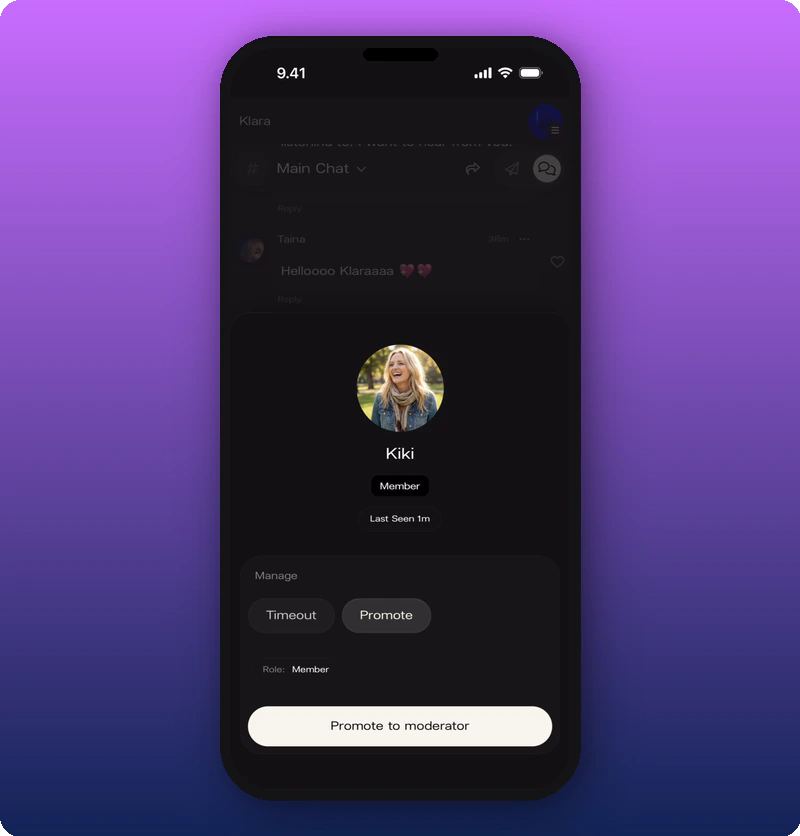
Known limitations
- Media sending buttons (Camera, Media, Audio) are visible but sample media messages were not captured.
- Whether you can pin messages or make announcements within chat is not shown.
- Subscriber-specific visual distinctions (blue names, badges) need dedicated screenshots.