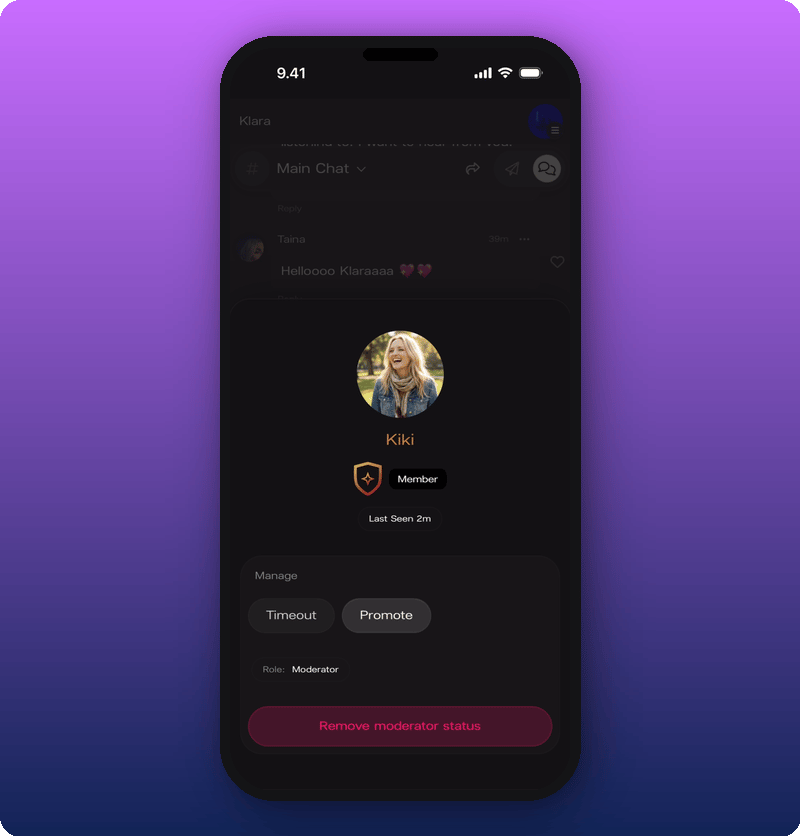
Open a member’s profile card
Tap the name or avatar next to any message in Chat. The card shows the fan’s avatar, display name, role badge, and when they were last seen.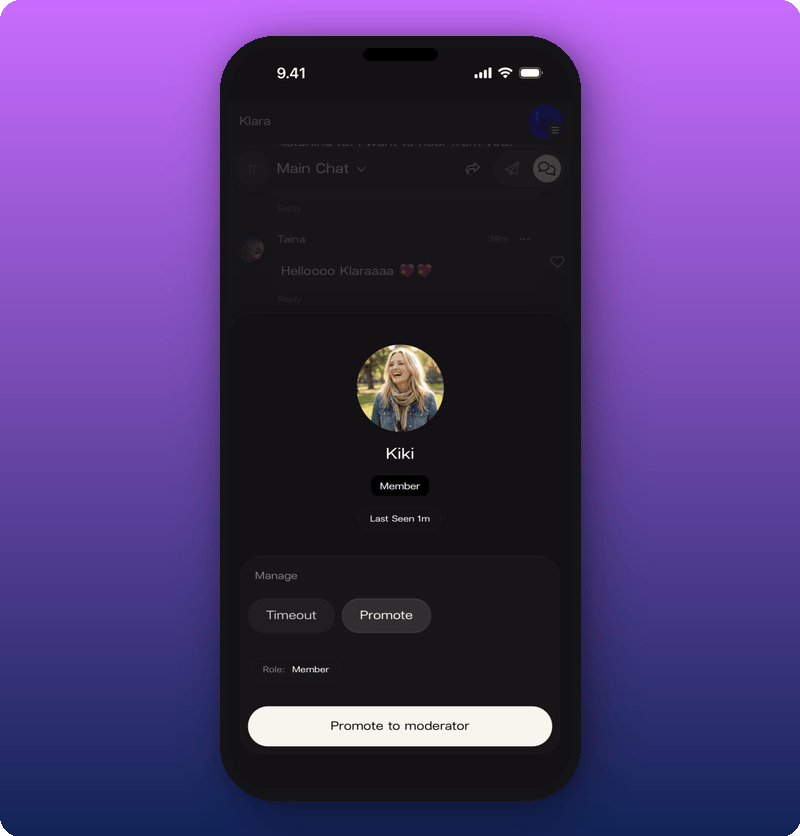
Timeout a member
Tap Timeout under Manage. Four durations appear.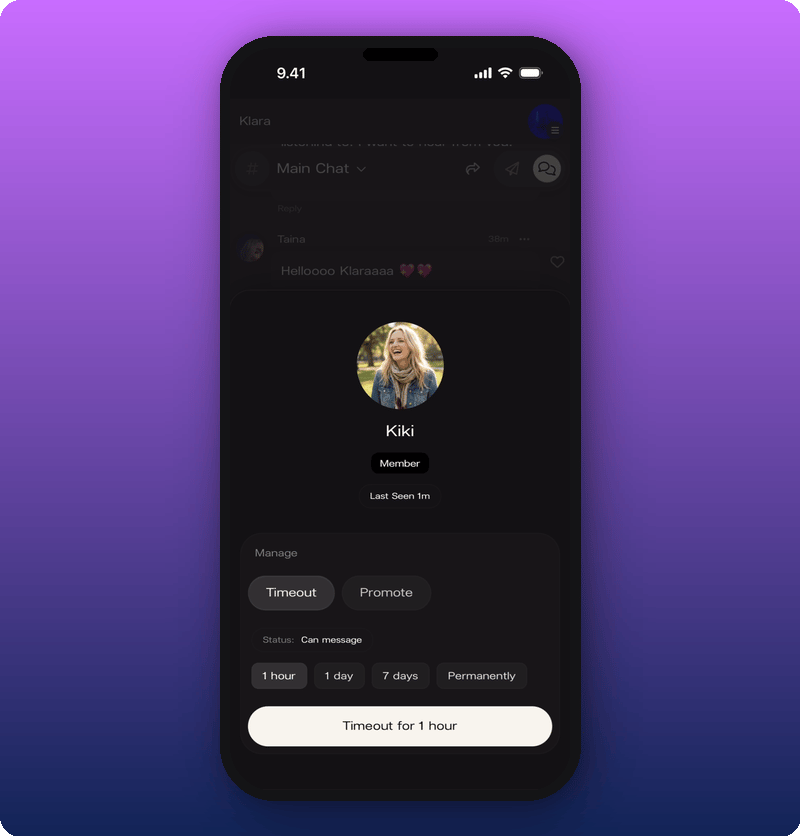
- 1 hour. Cool down for a single heated moment.
- 1 day. A stronger signal, still short.
- 7 days. For repeat issues.
- Permanently. Ban for good.
Promote a moderator
Moderators can moderate too. Making someone a moderator gives them the same tools as you. Useful for active rooms when you can’t be online all day. You can have as many moderators as you want. Tap Promote to make someone a moderator. The card updates with a gold shield badge and the role changes to Moderator.