

Turn on subscriber-only mode
The diamond icon in the compose bar is the toggle. Tap it (it’s just to the right of the + button). The icon lights up and the compose bar gets a blue-teal outline. The mode stays on until you turn it off, so if you post three subscriber-only messages in a row, you only tap once.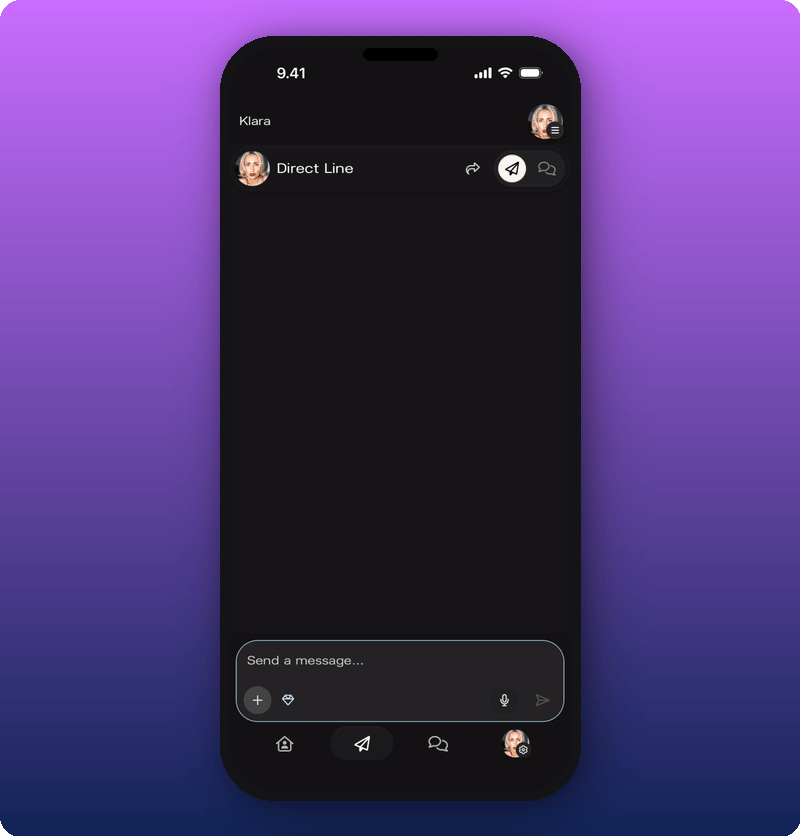
Send the message
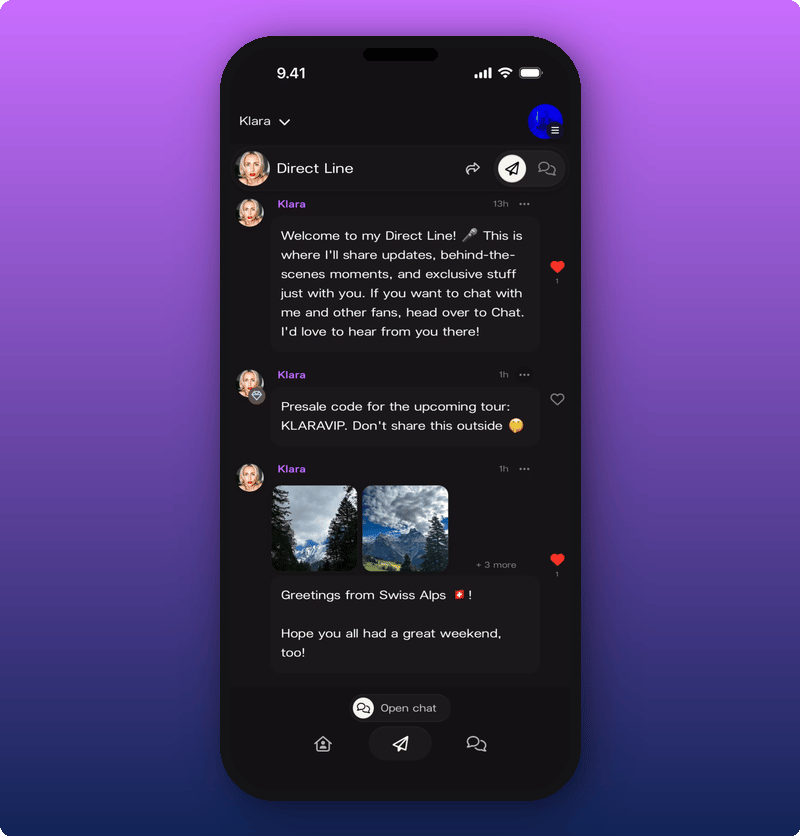
Send like any other Direct Line message. Text, photos, video, voice. All of it works. The post only reaches fans with an active subscription.What fans see
Fans who haven’t subscribed see the post is there, but it’s blurred with a lock icon. They can tap it to see the option to subscribe.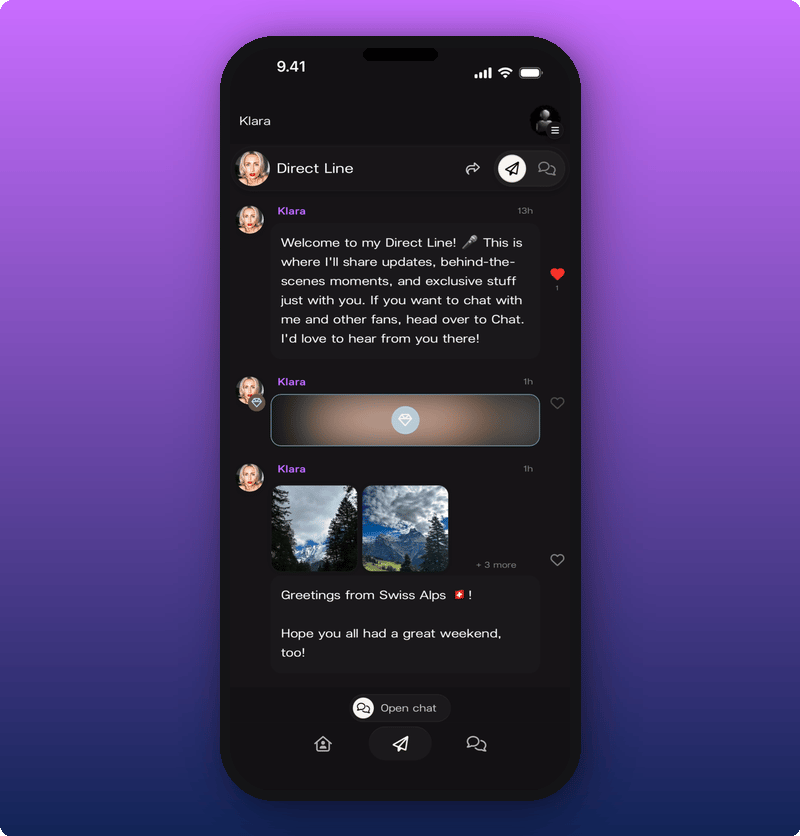
Turn it back off
Tap the diamond icon again. The outline disappears. Your next message goes to every member.When to use it
- Early demos, unreleased snippets, work in progress.
- Personal thank-yous or shout-outs to subscribers.
- Anything that’s too loose for everyone but too good to keep off Kollekt.