

Create a link group
- Tap the settings icon at the bottom right of your Artist page.
- Tap Edit Artist Page.
- Scroll to the bottom and tap + New link group.
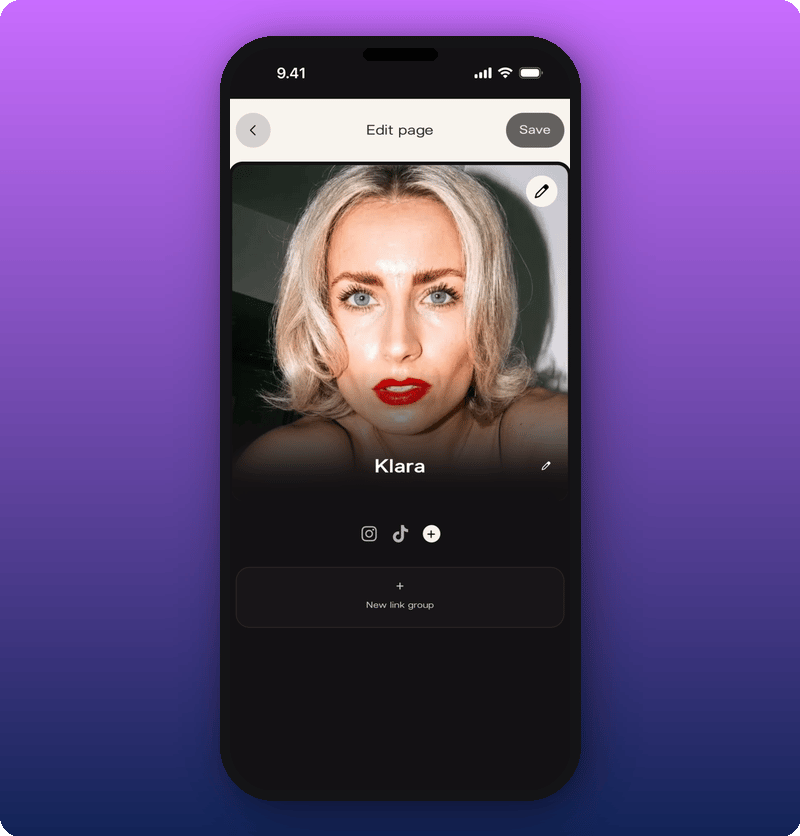
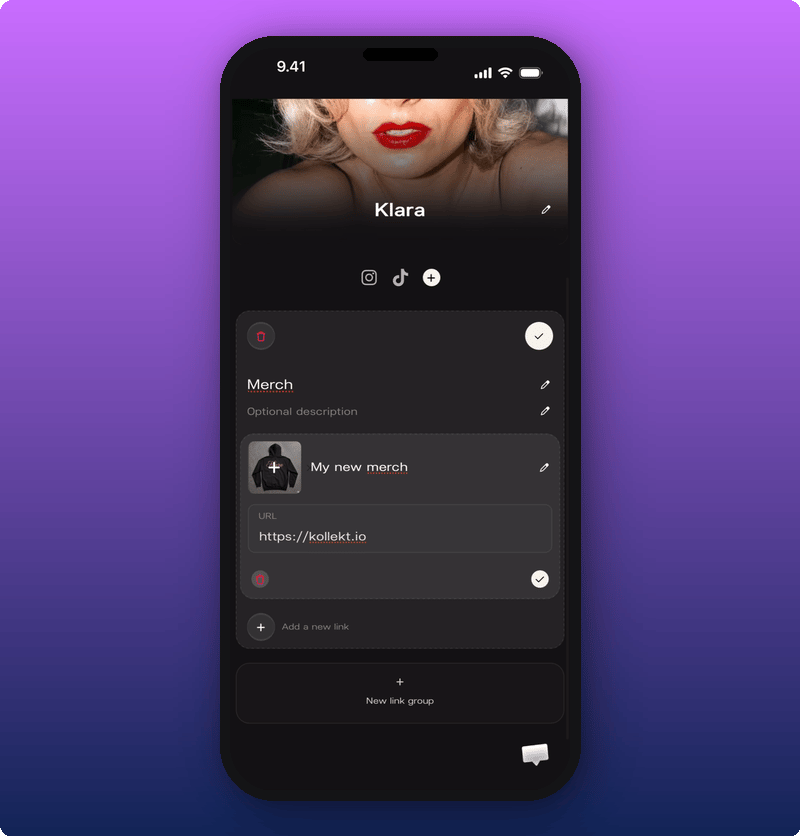
- A title fans will recognize. Examples: Merch, New songs, Tickets.
- (Optional) A short description for context. Like “Limited drop” or “Tickets going fast”.
- One or more links. Each link gets a title, a URL, and an optional image.
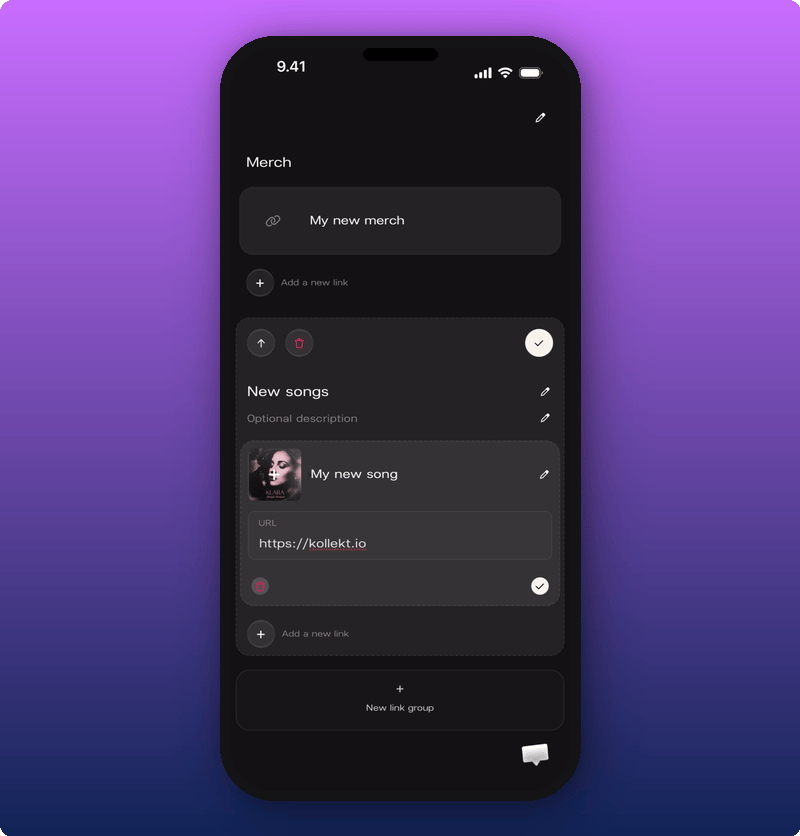
Add, reorder, or remove links
Inside an existing group, you can:- Add another link.
- Change the order of links.
- Remove a single link.
- Change the order of whole groups on the page.
- Delete a group.
What fans see
Each group becomes its own section on your public page, with the links inside it.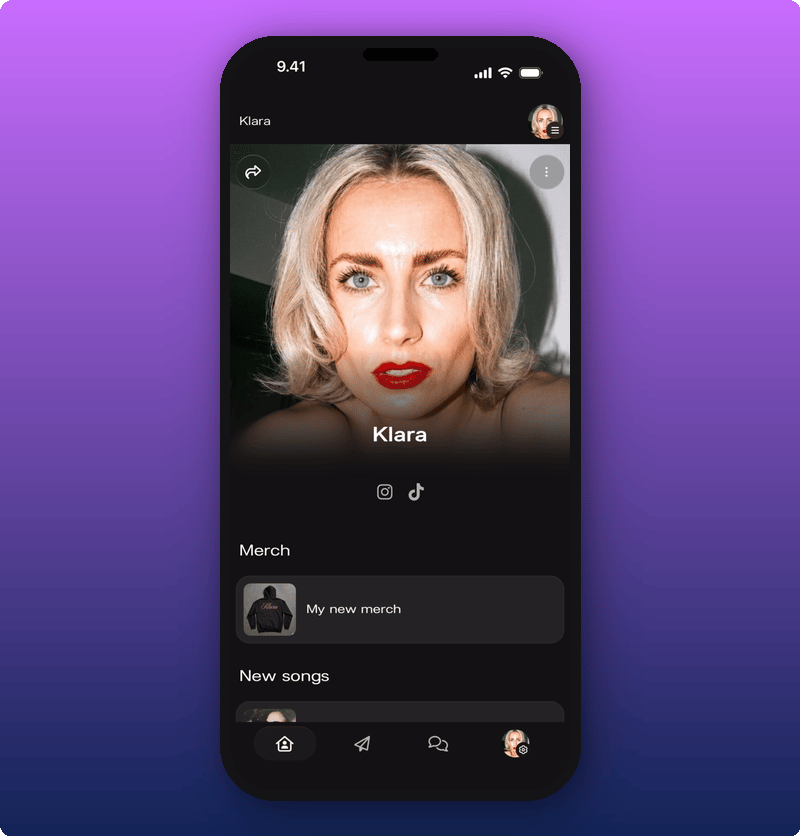
Tips
- 2 to 4 groups is the sweet spot. More than that and the page starts to feel like a list.
- Use images when you can. Thumbnail links work better than plain text rows.
- Name groups by category, not by vibe. “New music” beats “What I’m into”. Fans scan, they don’t read.